How To Protect From Identity Theft In The Online World?
Every other day there is news of sensitive data being stolen: usernames, passwords, credit card numbers, bank details, scans of ID documents. When criminals collect enough of these fragments, they can open accounts in your name, drain your funds, take out loans, or scam your friends and family while pretending to be you. That is identity theft - and it has become one of the most common crimes in the world precisely because so much of our identity now lives online.
The damage goes beyond money. Victims spend months untangling fraudulent accounts, repairing credit records, and proving to banks and authorities that “they” did not do the things done in their name. Prevention is far cheaper than the cure, so let’s look at how identity theft actually happens and what genuinely protects you.
How Identity Theft Happens Online
Most identity theft starts with one of a few well-worn techniques:
- Data breaches. A company you have an account with gets hacked, and your email, password, and personal details end up for sale. You did nothing wrong - but if you reused that password elsewhere, every other account is now at risk.
- Phishing. Fake emails, texts, and websites impersonate your bank, a delivery company, or a government office and trick you into typing in credentials or card details.
- Malware. Keyloggers and info-stealer trojans, often bundled with pirated software or malicious downloads, quietly harvest everything you type and every password saved in your browser.
- Unsecured Wi-Fi. On open public networks, attackers can intercept unencrypted traffic or set up rogue hotspots with legitimate-sounding names to capture your logins.
- Oversharing. Your date of birth, home town, pet names, and family details on public social media profiles are exactly the answers to common security questions.
How Can You Protect Yourself From Identity Theft?
No single tool stops identity theft on its own - protection comes from layering good habits:
- Use strong, unique passwords for every account, stored in a password manager. Reused passwords are the number-one way a single breach snowballs into full identity theft.
- Turn on two-factor authentication (2FA) everywhere it's offered - especially email and banking. A stolen password alone then isn't enough.
- Beware of phishing. Never log in or enter card details through a link in a message. Go to the site directly. Urgency ("your account will be suspended today!") is the classic tell.
- Keep your devices updated. Operating system, browser, apps, and your router's firmware - updates close the security holes malware exploits.
- Shop only on reputable sites and check that the address is correct before paying. Consider virtual or single-use card numbers if your bank offers them.
- Lock down your social profiles. Make personal details visible to friends only, and never post photos of tickets, IDs, or documents.
- Monitor your accounts. Review bank statements regularly and take unexpected password-reset emails seriously - they can mean someone is probing your accounts.
- Use a VPN so your internet connection itself is encrypted, wherever you are.
A VPN Ensures Protection From Identity Theft
A virtual private network (VPN) encrypts all traffic between your device and the VPN server. On public Wi-Fi in an airport, hotel, or café - the classic hunting ground for data thieves - that encryption makes intercepted traffic worthless: an eavesdropper sees only scrambled data instead of your logins and card numbers.
A VPN also replaces your real IP address with the address of the VPN server. That makes it much harder for websites, advertisers, and bad actors to link your browsing activity to you, your location, and your home network - starving identity thieves of the profile data they piece together. You can see the difference for yourself on the test-your-IP page before and after connecting.
Pick A Reliable VPN Provider
A word of caution: a VPN only protects you if you can trust the company running it. “Free” VPN services have to pay for their servers somehow, and many do it by logging and selling the very browsing data you were trying to protect - the opposite of identity protection. Paying a small amount for a reputable provider is a wise trade when your identity is at stake.
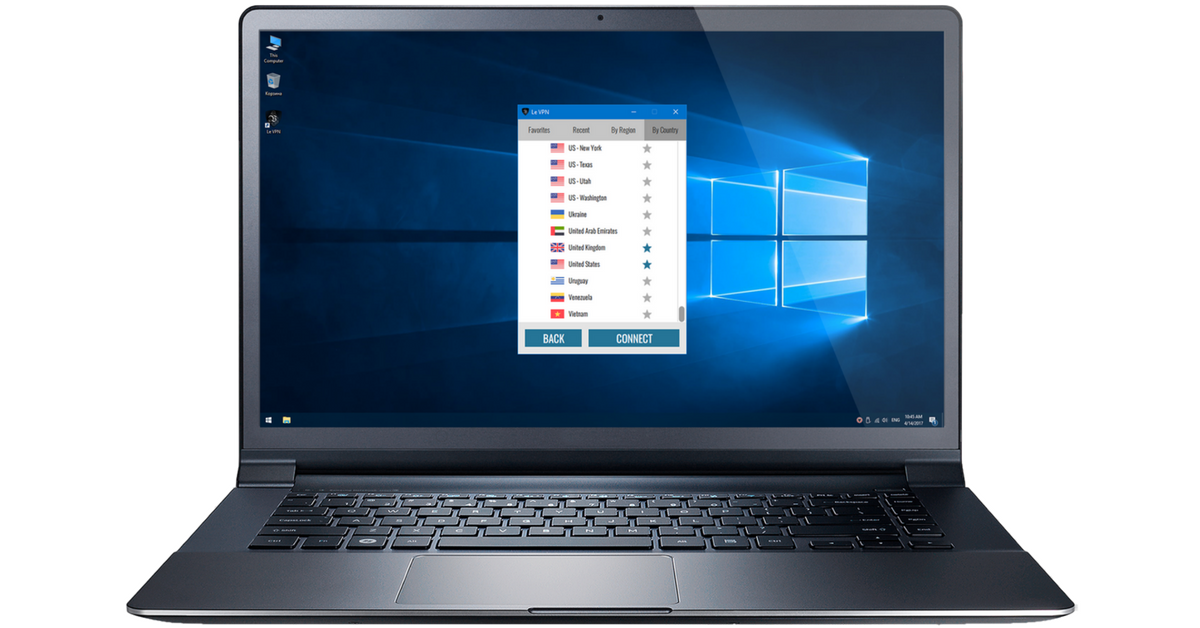
Le VPN has been protecting users since 2010 and offers:
- Servers in 100+ locations across the Americas, Europe, the Middle East, Asia-Pacific and Africa;
- Modern, secure protocols - OpenVPN, WireGuard, Stealth WireGuard, and IPSec/IKEv2;
- Up to 10 simultaneous connections, so your computer, phone, and tablet are all covered by one account;
- Apps for Windows, macOS, iOS, and Android;
- A 30-day money-back guarantee on your first purchase.
Identity theft thrives on easy targets: reused passwords, unpatched devices, and unencrypted connections. Close those doors, add an encrypted VPN connection on every device, and you become far more trouble than you’re worth to the criminals - which is exactly the point.
About the author
Le VPN Blog Contributor
Shalini Nagaonkar is a longtime contributor to the Le VPN blog, writing on cyber security, digital privacy, and how to stay safe online. Her articles cover everything from practical VPN use cases to the latest developments in online security.
Articles by Shalini Nagaonkar →
