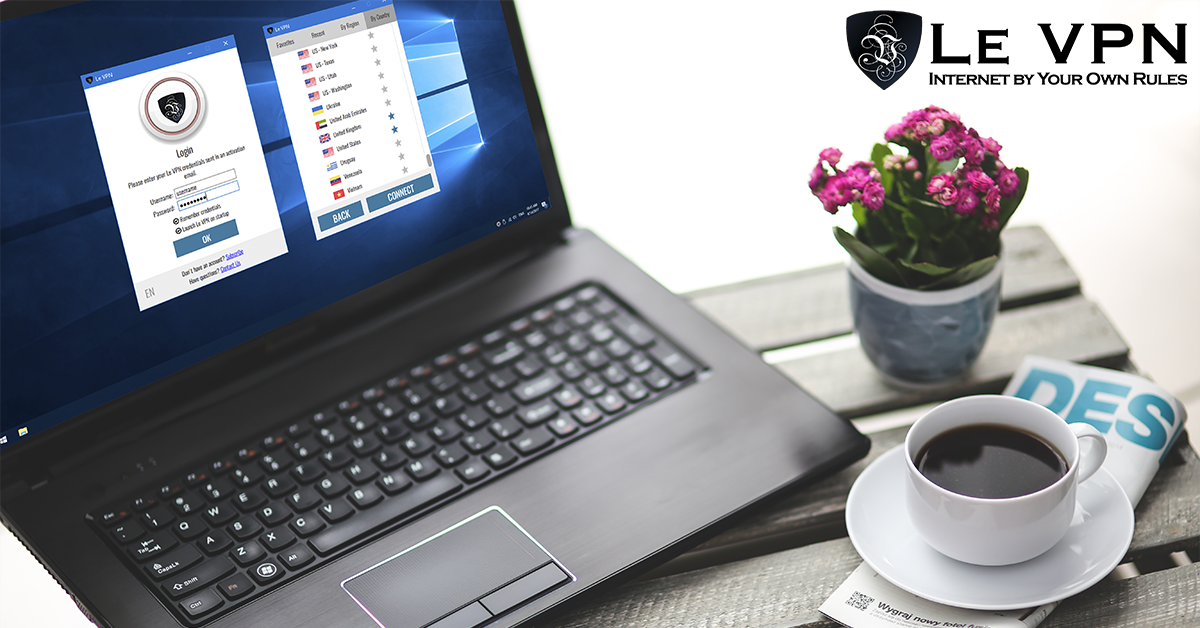
How To Pick The Best VPN Provider
A VPN has gone from a niche tool to a basic layer of online hygiene. It encrypts your connection, hides your IP address, lets you get around censorship and geo-blocks, and keeps you safe on networks you don’t control. But the market is crowded, and the difference between a good provider and a bad one is enormous - a bad VPN can actually see and log more of your traffic than your internet provider can. Here is how to pick the best VPN provider, and what to check before you pay.
1. Check The Protocols And Encryption
The protocol is the engine of a VPN, and it’s the first thing to evaluate. In 2026, the best VPN providers offer:
- WireGuard - the modern standard: a lean, heavily reviewed protocol that delivers the best speeds on both desktop and mobile.
- OpenVPN - the long-established, widely audited workhorse. A good provider lets you run it over different ports (such as TCP 443), which helps on restrictive networks that block obvious VPN traffic.
- An obfuscated protocol - if you travel to countries that use deep packet inspection to block VPNs, you need a stealth option that disguises VPN traffic as ordinary traffic.
- IPSec/IKEv2 - a solid native option on Apple devices.
Walk away from any provider still leaning on PPTP, an obsolete protocol with known security flaws.
2. Look At The Server Network
Server coverage decides two things: your speed and your reach. A server close to you means low latency for everyday browsing; a server in the right country means you can access the content you actually want - your home streaming services while abroad, local news, or sites blocked where you are. Look for a provider with servers spread across every region, not just a handful of cities. Le VPN, for example, operates servers in 100+ locations across the Americas, Europe, the Middle East, Asia-Pacific and Africa.
3. Insist On Real Privacy Practices
When you use a VPN, you are shifting trust from your internet provider to your VPN provider - so that trust has to be earned. Prefer companies with a long, public track record, clear ownership, and a privacy policy written in plain language. Strong encryption on the tunnel means outsiders on the network - hackers on public Wi-Fi, snooping ISPs, ad networks - can’t read your traffic or pin down your real location. Because your traffic exits from the VPN server, websites see the server’s IP address rather than yours, which is what makes anonymous browsing possible.
4. Count The Devices And Platforms
You don’t live on one device, and your VPN shouldn’t either. The best VPN provider covers Windows, macOS, iOS and Android with native apps, and allows multiple simultaneous connections on one subscription. Le VPN includes up to 10 simultaneous connections, so one account protects your laptop, phone, tablet and more at once. If you want to protect everything in your home - smart TVs, consoles, IoT gadgets - check that the provider supports installation on a VPN router too.
5. Avoid "Free" VPNs
Running a global server network costs serious money. If a VPN is free, you are the product: free providers have been repeatedly caught injecting ads, logging browsing data for resale, and even selling users’ bandwidth. A paid VPN with transparent pricing and a money-back guarantee is the only arrangement where the provider’s business model is aligned with your privacy.
6. Demand A Money-Back Guarantee And Real Support
Networks differ - your office, your ISP, your favourite café. The only way to know a VPN works for you is to test it, so a genuine refund policy matters. Le VPN backs every plan with a 30-day money-back guarantee on your first purchase, which is enough time to test it on every network and device you use. Responsive human support matters too, for the day something on your specific setup needs troubleshooting.
Why Le VPN Ticks Every Box
Le VPN has been protecting users since 2010 and checks all of the boxes above: OpenVPN, WireGuard, Stealth WireGuard (an obfuscated protocol built to bypass DPI in heavily censored countries) and IPSec/IKEv2; servers in 100+ locations; native apps for every major platform; 10 simultaneous connections; and straightforward pricing on the subscription page with a 30-day money-back guarantee on your first purchase.
Once you’re set up, verifying that everything works takes seconds: connect, then open the test your IP page and confirm your visible location has changed to the server’s country. Pick your provider carefully once, and every connection you make afterwards is safer for it.
About the author
Le VPN Blog Contributor
Shalini Nagaonkar is a longtime contributor to the Le VPN blog, writing on cyber security, digital privacy, and how to stay safe online. Her articles cover everything from practical VPN use cases to the latest developments in online security.
Articles by Shalini Nagaonkar →
