
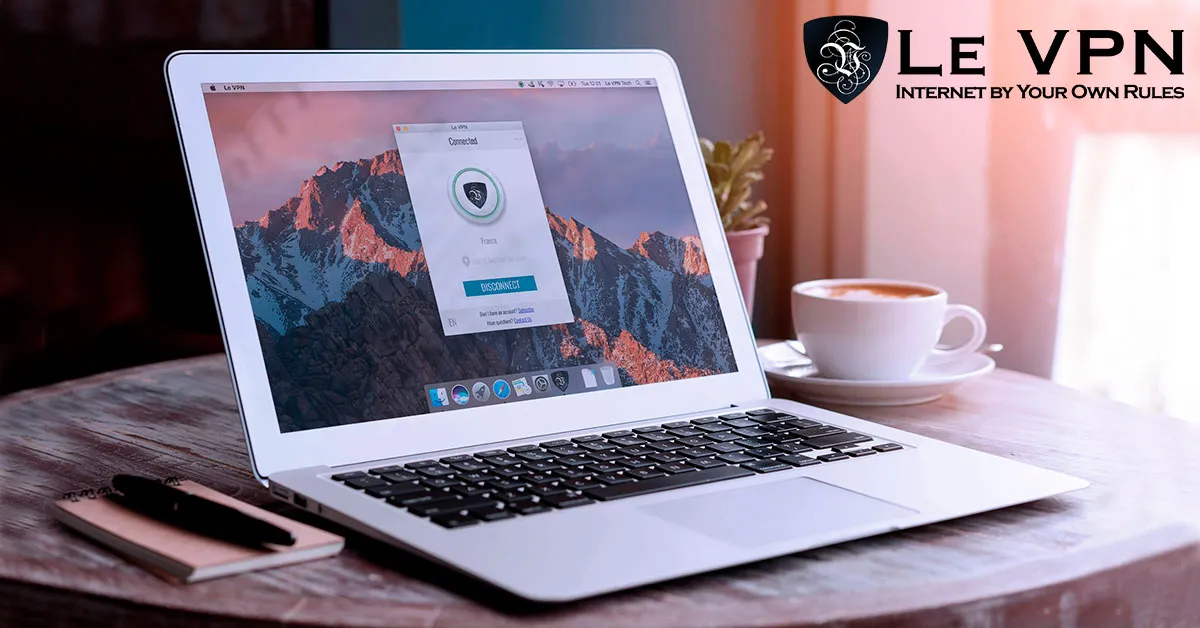
How To Ensure Your Online Security With A VPN
Open your laptop in a café, connect to the free Wi-Fi, and the first thought that should cross your mind is online security. Working and browsing on the move is wonderful - but public networks are where attackers hunt. Traffic interception, fake “free Wi-Fi” hotspots, and session hijacking have cost careless users real money and stolen identities. Those who connect through a VPN, on the other hand, have far less to worry about. Here’s how a VPN ensures your online security, and what to look for in a provider.
The threats a VPN protects you from
On any network you don’t control - coffee shops, airports, hotels, even a friend’s router - several risks apply:
- Eavesdropping. Anyone with basic tools on the same network can attempt to capture unencrypted traffic passing through it.
- Rogue hotspots. Attackers set up access points named after the venue ("Cafe_Free_WiFi") and quietly relay your traffic through their hardware, reading what they can.
- ISP surveillance and logging. Even at home, your internet provider can see and record every site you visit - data that can be sold, subpoenaed, or leaked.
- IP-based tracking and targeting. Your IP address reveals your location and links your activity across the web; it can also be targeted directly with attacks.
How a VPN ensures online security
A VPN wraps your entire internet connection in strong encryption and routes it through a server you choose. From that moment:
- Everything between your device and the VPN server is unreadable ciphertext - a snooper on café Wi-Fi captures noise, not passwords.
- Websites and trackers see the VPN server's IP address, keeping your identity and location private. You can browse anonymously from any coffee shop or public space without worrying about prying eyes.
- Your ISP sees only that you're connected to a VPN - not which sites you visit.
Ask anyone who accesses the internet through a VPN: it turns hostile networks into safe ones, which is exactly what “security on the move” requires.
Opt for a trusted provider - Le VPN
There are many VPN services these days, and not all are reliable. Free VPNs in particular can mean big trouble: their business model is often your data. It’s always better to go with a trusted name.
Le VPN protects your connection with top-secret-level AES-256 encryption and modern protocols - OpenVPN, WireGuard, Stealth WireGuard, and IPSec/IKEv2 on iOS. Stealth WireGuard deserves special mention: it obfuscates VPN traffic so it can pass deep packet inspection, keeping you connected even in countries and networks that actively block VPNs. And with servers in 100+ locations across the Americas, Europe, the Middle East, Asia-Pacific and Africa, you can connect wherever suits you and easily bypass censorship.
Beyond security: access any media and live events
Online security and privacy are the foundation, but a VPN also opens the internet up. Many countries restrict foreign channels and live events, and streaming services geo-block content by region. With a trustworthy VPN, you simply connect to a server in the country where the event airs or the show is available, and watch as a local would - any UK server for BBC or ITV, for example, or a server in your home country to keep your usual services while traveling. Le VPN also offers HybridVPN, combining the VPN with SmartDNS for DNS-level unblocking of supported channels. Enjoy uninterrupted programmes and live events wherever you are.
Apps for Apple, Android, and more
Le VPN is compatible with all your devices. There are easy-to-use apps for iPhone and iPad, for Android (including Android TV), for Windows, macOS and Linux - and the Apple TV and Fire TV now have native Le VPN apps of their own. One account covers up to 10 simultaneous connections, so your phone, laptop, and tablet are protected together.
The apps bring extra security features, too: Threat Protection blocks known malicious and phishing domains at the DNS level, and Breach Detection (on iOS and Android) alerts you if your email address turns up in a leaked-credentials database. Speed isn’t sacrificed either - with unlimited bandwidth and the fast WireGuard protocol, your connection stays quick enough for HD streaming. And most importantly, your browsing activity isn’t logged and stored.
Get started
Ensuring your online security takes three steps: subscribe to Le VPN, install the app on your devices, and make connecting a habit - especially before you touch public Wi-Fi. You can verify your protection anytime at the Le VPN IP test page, and a 30-day money-back guarantee on your first purchase means trying it is risk-free. Stay safe out there - and use the internet by your own rules.
About the author
Le VPN Blog Contributor
Shalini Nagaonkar is a longtime contributor to the Le VPN blog, writing on cyber security, digital privacy, and how to stay safe online. Her articles cover everything from practical VPN use cases to the latest developments in online security.
Articles by Shalini Nagaonkar →