How To Identify What Is My IP Location
“What is my IP location?” It’s one of the most-searched questions on the internet, and for good reason: your IP address is how the online world identifies and locates you. Every device connected to the internet gets one, and every website you visit sees it. Here’s how to find yours, what it reveals about you, and how to change it when you’d rather keep your location to yourself.
What is an IP address, exactly?
An IP (Internet Protocol) address is a numeric label - like 203.0.113.42 - assigned to your connection so that data knows where to travel. There are actually two addresses in play:
- Your public IP - assigned by your internet provider to your home connection or mobile data session. This is what websites see, and it's the one that maps to a geographic location.
- Your local IP - assigned by your router to each device inside your network (usually something like 192.168.1.x). It's only visible within your home.
When people ask about “IP location”, they mean the public one: geolocation databases map it to a country, region, and usually a city, plus the name of your ISP.
Steps to identify your IP location
The easy way - check it online. Open the Le VPN IP test page and you’ll instantly see your public IP address, your detected location, and your provider - exactly as any website sees them. This works on every device with a browser.
Finding your local IP, if you need it for network setup:
- Windows: Settings → Network & internet → Wi-Fi (or Ethernet) → your connection's properties; or run ipconfig in a terminal.
- macOS: System Settings → Network → select your connection - the IP is shown in the details.
- iPhone/Android: Wi-Fi settings → tap the connected network → view details.
Notice what the online check shows: a stranger’s website just learned your city and your internet provider from one visit, with zero effort. That’s the privacy problem in a nutshell.
Why do people want to hide their IP?
- Privacy. Your IP is a persistent identifier that advertisers and data brokers use to link your activity across websites and build a profile of you - anchored to your real location.
- Security. A visible IP can be targeted - port scans against your router, DDoS attacks against gamers. Hidden means untargetable, and it keeps you safer from hackers generally.
- Anonymous browsing. Masking your IP is the foundation of browsing anonymously - without it, every other privacy measure leaks around the edges.
- Access. Geo-restrictions and censorship decide what you can see based on your IP location. Change the location, change the rules.
As long as your reasons are ethical, hiding your IP address is perfectly legitimate - millions of people do it every day.
How to hide your IP address
The easiest and most reliable way is a VPN - a virtual private network. When you sign up and connect, your traffic travels through an encrypted tunnel to a server you choose, and from that point on you use the VPN provider’s IP address instead of your own. Websites see the server’s location; your identity and true whereabouts stay protected. The encryption also means you remain safe even on public Wi-Fi, where snooping is easiest - which is why so many people run a VPN on their mobile phones, not just their computers.
Want proof? Check the IP test page, connect to a VPN server in another country, and refresh: your “location” jumps continents in seconds.
Choosing the right service provider
The provider choice is the crucial part. Free VPN services exist, but they’re rarely trustworthy - running servers costs money, and free operators tend to recover it from your data. For complete protection, opt for the best VPN service you can - and Le VPN is among the best providers in the market today:
- Servers in 100+ locations across the Americas, Europe, the Middle East, Asia-Pacific and Africa, with outstanding server quality - pick any country as your new virtual location.
- Strong AES-256 encryption and modern protocols - OpenVPN, WireGuard, and Stealth WireGuard for networks that try to block VPNs - keeping you safe from prying eyes.
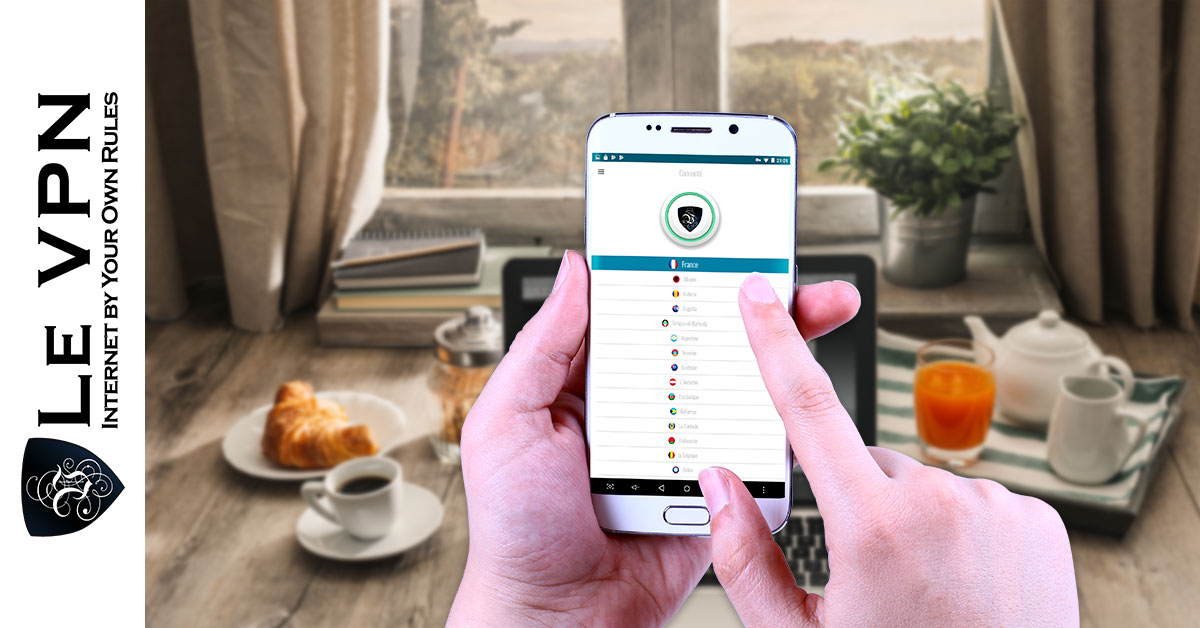
- Customised apps for Android and iOS (plus Windows and macOS): download, log in, tap connect - protection on the go in under a minute, on up to 10 devices simultaneously.
- Competitive pricing and a 30-day money-back guarantee on your first purchase.
It’s also one of the easiest ways to overcome geo-restrictions - connect to a UK server for British TV abroad, or a server back home to keep your usual services while traveling. Your IP location doesn’t have to be a fact about you that the whole internet gets for free. Find it, understand it - and with Le VPN, take control of it.

