How To Stay Safe Online With A VPN
Blocked websites, snooping networks, data-hungry companies - the everyday problems of internet life have a common, surprisingly simple answer: a virtual private network. Yet plenty of people still hesitate because they’re not sure how to use a VPN. The truth is that with a good provider, using a VPN today is as easy as using any other app: install, log in, tap connect. Here’s what a VPN protects you from, how to set one up, and how to get the most out of it.
The problem: your data is the product
Modern companies store enormous amounts of data about you. Every website you use asks for personal, residential, or payment details; every app tracks what it can; and behind the scenes, big data brokers combine those crumbs into detailed profiles. More data equates to more money - your browsing habits, location history, and interests are bought and sold for advertising and analytics.
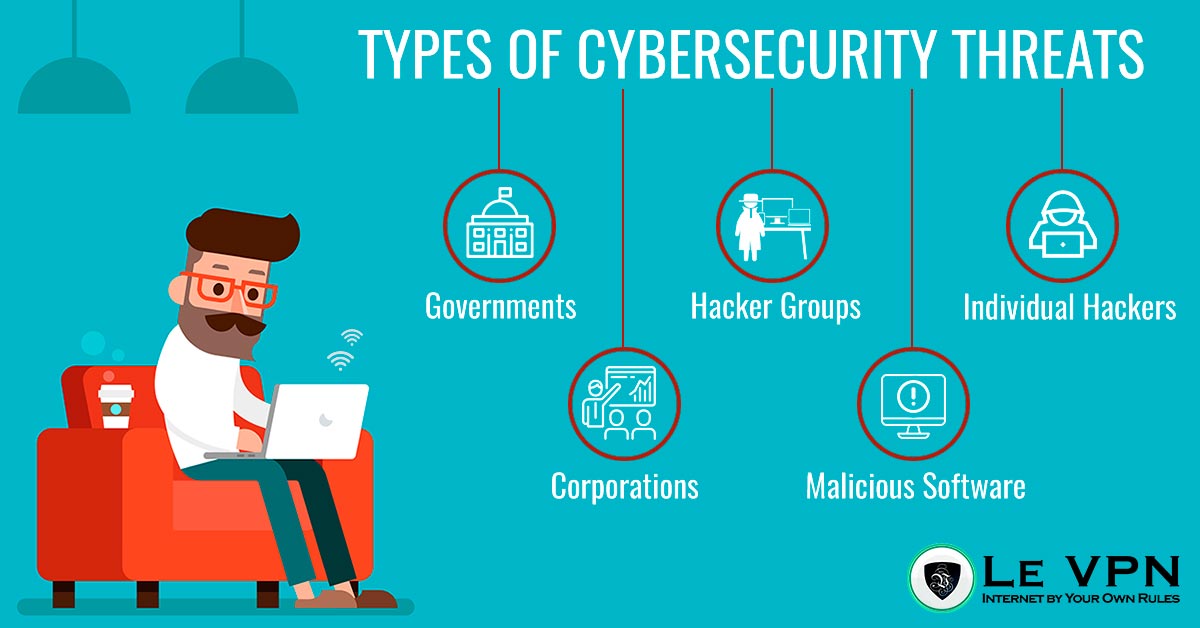
That’s the “legitimate” side. The darker side is what happens when data falls into the wrong hands. Breaches spill billions of records a year, and hackers can leverage even small amounts of leaked information - an email here, a reused password there - into full account takeovers, financial fraud, and identity theft. Meanwhile your ISP can log every site you visit, and anyone on the same public Wi-Fi can potentially intercept unencrypted traffic.
Protecting your connection is no longer a niche concern for the tech-savvy. It’s basic hygiene.
What a VPN actually does
A VPN (virtual private network) does two simple, powerful things:
- It encrypts your traffic. Everything between your device and the VPN server travels inside an encrypted tunnel. Your ISP, your employer's network, a hotel router, or a hacker on café Wi-Fi see only unreadable ciphertext - not the sites you visit or the data you send.
- It hides your IP address. Websites and trackers see the VPN server's address instead of yours. Your IP is the most persistent identifier tying your online activity together and revealing your location; masking it breaks the trail.
Together, these give you privacy from surveillance, safety on untrusted networks, and - as a very popular bonus - the ability to appear in another country entirely.
How to use a VPN, step by step
- Choose a reliable provider. This is the step that matters most (more below). Subscribe to Le VPN - one account covers up to 10 simultaneous connections.
- Install the app on each device - Le VPN has apps for Windows, macOS, iOS, and Android.
- Log in with your VPN credentials (sent in your activation email - note these are separate from your client-area login).
- Pick a server. For everyday privacy and speed, choose a server near you. To access content from another country, choose a server there - any UK server for BBC or ITV, a US server for American services, your home country when traveling.
- Hit Connect. That's it. Everything your device does online is now encrypted and anonymized. You can verify it worked at the Le VPN IP test page - it should show the server's location, not yours.
For most people, the smart habit is simply leaving the VPN on - modern protocols like WireGuard are fast enough that you won’t notice it running, and connections re-establish almost instantly when you switch networks.
Bypass censorship and geo-restrictions
Because websites judge your location by your IP address, a VPN lets you virtually travel. Never miss your favorite movies and foreign shows again: connect to a server in the content’s home country and watch as a local would. The same mechanism defeats censorship - on networks or in countries that block social media and news sites, the filter can’t see or block what’s inside your encrypted tunnel. For heavily censored countries that block VPN connections themselves, Le VPN’s Stealth WireGuard protocol disguises VPN traffic so it passes through deep packet inspection.
Choose your provider carefully
One warning: do not fall prey to free VPN services. Running servers costs money, and free providers cover it by logging your activity, selling your data, or injecting ads - the very things a VPN should prevent. Go with a reputable provider like Le VPN: AES-256 encryption, modern protocols (OpenVPN, WireGuard, Stealth WireGuard, and IPSec/IKEv2 on iOS), servers in 100+ locations across the Americas, Europe, the Middle East, Asia-Pacific and Africa, apps for every major platform, and a 30-day money-back guarantee on your first purchase.
Businesses and tech-savvy users switched to VPNs long ago. Catching up takes about five minutes - and after that, you’re browsing the internet by your own rules.
About the author
Le VPN Blog Contributor
Shalini Nagaonkar is a longtime contributor to the Le VPN blog, writing on cyber security, digital privacy, and how to stay safe online. Her articles cover everything from practical VPN use cases to the latest developments in online security.
Articles by Shalini Nagaonkar →
