How to avoid appearing in Google ads
Few things are more unsettling than discovering that your own name, photo, or five-star review has been quietly recruited into someone else’s advertising. Yet that is exactly what Google’s terms allow: activity you generate across Google products - a glowing review of a café on Maps, a rating on Google Play, a follow or a like - can be repackaged as a “shared endorsement” and shown to other people alongside ads.
Google did not invent this idea, and it is not the only company doing it. But because Google sits underneath so much of daily internet life - search, Maps, YouTube, Android - its advertising machine has more of your material to work with than almost anyone else’s. The good news: you can opt out of the most visible parts, and you can starve the profiling machine of much of its raw data. Here is how.
Step 1: Turn Off Shared Endorsements
The setting that controls whether your name and profile photo can appear in ads lives in your Google Account:
- Sign in to your Google Account and open the Data & privacy section.
- Find the shared endorsements setting (searching "shared endorsements" in the account settings search box takes you straight there).
- Uncheck the option allowing Google to show your name and profile photo in shared endorsements that appear in ads, and save.
One caveat: this governs ads. Content you make public - a public review on Maps, for instance - is still public and can still be displayed in the product where you posted it. If you would not want a review attached to your name in front of strangers, the only complete fix is not to post it publicly in the first place.
Step 2: Rein In Ad Personalization
Beyond using your face, Google’s ad system builds an interest profile from your searches, watched videos, location patterns, and app activity. You can see and limit this profile:
- My Ad Center (reachable from any Google ad or via your account settings) shows the interests Google has inferred about you and lets you switch personalized ads off entirely.
- Activity controls in your Google Account let you pause Web & App Activity, YouTube History, and location tracking - and set existing history to auto-delete on a schedule.
- Review connected apps while you are there: third-party services you granted access years ago may still be reading your data.
Switching personalization off doesn’t reduce the number of ads you see, only how precisely they follow you around. That distinction matters: the goal here is not an ad-free internet, but an internet where your identity and habits are not the product.
Step 3: Cut Off the Data at the Source with a VPN
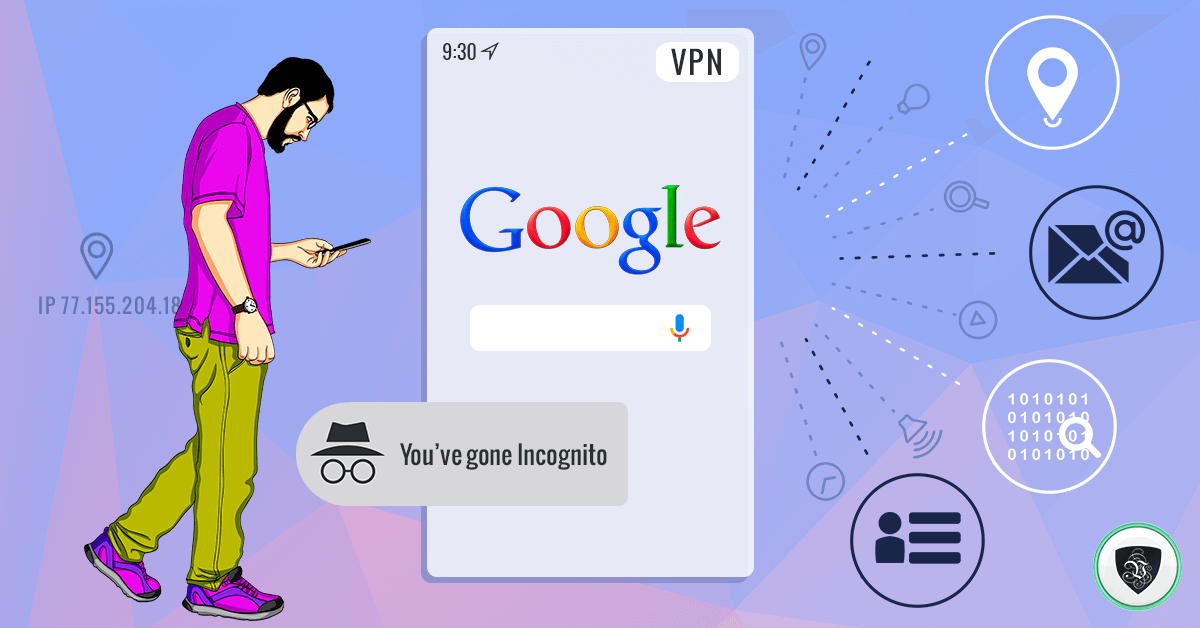
Account settings control what Google admits to using. They do not change the deeper mechanics of tracking: every site you visit sees your IP address, your approximate location, and enough browser detail to follow you across the web. Advertising networks - Google’s included - use that geolocation to sharpen targeting, which is why the ads you see change the moment you travel.
This is where a VPN restores the balance:
- Your real IP address disappears from view. Websites and ad networks see the address of the VPN server instead, breaking the link between your browsing and your physical identity. You can watch the switch happen on the test your IP address page.
- Your location becomes your choice. With Le VPN's servers in 100+ locations worldwide, geo-targeted advertising loses its anchor - as far as the ad networks can tell, you are wherever your chosen server is.
- Your traffic is encrypted, so your internet provider cannot log your browsing and feed it into yet another advertising pipeline - a practice that is now legal, and common, in a number of countries.
- Every device is covered. Profiling is cross-device, so protection should be too: one Le VPN account secures up to 10 simultaneous connections, with apps for Windows, macOS, iOS, and Android.
For extra distance from tracking, combine the VPN with sensible browser hygiene: clear or block third-party cookies, and consider a browser’s private mode for searches you’d rather not attach to your account.
Your Name Is Not Ad Inventory
There is a general lesson under the specifics: anything you post, rate, or endorse on a large platform may be reused in ways the terms of service permit but you never actively chose. Check the endorsement and personalization settings on every major account you hold, be deliberate about what you make public, and let a VPN handle the layer that no settings page will ever cover - your connection itself.
Le VPN encrypts your traffic on all your devices, hides your IP behind servers in 100+ locations, and comes with a 30-day money-back guarantee on your first purchase. Browse freely - away from prying eyes, and out of other people’s advertisements.
About the author
Le VPN Blog Editor
Alan Summers has been writing and editing for the Le VPN blog for years, covering online privacy, cyber security, and the best ways to get the most out of a VPN. He keeps a close eye on the news that affects internet freedom around the world and turns it into practical advice for Le VPN readers.
Articles by Alan Summers →
