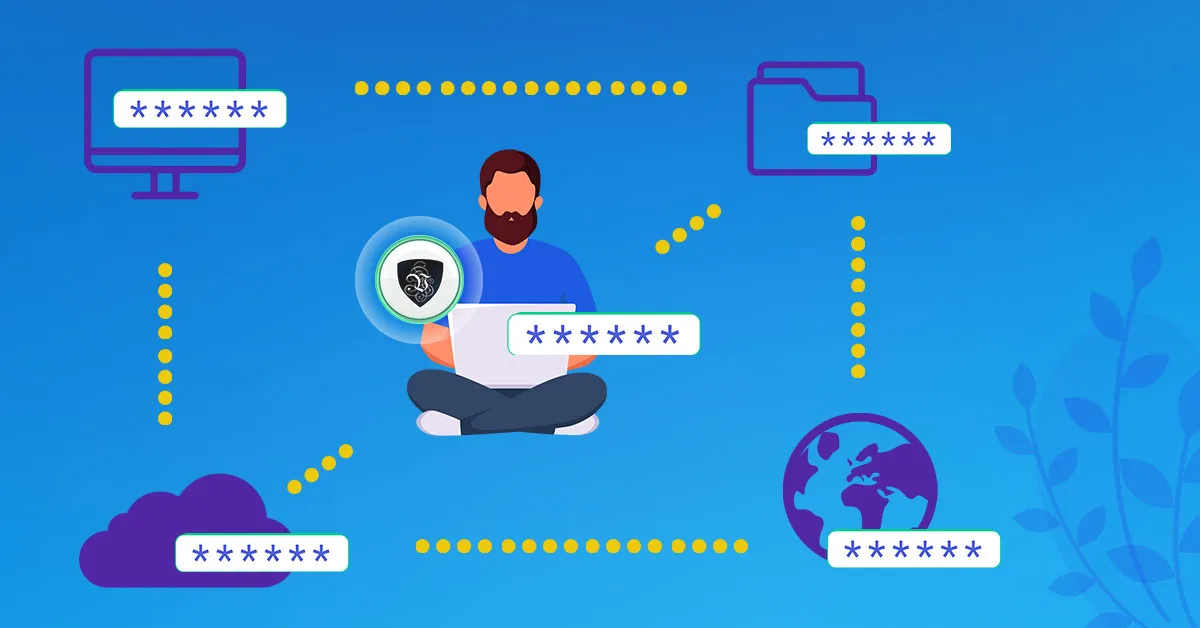
Why You Should be Using a VPN
If you use the internet regularly, you should be using a virtual private network - a VPN. What was once a tool for corporate IT departments has become basic personal protection, for a simple reason: identity fraud, data harvesting and surveillance have all industrialised, while our lives have moved almost entirely online. Whenever you connect to the internet, you should make sure you’re protected. Here’s why, and what a VPN actually changes.
The Security Case: Encrypt Everything, Everywhere
With Le VPN, your device creates its own secure, encrypted connection to the internet - a private tunnel between you and a VPN server - wherever you happen to be. Whatever the network in between, nobody on it can read or tamper with your traffic.
That matters most away from home. Public Wi-Fi at airports, hotels and coffee shops is inherently untrustworthy: you never know how the network is configured, who else is on it, or whether the “free Wi-Fi” you just joined is actually a fake hotspot harvesting logins. On a VPN, none of it matters - everything leaving your device is already encrypted, so there’s nothing useful to intercept. Abroad and need to check your bank from a hotel lobby? Connect through Le VPN first, and you’re secure wherever you are.
Home isn’t exempt either. Without a VPN, your internet provider sees every site you visit and can log, profile and in some countries sell that history. Inside the tunnel, your ISP sees only an encrypted connection to a VPN server.
The Freedom Case: Choose Your Own Location
The benefits don’t stop at security. Le VPN also lets you change your visible IP address - your virtual geolocation - to any of 100+ locations around the world. Since websites decide what to show you based on your IP, that unlocks a lot:
- Your home internet, anywhere. Streaming subscriptions, catch-up TV, news sites and banking services often restrict access from foreign IP addresses. Travelling abroad, connect to a server in your home country and use them all exactly as you do at home.
- Around censorship. Where social media or news sites are blocked - by a government or just an overzealous office network - a VPN routes past the filter. In countries that block VPNs themselves, Le VPN's Stealth WireGuard protocol disguises the connection to get through deep packet inspection.
- Anonymous browsing. Websites, advertisers and data brokers see the server's IP, not yours, so your activity can't be trivially tied to your identity or location.
Every Device, One Account
Le VPN works on any device that connects to the internet: apps for Windows, macOS, iOS and Android, manual setup for other systems, and router installation that covers smart TVs, consoles and everything else in the house at once. One subscription allows up to 10 simultaneous connections - laptop, phone and tablet all protected at the same time.
Under the hood you get modern protocols to match: WireGuard for speed, OpenVPN for compatibility on restrictive networks, IPSec/IKEv2 on Apple devices, and Stealth WireGuard for censored environments. The apps add extra layers too - DNS-level Threat Protection that blocks known phishing and malware domains, and Breach Detection that warns you if your email address surfaces in a leak.
Getting Started
- Sign up to Le VPN - every plan includes a 30-day money-back guarantee on your first purchase.
- Install the app and log in with the VPN credentials from your activation email.
- Pick a server - nearby for speed, or a specific country for its content - and connect.
- Confirm your new virtual location on the test your IP page, then leave the VPN on and forget it's there.
So wherever you are in the world, browse anonymously over a secure, encrypted connection with the freedom to bypass IP restrictions and censorship. See for yourself why you should be using a VPN online - it takes five minutes to set up and changes how safe every connection after it is.
About the author
Le VPN Blog Editor
Alan Summers has been writing and editing for the Le VPN blog for years, covering online privacy, cyber security, and the best ways to get the most out of a VPN. He keeps a close eye on the news that affects internet freedom around the world and turns it into practical advice for Le VPN readers.
Articles by Alan Summers →
