How To Use uTorrent Mac?
BitTorrent remains one of the most efficient ways ever invented to move large files around the internet - Linux distributions, open-source software, independent films, game mods, public-domain media, and creators’ own releases all travel over it every day. And for Mac users, uTorrent has long been the household name among torrent clients. But the Mac torrenting landscape has changed quite a bit, so here’s an up-to-date guide: how to use uTorrent on a Mac today, how torrenting works, and why a VPN belongs in the picture.
How BitTorrent works - the two-minute version
Unlike a normal download from a central server, BitTorrent shares files directly between users. Everyone downloading a file (the “swarm”) simultaneously uploads the pieces they already have to everyone else, coordinated by a small .torrent file or magnet link. No single server carries the load, which is why the protocol handles huge files so well.
The protocol itself is perfectly legal - it’s just a transport method. What matters is what you download: sharing copyrighted films and shows without permission is illegal in most countries, so stick to legitimate content - open-source software, public-domain and Creative Commons media, and files whose creators distribute them by torrent deliberately.
One privacy quirk to understand: every peer in a swarm can see the IP addresses of the other peers. Torrenting without protection literally broadcasts your IP to strangers. Hold that thought.
How to use uTorrent on a Mac
First, an important update: the classic uTorrent desktop app for Mac was a 32-bit application, and macOS dropped 32-bit support back in macOS Catalina. On any modern Mac, the current official option is uTorrent Web for Mac, which runs through your browser. Here’s the process:
- Download from the official site only. Get uTorrent Web for Mac at utorrent.com - never from third-party download portals, which are notorious for bundling adware. Make sure the version you grab is compatible with your macOS version.
- Install it. Open the downloaded .dmg, drag the app into Applications, and launch it. macOS may ask you to confirm opening an app downloaded from the internet.
- Find a torrent or magnet link for the legitimate content you want - from the project's official site or a reputable, well-known tracker. If a site is recommended by someone you trust, so much the better; sketchy torrent sites are a common source of malware.
- Open the link in uTorrent Web. The transfer starts, showing progress, peers, and speeds. When it finishes, you'll find the file in your Downloads folder - and you'll keep uploading ("seeding") to others until you remove the torrent, which is good etiquette for healthy swarms.
Worth knowing: several other torrent clients run natively on modern Macs (including free, open-source options), so if uTorrent Web doesn’t suit you, alternatives exist. The safety rules are the same for all of them.
Why use a VPN for torrenting?
Remember that swarm-visibility quirk? Without protection, your real IP address - and therefore your location and ISP - is visible to every peer, and your ISP can see that you’re torrenting, which some providers answer with throttling. A VPN fixes both problems at once:
- Your IP is hidden. Peers see the VPN server's address, not yours.
- Your traffic is encrypted. Your ISP can't identify or selectively slow down P2P traffic it can't see.
- Blocked sites open up. Torrent and software sites are geo-blocked or censored in some countries; a VPN routes around the block.
One caution: avoid free VPN services for torrenting especially. Free providers throttle bandwidth, cap data, often ban P2P outright - and fund themselves by logging the very activity you’re trying to keep private.
Le VPN for Mac
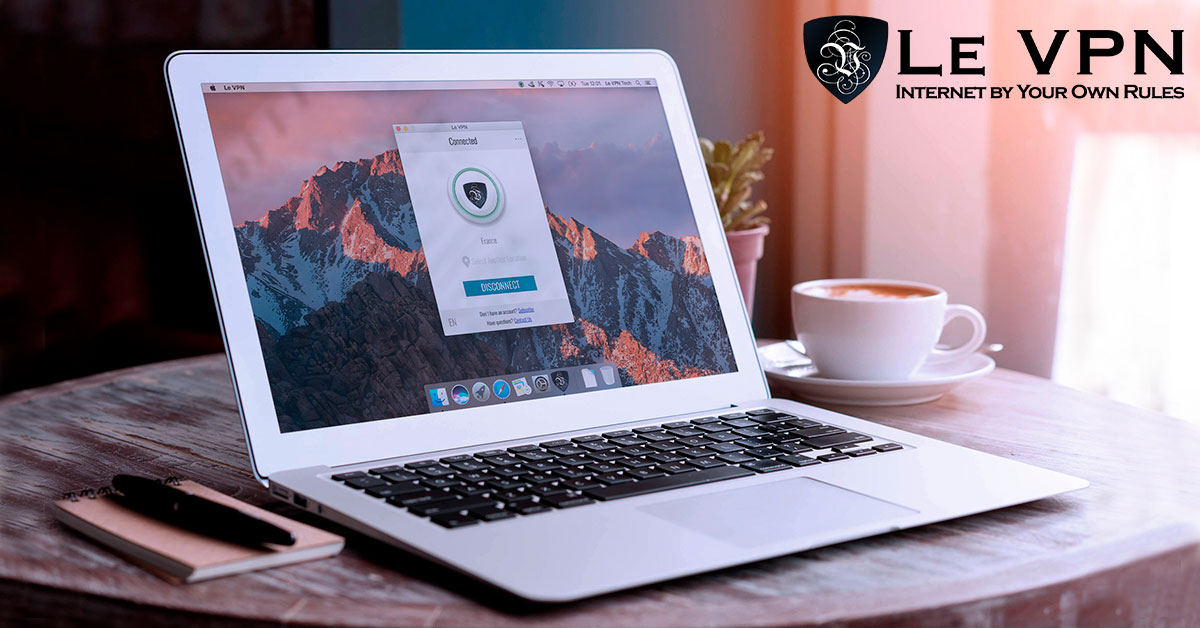
Le VPN’s Mac support makes it a natural fit for torrenting Macs: a native macOS app, plus WireGuard and OpenVPN configurations for those who prefer manual setup. Le VPN is P2P-friendly, with dedicated file-sharing-and-P2P server options among its servers in 100+ locations across the Americas, Europe, the Middle East, Asia-Pacific and Africa. Your connection gets AES-256 encryption without sacrificing the speeds that big downloads demand, and one affordable subscription covers up to 10 devices simultaneously - so your iPhone and other devices are protected alongside the Mac.
There’s no worry about commitment either: a 30-day money-back guarantee applies to your first purchase. So what are you waiting for? Subscribe to Le VPN for Mac, torrent the legitimate content you love safely and privately, and enjoy your browsing experience - by your own rules.
About the author
Le VPN Blog Contributor
Shalini Nagaonkar is a longtime contributor to the Le VPN blog, writing on cyber security, digital privacy, and how to stay safe online. Her articles cover everything from practical VPN use cases to the latest developments in online security.
Articles by Shalini Nagaonkar →
