Roku Leads The Streaming Market
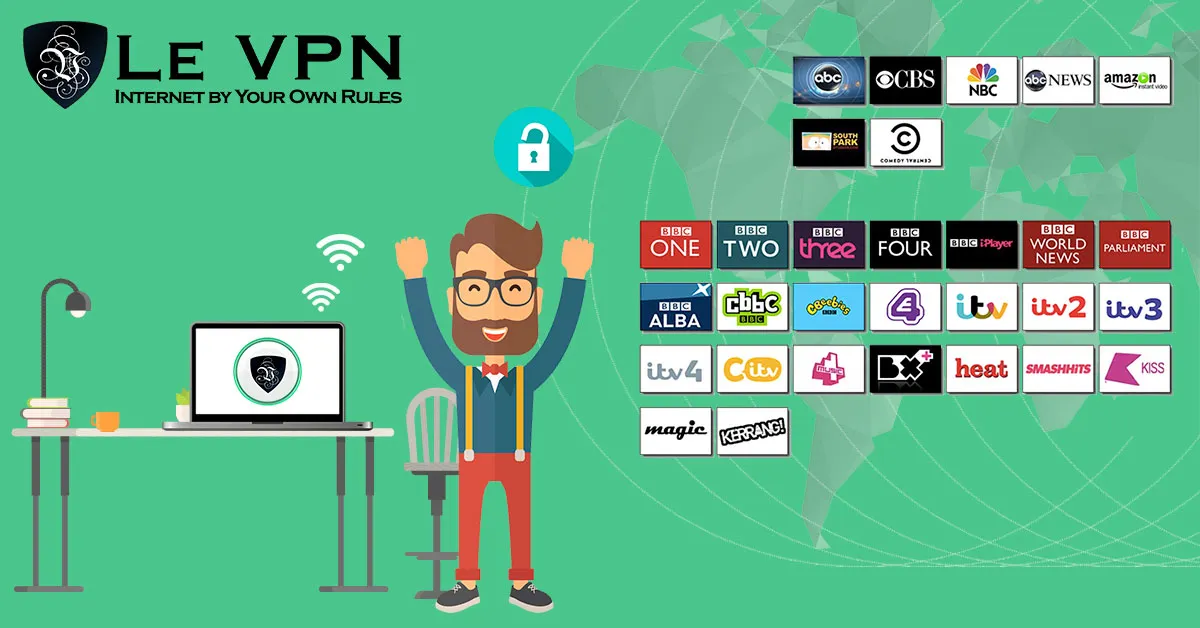
Streaming devices have taken over the living room. Instead of cable boxes and satellite dishes, most households now plug a small stick or puck into the back of the TV and stream everything over the internet. Roku has led this market for years, with Amazon’s Fire TV Stick as its closest rival, followed by Apple TV, Chromecast with Google TV, and the smart TV platforms built into the sets themselves. Whichever device sits under your TV, one thing is true for all of them: everything you watch travels over your internet connection, and a VPN is the tool that keeps that traffic private and free of artificial restrictions.
Roku vs. Fire Stick: Two Different Philosophies
Roku built its lead by being neutral. It doesn’t push its own studio or storefront ahead of everyone else’s, it works with virtually every major streaming app, and its interface is simple enough that anyone can use it. That neutrality, combined with aggressive pricing, made Roku the default choice for millions of households.
Amazon’s Fire TV Stick took a different route. It is deeply tied to the Amazon ecosystem - Prime Video is front and center, Alexa voice control is built in, and the hardware is regularly discounted to get it into as many homes as possible. Under the hood, most models run the Android-based Fire OS and the newest sticks run Amazon’s own Vega OS; the practical difference holds either way: unlike Roku, the Fire Stick can run a VPN app directly on the device.
Both platforms deliver the same core promise - Netflix, YouTube, live TV apps, and thousands of niche channels on any TV with an HDMI port. The differences show up when you want more control over your connection.
Why Use a VPN With a Streaming Device?
A VPN, or Virtual Private Network, encrypts the traffic between your device and a remote server, then sends it out to the internet from that server’s IP address. For streaming, that has three practical benefits:
- Privacy. Your internet service provider can see every service you stream and how long you watch. A VPN hides that activity inside an encrypted tunnel, so your viewing habits stay your business.
- No selective throttling. Some ISPs slow down video traffic during peak hours. When your traffic is encrypted, the ISP can't single out streaming for the slow lane.
- Access to your home content while traveling. Catch-up TV services and national broadcasters usually check your IP address and block viewers from abroad. Connecting to a VPN server back home lets you keep watching the services you already use and pay for. Keep in mind that major streaming platforms actively detect VPN traffic, so if one server doesn't work, it's worth trying another location.
Using a VPN on the Fire TV Stick
The Fire Stick is the easiest streaming device to protect. Install the Le VPN app directly from the Amazon appstore, log in with your VPN credentials, pick a server, and connect. One listing serves every stick with the build it can run: the Fire OS build of the Android app on most models, the Le VPN app for Vega OS on the Fire TV Stick 4K Select and the 2026 Fire TV Stick HD. Every app on the stick - Prime Video, live TV apps, browsers - then runs through the encrypted tunnel. Le VPN’s Android app also works on Android TV devices, covering Google TV sticks and many smart TVs.
What About Roku?
Roku does not allow VPN apps on the device itself. That doesn’t leave Roku owners without options:
- Run the VPN on your router. Many routers can run an OpenVPN client. Load Le VPN's OpenVPN configuration onto the router, and every device on your network - including the Roku - is covered automatically.
- Use SmartDNS for geo-unblocking. Le VPN's SmartDNS changes only your DNS settings, which a Roku does support, and can help with region-locked channels on devices that can't run VPN software. It redirects your location lookup without encrypting traffic, so use it for streaming convenience, not for privacy.
Why Choose Le VPN for Streaming?
Whether you stream on a Roku, a Fire Stick, a smart TV, or a laptop, Le VPN gives you the network to do it properly:
- Servers in 100+ locations across the Americas, Europe, the Middle East, Asia-Pacific and Africa - browse the full list on the Le VPN servers page.
- Up to 10 simultaneous connections, so your Fire Stick, phone, laptop and tablet can all be protected on one account.
- Modern protocols - OpenVPN, WireGuard, Stealth WireGuard and IPSec/IKEv2 - with apps for Windows, macOS, iOS, Android, Android TV and Fire TV.
- A 30-day money-back guarantee on your first purchase, so you can test your whole streaming setup risk-free.
Getting started takes minutes: subscribe to Le VPN, install the app on your device, connect to a server in the country whose content you want to watch, and press play. You can confirm your new location at any time with the IP address test page.
The streaming market will keep shifting - Roku and Amazon will keep trading punches, and new devices will keep arriving. What won’t change is the value of watching on your own terms, privately and without artificial borders. That’s what a good VPN is for.
About the author
Le VPN Blog Contributor
Shalini Nagaonkar is a longtime contributor to the Le VPN blog, writing on cyber security, digital privacy, and how to stay safe online. Her articles cover everything from practical VPN use cases to the latest developments in online security.
Articles by Shalini Nagaonkar →