How to fix Apple last but not least security flaw
Apple has a reputation for security, and it is largely deserved — but “more secure” has never meant “invulnerable.” Every year brings a fresh crop of patched vulnerabilities in iOS and macOS, and some of them are serious: flaws that could let an attacker on the same network read traffic that you believed was encrypted, or bugs exploited in the wild before a fix even shipped.
The most famous example remains the one that inspired this article: in February 2014, Apple disclosed the notorious “goto fail” bug, a single misplaced line of code that quietly broke SSL certificate verification on iPhones, iPads, and Macs. The practical meaning was chilling — anyone positioned on an open Wi-Fi network in a café, hotel, or airport could potentially intercept connections the device believed were secure, including logins and payment details. The bug had existed unnoticed for a long time before the patch arrived.
The particulars change with every disclosure, but the lessons don’t. Here is the evergreen playbook for handling an Apple security flaw — this year’s, next year’s, and the one after that.
Step 1: Update Immediately, Every Time
When Apple ships a security fix, the fix only protects people who install it — and public disclosure means attackers know exactly where to aim at everyone who hasn’t. So when an update lands, don’t park it behind “Remind Me Later”:
- On iPhone or iPad, open Settings → General → Software Update and install anything waiting.
- On a Mac, open System Settings → General → Software Update.
- Better yet, switch on automatic updates on all your Apple devices, so security patches — including Apple's Rapid Security Responses for urgent fixes — arrive without your involvement.
Two minutes of updating closes the vast majority of the holes that real-world attacks use. It is the single highest-value security habit that exists.
Step 2: Assume the Next Flaw Is Already Out There
Here is the uncomfortable structural truth the goto fail episode revealed: there is always a gap between a vulnerability existing and being patched — sometimes months or years while it sits undiscovered, plus the days or weeks users take to update. During that window, your operating system’s built-in protections are, by definition, not enough.
That is why defense in depth matters, and why the network layer deserves its own protection. The most dangerous place for any device — Apple or otherwise — is an open Wi-Fi network, exactly where flaws like goto fail turn theoretical risk into stolen credit card numbers.
Step 3: Encrypt Your Connection with a VPN
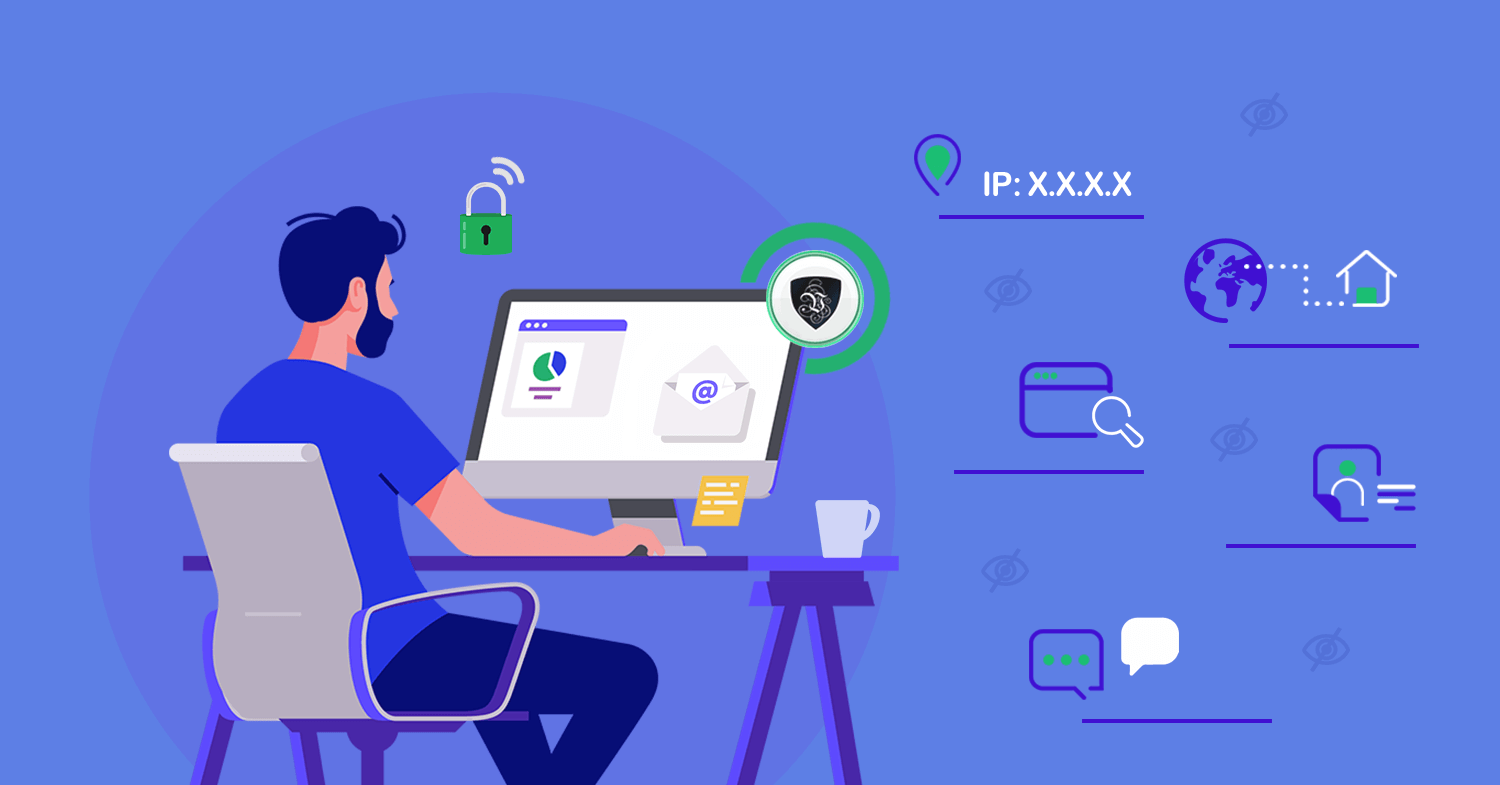
A VPN wraps everything your device sends and receives in its own encrypted tunnel, independent of whatever each app or website negotiates. When an SSL-verification bug like goto fail strikes — or when a hostile hotspot tries to intercept your sessions — the attacker on the local network is left holding an unreadable stream to a VPN server, not your banking session.
For Apple users, Le VPN makes this layer effortless:
- Native apps for iPhone, iPad, and Mac, with support for IPSec, IKEv2, WireGuard, and Stealth WireGuard on iOS.
- Threat Protection built into the app — DNS-level blocking of known malicious and phishing domains, a useful net for the links that slip past your judgment.
- Breach Detection, which alerts you if your email address turns up in leaked credential databases — so a flaw somewhere else on the internet doesn't quietly become your problem.
- Up to 5 simultaneous connections, covering the whole Apple household — and Android and Windows devices too — with servers in 100+ locations worldwide.
Step 4: Round Out the Basics
While you’re in a security frame of mind, three quick wins complete the picture:
- Use strong, unique passwords (the built-in password manager or a dedicated one both work) and enable two-factor authentication on your Apple Account.
- Be skeptical of pop-ups and profiles. No legitimate update arrives via a random website's alert; updates come from Settings, full stop.
- Check what your network sees. Connect your VPN and visit the test your IP address page — your location and IP should be the server's, not your own.
The Takeaway
Apple will fix its flaws — it always does — and new ones will follow, as they do for every platform. Your job has two parts: install patches the moment they exist, and run your traffic through encryption you control so that the next undiscovered bug finds nothing worth stealing.
Le VPN handles the second part for the price of a coffee or two a month, with a 30-day money-back guarantee on your first purchase. Update your devices today; encrypt your connection for all the days in between.

