Watch The British Sitcoms From Anywhere With Le VPN
Nobody does comedy quite like the British. From classic sitcoms to sharp modern series — and the mysteries, panel shows and dramas that fill out the schedules — UK television has a devoted audience far beyond its borders. The problem: the streaming players that carry all of it are locked to viewers inside the United Kingdom. Try to load them from abroad and you’ll meet a polite refusal. The solution is simpler than moving to London: Le VPN, one of the best VPN UK options, puts a British IP address one click away.
Why British TV Stops At The Border
The UK’s broadcasters make their programming available through free online streaming and catch-up services — but broadcast rights are licensed for UK audiences only, so each service checks the IP address of every visitor. A French, American or Australian IP gets blocked, no matter how devoted a fan you are or how long you’ve watched the show.
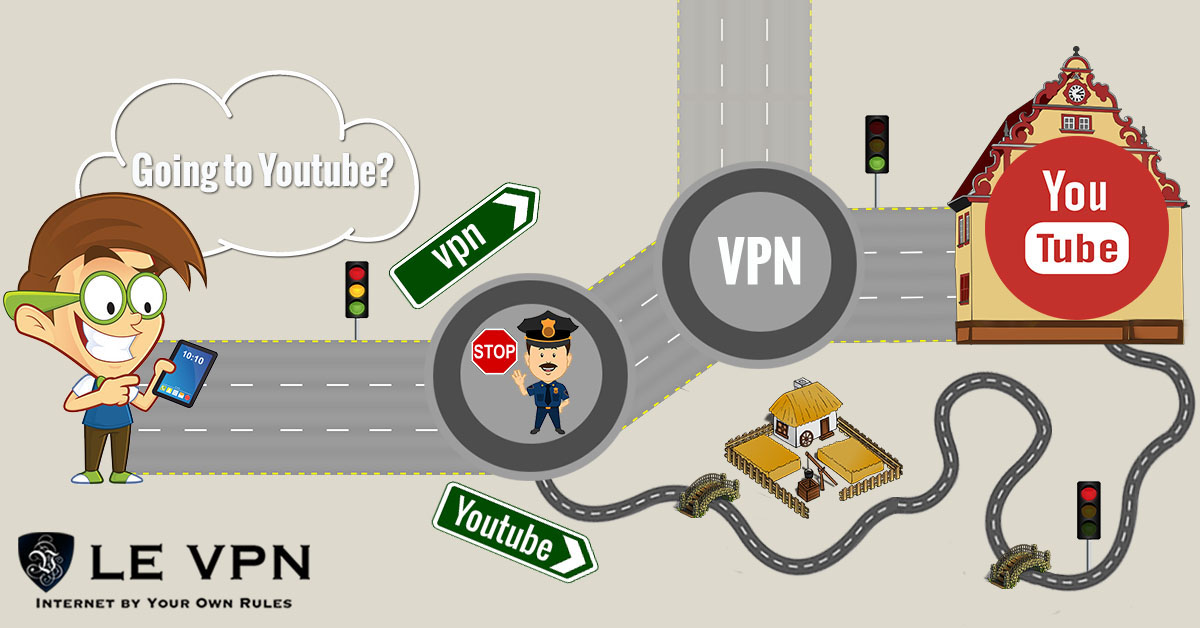
A VPN dissolves that barrier. Connect to a Le VPN server in the United Kingdom and your traffic exits to the internet from a British IP address. As far as the streaming services can tell, you’re watching from the UK — so the sitcoms, dramas and sports coverage play normally, wherever in the world you actually are.
Which Server For Which Channel
Le VPN maintains multiple servers in the UK, and years of streaming experience have produced some practical tips:
- BBC and ITV players: any Le VPN UK server works.
- Channel 5: use the Celesterra server.
- Channel 4: use Celesterra or London — and note it works in a desktop web browser only, not on mobile devices. Some live programmes also need your device's date and time set to UK time.
- ITV or Channel 4 acting up? Switch to the Coventry server and reload.
If a player still seems confused about your location, reload the page in a private browsing window so cached location data doesn’t get in the way. Expats on the continent can find more UK-specific tips in our guide to watching UK TV in Spain.
The Security Bonus While You Travel
The same tunnel that unlocks British telly also protects you. Away from home, your options are mobile data — expensive when roaming, impractical for streaming full episodes — or public Wi-Fi, which is convenient and notoriously unsafe. Shared hotspots in cafés, hotels and airports are a favourite hunting ground for attackers, because unprotected traffic on them can be intercepted by anyone on the same network.
With Le VPN connected, everything you send and receive is encrypted. Neither the hotspot owner, nor other users, nor the local ISP can see what you’re watching or capture your logins. You get your evening sitcom and safe banking, email and browsing on the same connection.
Setting Up Le VPN Takes Minutes
No technical knowledge required — the apps do the work:
- Subscribe on the Le VPN subscription page.
- Download the Le VPN app for your device — Android, iOS, Windows or macOS — and log in with the VPN credentials from your activation email.
- Pick the United Kingdom from the server list and tap Connect. When the button turns green, you're on a British IP.
- Open your favourite UK streaming player and press play. You can verify your virtual location any time on the test your IP page.
One account covers up to 5 simultaneous connections, so the laptop can stream a boxset while your phone and tablet stay protected too. For the big screen, installing Le VPN on a VPN router brings your smart TV along as well. And Le VPN’s reach goes far beyond Britain — with servers in 100+ locations, the same subscription unlocks TV, news and streaming from dozens of countries, and modern protocols (WireGuard for speed, Stealth WireGuard for censored networks) keep it all running smoothly.
Every plan is backed by a 30-day money-back guarantee on your first purchase — a whole month of British comedy to test it on, risk-free. Put the kettle on, connect to a UK server, and enjoy the sitcoms from anywhere.

