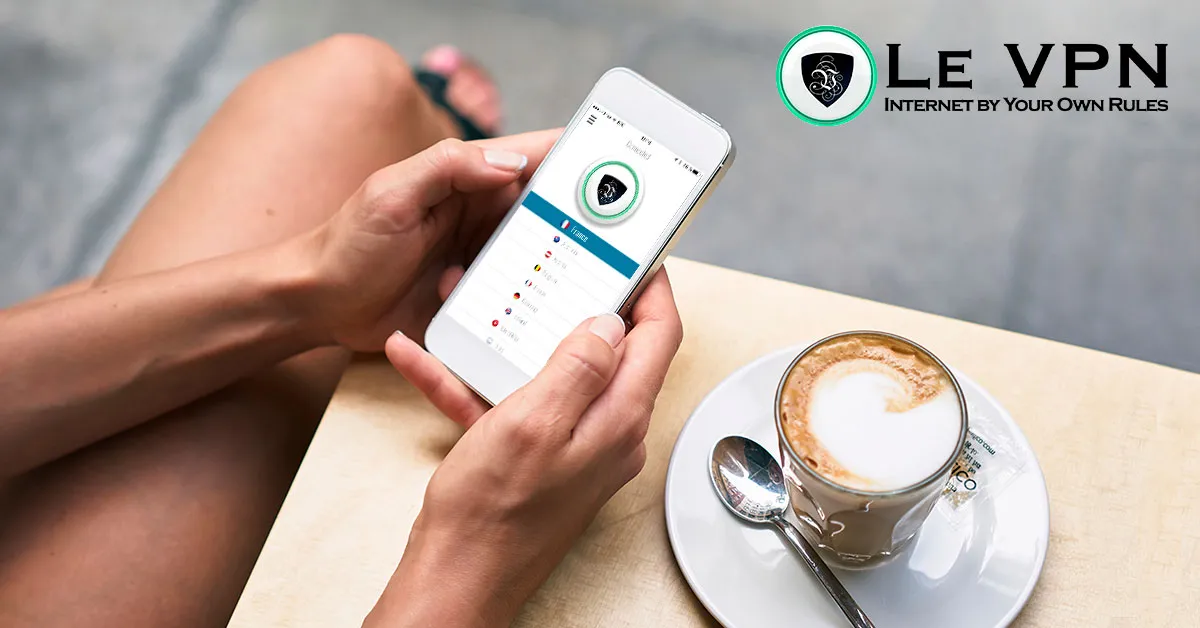
Protect Your Online Security On The Go With VPN For Phone
For most of us, the phone has replaced the computer as the main window to the internet. We answer work email from the train, pay bills from a café, and stream shows from hotel rooms. All that convenience runs over networks we don’t control - and that’s exactly where the risk lives. A VPN for phone closes the gap: it encrypts everything your phone sends and receives, so any network becomes a safe network. It’s one of the simplest, most effective upgrades to your cyber security you can make.
Why Phones Need A VPN More Than Anything Else You Own
Think about how your phone behaves on a normal day. It hops between your home Wi-Fi, mobile data, the office network, and whatever public hotspot it remembers - often connecting automatically, without asking. Dozens of apps sync in the background the whole time. Each connection is an opportunity for trouble:
- Public Wi-Fi snooping. On an open hotspot, an attacker on the same network can intercept unprotected traffic. Fake hotspots with plausible names ("Airport_Free_WiFi") exist purely to harvest logins from phones that join them.
- Mobile phishing. Phishing now arrives by SMS and messaging apps as much as email, and small phone screens make fraudulent links harder to spot.
- Location and profile tracking. Your IP address ties your browsing to your identity and whereabouts, feeding ad networks and data brokers a continuous record of your life.
- Geo-restrictions. Travel abroad and suddenly your usual streaming services, TV channels and even some banking sites lock you out because of your foreign IP address.
A VPN answers all four at once. The encrypted tunnel makes snooping useless, hides your real IP from trackers, and lets you pick a virtual location - so you can unblock online TV from home while you’re on the move, and browse from anywhere as if you’d never left.
Le VPN On Android And iPhone
Le VPN covers both major phone platforms with full-featured native apps:
- Android: the Le VPN app on Google Play offers OpenVPN (with selectable ports for restrictive networks), WireGuard for the best speeds, and Stealth WireGuard - an obfuscated protocol that keeps you connected even in countries that actively block VPN traffic. It runs on Android TV too.
- iPhone and iPad: the Le VPN iOS app supports WireGuard, Stealth WireGuard, and the Apple-native IPSec and IKEv2 protocols.
Both apps go beyond the tunnel itself. Threat Protection blocks known malicious and phishing domains at the DNS level - a real defence against mobile phishing. Breach Detection alerts you if your email address turns up in leaked credential databases. And because WireGuard and Stealth WireGuard block traffic automatically if the tunnel drops, your real IP is never exposed mid-session. The apps are translated into 13 languages, and Le VPN also has software for Windows and macOS, so your computers get the same protection.
Setting Up Takes Two Minutes
- Choose a plan on the Le VPN subscription page.
- Install the Le VPN app from Google Play or the App Store and log in with the VPN credentials from your activation email.
- Pick a server - nearby for speed, or a specific country for the content you want - and tap Connect.
- Verify your new virtual location on the test your IP page.
With servers in 100+ locations across the Americas, Europe, the Middle East, Asia-Pacific and Africa, there’s always a fast server close by and a virtual location wherever you need one. One account covers up to 10 simultaneous connections, so your phone, tablet and laptop are all protected at the same time.
A Note On Free Phone VPNs
App stores are full of free VPN apps, and they are the one category to avoid. Free providers pay for their servers with your data - logging browsing activity, injecting ads, or reselling your bandwidth. On the device that holds your banking apps and personal messages, that trade makes no sense. A reputable paid service like Le VPN costs a few euros a month and is backed by a 30-day money-back guarantee on your first purchase, so you can test it risk-free.
Your phone goes everywhere with you and knows almost everything about you. Put a VPN on it, leave it on, and browsing on the go stops being a gamble.
About the author
Le VPN Blog Contributor
Shalini Nagaonkar is a longtime contributor to the Le VPN blog, writing on cyber security, digital privacy, and how to stay safe online. Her articles cover everything from practical VPN use cases to the latest developments in online security.
Articles by Shalini Nagaonkar →
