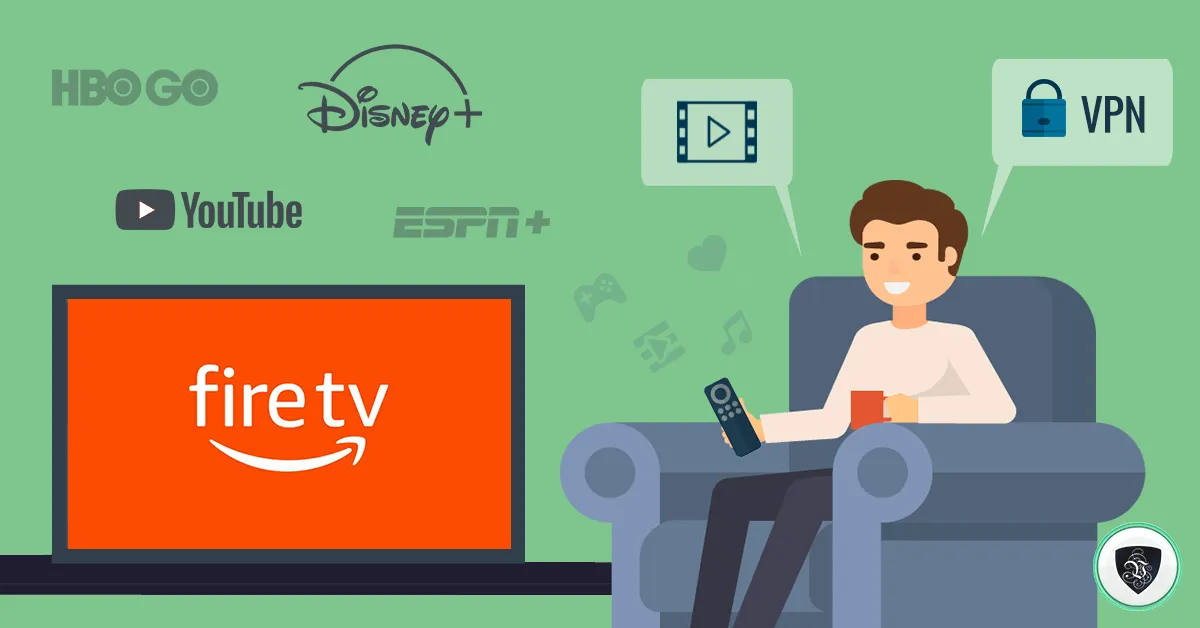
Le VPN for Fire TV: Liberated Viewing Pleasure with Le VPN
The Amazon Fire TV family - the Fire TV Stick, the Fire TV Cube and the Fire TV software built into many televisions - has quietly become one of the most popular ways to watch anything. Plug a Stick into an HDMI port and even an older TV turns into a full streaming platform with thousands of apps.
There is a catch, though. A Fire TV behaves a lot like a smartphone: it reports your location, it is tied to a regional app store, and every streaming app on it decides what you’re allowed to watch based on your IP address. Travel abroad, or simply live outside the country whose content you want, and doors start closing.
A VPN for Fire TV solves both halves of that problem. It gives the device a new IP address in a country of your choosing, and it wraps your streaming traffic in encryption so your internet provider can’t inspect or selectively slow it down.
Why Put a VPN on Your Fire TV?
Three reasons come up again and again:
- Geo-restrictions. Streaming apps and broadcaster sites are licensed per country. Connect your Fire TV through a VPN server in the content's home country and the apps treat you as a local viewer. This is the standard way for expats and travellers to keep watching the services from home while abroad.
- Privacy. Streaming devices are chatty. A VPN encrypts the connection between your Fire TV and the VPN server, so your ISP sees only that you're connected to a VPN - not which channels you binge or when.
- Throttling. Some internet providers slow down video traffic at peak hours. When your traffic is encrypted, it cannot be singled out by type, which often means steadier streaming in the evening.
Be aware that major international platforms actively detect VPN traffic, and no provider can honestly guarantee that a specific app’s foreign catalogue will always work. The realistic approach: connect to a server in the right country, and if an app balks, try another server in the same country. Le VPN operates servers in 100+ locations, so there is always an alternative to try - the full list is on the servers page.
Installing Le VPN on a Fire TV Is Genuinely Easy
Unlike an Apple TV or most smart TV operating systems, Fire TV runs a version of Android and has a proper app store. That means no router tricks and no DNS workarounds are required - you install a native VPN app directly on the device:
- On your Fire TV, open the search (you can use the remote's voice search) and look for Le VPN, or find the Le VPN app in the Amazon Appstore from a browser and deliver it to your device.
- Open the app and log in with your VPN credentials - note that these are the VPN username and password from your activation email, not your client area login.
- Pick a server location and connect. That's it: every app on the Fire TV now goes through the tunnel.
The app works the same way as Le VPN’s mobile apps, so if you have used the service on a phone, the interface will feel familiar. And because one Le VPN account allows up to 10 simultaneous connections, your Fire TV, phone, laptop and tablet can all be protected at once.
What About Speed?
Streaming is the one use case where VPN speed genuinely matters - HD and 4K video need consistent bandwidth. Two tips keep things smooth:
- Pick a nearby server in the right country. If you're unblocking UK television from Europe, a UK server will typically be both correct and fast. For BBC or ITV, any UK server works; Channel 5 needs the Celesterra server; and note Channel 4's player is desktop-browser only, so it isn't a Fire TV option.
- Use a modern protocol. Le VPN supports OpenVPN and WireGuard, plus Stealth WireGuard for heavily filtered networks. WireGuard in particular is light enough that on a normal home connection you won't notice it under a video stream.
If you ever want to confirm what location your device is presenting to the world, load the IP test page in the Fire TV browser.
Beyond the Fire TV
For streaming boxes that don’t offer VPN apps at all, Le VPN also includes SmartDNS - a DNS-level unblocking option you configure in a device’s network settings. On a Fire TV it’s rarely needed, since the native app is simpler and adds encryption, but it’s a handy extra for the other screens in your house.
Conclusion
Fire TV gives you the platform; a VPN gives you the freedom and the privacy to use it fully. Together they make travel-proof television: your home country’s channels and services, on your TV, wherever you happen to be.
Ready to try it? Get Le VPN and set it up on your Fire TV in minutes - every first purchase is backed by a 30-day money-back guarantee.
About the author

Guest Author
Vuk Mujović is the founder of MacTíre Consulting, an analyst, data management expert, and a long-term writer on all things business & tech. He authored blogs, articles, and opinion pieces aimed to help both companies and individuals achieve growth without compromising their security.
Articles by Vuk Mujović →
