UK: Illegal Streaming Via Kodi May Put You In Danger
Kodi is one of the most popular applications for streaming and organizing media - videos, movies, music, live TV, and more. It’s free, open-source, endlessly customizable, and installed in millions of homes, with the UK long counted among its biggest strongholds. But Kodi’s popularity has a shadow side: a thriving ecosystem of third-party add-ons that stream pirated content, and a growing legal and security crackdown around them. If you use Kodi in the UK - or anywhere - here’s what you need to know to stay on the right side of both the law and your own security.
Is Kodi Legal? Yes - But Not Everything On It Is
Let’s be clear: Kodi itself is completely legal. It’s simply a media player, maintained by a legitimate open-source foundation. Using it to play your own files, or to stream from official, licensed add-ons, is no different from using any other media app.
The trouble comes from third-party add-ons created by outside developers. Some of these provide free access to paid movies, sports, and TV channels - which means they’re distributing copyrighted content without a license. In the UK, the legal environment around this has hardened considerably:
- Courts have ordered ISPs to block piracy streams in real time, particularly around live sports;
- Sellers of "fully loaded" Kodi boxes - devices pre-configured with piracy add-ons - have faced prosecution and, in high-profile cases, prison sentences;
- Rights holders have targeted not just distributors but, in some reported cases, the users of illicit streaming services, whose details can be exposed and handed to the relevant authorities.
The lesson is simple: stream content that doesn’t infringe copyright. No add-on that offers paid content for free is worth the legal exposure.
The Security Risks Nobody Mentions
Even setting the law aside, illicit add-ons carry real cybersecurity dangers:
- Malware. Unofficial repositories have no quality control. Add-ons from unknown developers can carry malicious code onto the device that also holds your passwords and personal files;
- Data exposure. Shady streaming services log who connects to them. When such services get seized or breached, their user lists - potentially including you - go with them;
- Snooping. Everything you stream without protection is visible to your ISP and to anyone monitoring the network, feeding profiles of your viewing habits.
What Is A VPN And How Does It Protect Kodi Users?
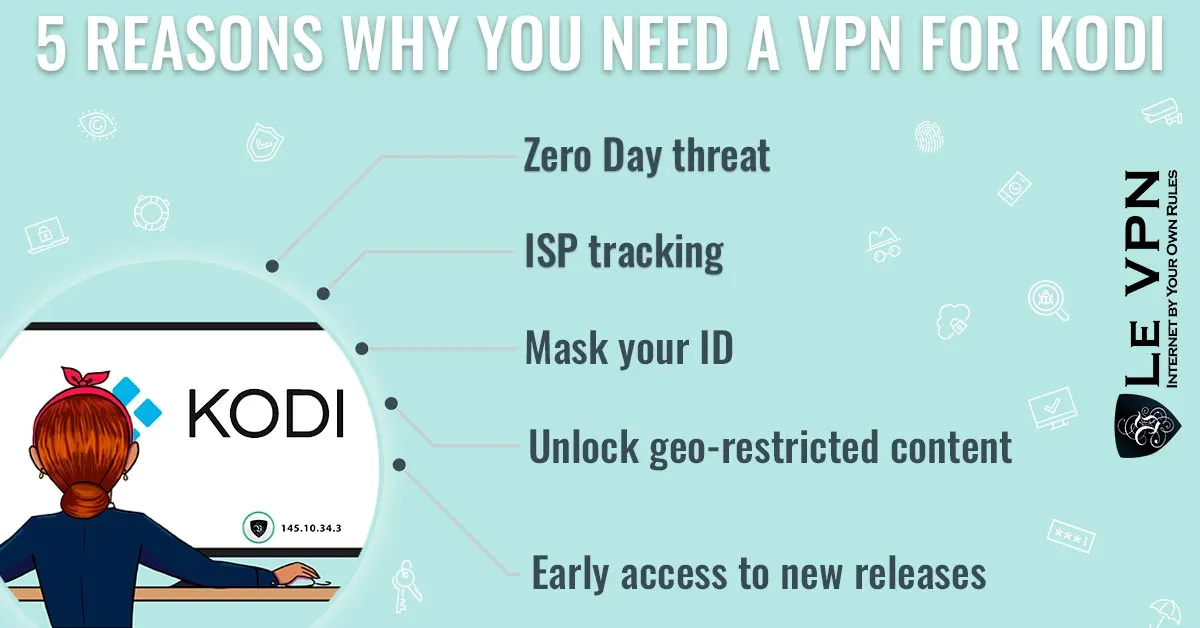
A VPN (virtual private network) creates an encrypted tunnel between your device and a VPN server. No one on the outside - not your ISP, not a network eavesdropper, not the operator of a public Wi-Fi hotspot - can see what passes through your connection. At the same time, your real IP address is masked and replaced with the server’s, which you can confirm on the test-your-IP page.
For a Kodi user streaming legitimate content, that brings concrete benefits:
- Privacy. Your viewing habits stay your business, not raw material for ISP logging and profiling;
- Freedom from throttling. Some ISPs deliberately slow video traffic at peak times; encrypted traffic can't be singled out by type, which often means smoother streams;
- Access from anywhere. Connect through a server in another country and legitimately access the content and services of that region - for instance, your home country's services while you travel;
- Security everywhere. The same encryption protects all your browsing, banking, and logins, on every network including public Wi-Fi.
One thing a VPN is not: a license to pirate. A VPN protects your privacy; it doesn’t make illegal streaming legal, and we don’t recommend using one for that purpose.
Free Or Paid VPN Service?
Many providers promise free VPN service, but be careful: running a server network costs money, and free providers have to recover it somehow. Too often that means logging your browsing and selling it to third parties, injecting ads, weak or absent encryption, and painfully slow speeds that make streaming miserable. For a tool whose entire job is protecting your privacy, “free” is usually the most expensive option. Choose a reliable, paid provider.
Your Search For The Best Kodi VPN Ends With Le VPN
Le VPN pairs strong encryption with a network built for streaming:
- Servers in 100+ locations across the Americas, Europe, the Middle East, Asia-Pacific, and Africa;
- Modern protocols - OpenVPN, WireGuard, Stealth WireGuard, and IPSec/IKEv2 - for a fast, secure connection on any device;
- Up to 10 simultaneous connections, so the media center, your laptop, and your phone are covered by one account;
- Apps for Windows, macOS, iOS, and Android, plus router setup options to protect a dedicated Kodi box;
- A 30-day money-back guarantee on your first purchase.
Kodi is a brilliant piece of software when used well. Stick to legitimate add-ons, keep your streaming private with a trustworthy VPN, and you get all of the convenience with none of the danger. Le VPN gives you a seamless - and safe - experience.
About the author
Le VPN Blog Contributor
Shalini Nagaonkar is a longtime contributor to the Le VPN blog, writing on cyber security, digital privacy, and how to stay safe online. Her articles cover everything from practical VPN use cases to the latest developments in online security.
Articles by Shalini Nagaonkar →