Post-quantum encryption
Post-quantum encryption stops an eavesdropper who copies your traffic today from decrypting it later.
- Protects against future quantum decryption
- ML-KEM-768, the NIST post-quantum standard
- Available to turn on in the apps
What is a quantum-safe VPN?
An eavesdropper on the network can copy your encrypted traffic today and wait until a quantum computer is strong enough to decrypt it. With the switch on, Le VPN adds a fresh ML-KEM-768 secret, the NIST FIPS 203 standard, to every WireGuard and Stealth WireGuard connection, so a quantum computer alone can't open what such an attacker copied.
The weak part of a connection is the key exchange, not the cipher. The classic Curve25519 exchange stays in place and ML-KEM-768 is added, so an eavesdropper who copies the traffic would have to break both.
Read the full story
How it works
-

1 Turn on Quantum-safe
You turn on the Quantum-safe switch in the app. It is available with WireGuard and Stealth WireGuard. The change applies at your next connection.
-
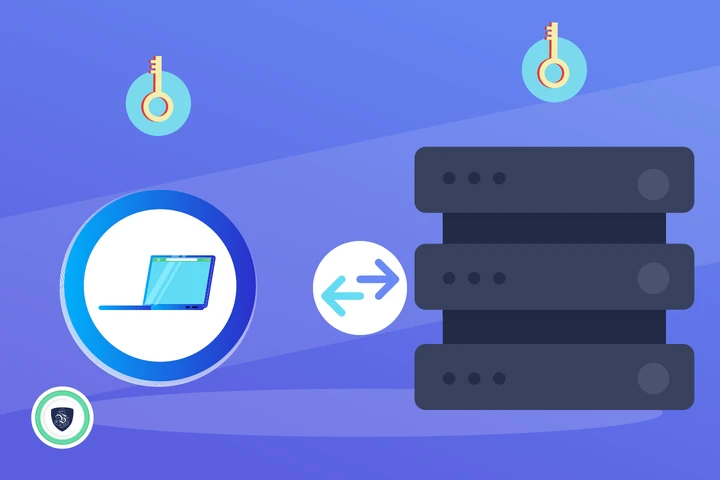
2 ML-KEM-768 exchange
Before the tunnel starts, the app runs an ML-KEM-768 exchange with the server you chose. Both sides derive the same 256-bit secret.
-
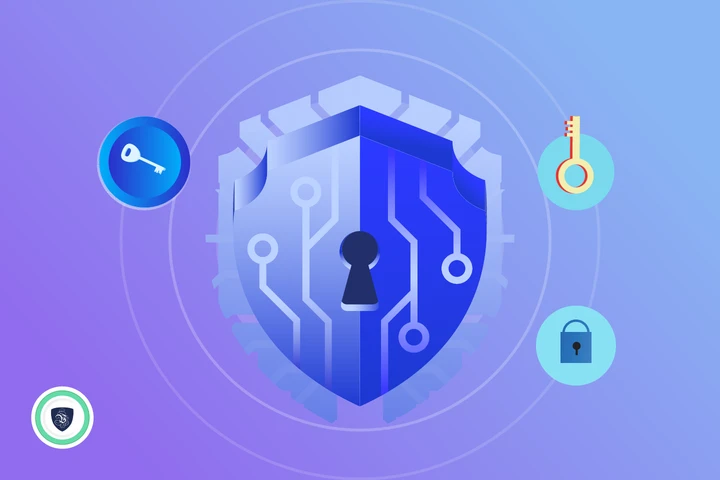
3 Hybrid preshared key
The secret goes into WireGuard as a preshared key for that connection, next to the classic Curve25519 exchange. It is kept in memory only and renewed after 24 hours on a long session.
-

4 Classic fallback
If the exchange fails or the server does not answer within 5 seconds, the app connects the classic way and shows no message.
Is your VPN quantum safe?
Compare key exchanges across protocols to see which ones protect against eavesdroppers who copy traffic now and decrypt it later.
| Protocol | Key exchange | Quantum-safe |
|---|---|---|
| WireGuard with the switch on | Curve25519 plus ML-KEM-768 | Yes |
| Stealth WireGuard with the switch on | Curve25519 plus ML-KEM-768 | Yes |
| OpenVPN | Classic, not post-quantum | No |
| IKEv2 | Classic, not post-quantum | No |
Where to find the "Quantum-safe" switch
The switch is called Quantum-safe. It is available to turn on now in the Mac, Android, Windows and Linux apps downloaded from le-vpn.com, while the App Store and Google Play versions are in review.
Android phones and tablets
Protection tab, VPN settings card, just before Local Connections. It appears while a WireGuard protocol is selected.
iPhone and iPad
Protection tab, VPN settings card, just before Local Connections, with WireGuard or Stealth WireGuard selected.
Mac
Menu, VPN settings card, just before Local Connections.
Apple TV
Menu, QUANTUM-SAFE row.
Apple Vision Pro
Settings, Protection section, just before Local Connections.
Windows and Linux
Menu, VPN settings card, between Cryptographic ID and Local Connections.
A change applies at the next connection. The iPhone, iPad, Mac, Apple TV, Windows and Linux apps grey the switch out while the VPN is connected. The switch will reach every Le VPN app gradually, so it may not appear in all of them yet.
Turn on post-quantum encryption
Get the app, open the VPN settings and turn on the Quantum-safe switch.
Trusted by 1,000,000+ users
Download the latest Le VPN app for all devices




Download Le VPN for Mac (App Store)
For Apple Silicon and Intel Macs. Learn more about our Le VPN for Mac


Download Le VPN for Linux ( .deb)
For Ubuntu, Debian and Mint. Learn more about our Le VPN for Linux


Also available on routers:

ASUS
WireGuard · OpenVPN

GL.iNet
WireGuard · OpenVPN

TP-Link
WireGuard · OpenVPN

FRITZ!Box
WireGuard

Freebox
WireGuard · OpenVPN

Keenetic
WireGuard · OpenVPN

MikroTik
WireGuard · OpenVPN

UniFi
WireGuard · OpenVPN

Synology
OpenVPN

OpenWrt
WireGuard · OpenVPN

DD-WRT
WireGuard · OpenVPN

pfSense
WireGuard · OpenVPN

OPNsense
WireGuard · OpenVPN
30-Day Money-Back Guarantee
Try Le VPN risk-free! If you're not satisfied within the first 30 days, let us know and we'll refund your money.

Quick recap
Post-quantum encryption adds an ML-KEM-768 exchange before the tunnel starts, stopping an eavesdropper who copies your traffic today from decrypting it later.
- Adds ML-KEM-768 from NIST FIPS 203, hybrid with Curve25519.
- Works with WireGuard and Stealth WireGuard only.
- Available on Android, iPhone, iPad, Mac, Apple TV, Apple Vision Pro, Windows and Linux.
- Not for OpenVPN or IKEv2.