Best Mobile Security App: Top List for Android
Your Android phone knows more about you than any other object you own. It holds your messages, your photos, your banking apps, your saved passwords, your location history, and - thanks to contactless payments - often your wallet too. Yet most people still treat mobile security as an afterthought, something less serious than protecting a “real” computer. Attackers know this, which is exactly why phones have become such a popular target.
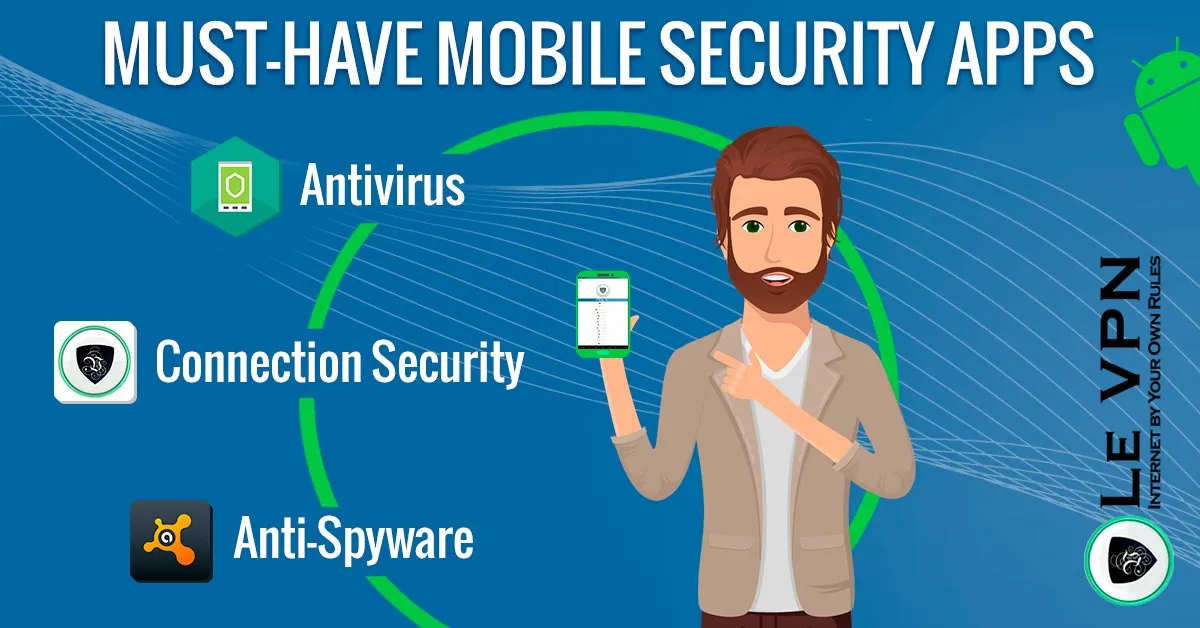
The honest answer to “what is the best mobile security app for Android?” is that no single app covers everything. Security threats come from different directions - malicious apps, insecure networks, leaked credentials, phishing - and each direction calls for a different tool. The good news: a small, well-chosen combination of apps covers virtually all of it.
Why Android Needs a Security Strategy
Android is not inherently insecure - Google patches it constantly and the Play Store screens submissions. But three things make Android users attractive targets:
- Scale. Android runs on the majority of the world's smartphones. When attackers write malware, they go where the users are.
- Openness. The ability to sideload apps from outside the Play Store is a genuine freedom - and a genuine risk when a convincing fake app makes the rounds.
- Fragmentation. Not every manufacturer ships security updates promptly, so many perfectly functional phones run months or years behind on patches.
Add the daily reality of public Wi-Fi - cafés, airports, hotels - where a “free” hotspot can be a man-in-the-middle trap, and it becomes clear that a phone deserves at least as much protection as a laptop.
The Winning Combination
1. A reputable mobile antivirus
A quality antivirus app scans new installs, catches known malware families, and flags phishing links before you tap them. Established names such as Bitdefender, Kaspersky, and Avast all offer capable Android versions; independent testing labs like AV-TEST publish regular comparisons if you want current scores. Whichever you pick, the important habits are the same: install from the official Play Store, keep it updated, and let it scan anything you sideload.
An antivirus protects you from malicious software. It does nothing, however, about who is watching your traffic - which brings us to the second pillar.
2. A trustworthy VPN
A VPN encrypts everything your phone sends and receives, which matters most in the situations where your phone is most exposed: open Wi-Fi networks, foreign SIM cards, and any network you don’t control. With the tunnel active, a snooping hotspot operator or network attacker sees only encrypted traffic to a VPN server - not your banking session, your emails, or the sites you visit.
The Le VPN Android app is built for exactly this role:
- Modern protocols: OpenVPN, WireGuard, and Stealth WireGuard - the last one designed to work even on networks that actively detect and block VPN traffic.
- Threat Protection: DNS-based blocking of malicious and phishing domains, adding a network-level safety net alongside your antivirus.
- Breach Detection: the app monitors leaked credential databases and alerts you if your email address turns up in a known breach - your cue to change passwords immediately.
- Servers in 100+ locations worldwide, and up to 10 simultaneous connections per account, so your tablet and laptop are covered by the same subscription. The app is also compatible with Android TV.
One warning that bears repeating: avoid free VPN apps. Running a server network costs real money, and free providers recoup it somewhere - often by logging and selling the very browsing data you installed them to protect. Several high-profile investigations have caught free mobile VPNs doing exactly that.
3. A password manager
Most successful “hacks” of ordinary people are not technical exploits at all - they are reused passwords meeting leaked databases. A password manager generates a unique, strong password for every account and remembers them all for you, so one breached website no longer unlocks your entire digital life. Pair it with two-factor authentication on your important accounts and you have neutralized the single most common attack there is.
Habits That Make the Apps Work
Even the best mobile security app cannot compensate for risky habits. Round out your protection with a few minutes of housekeeping:
- Install updates promptly - both Android system updates and app updates. Most malware exploits holes that were patched long ago.
- Review app permissions. A flashlight app does not need your contacts. Android's settings let you audit and revoke permissions per app.
- Stick to the Play Store unless you have a specific, trusted reason to sideload.
- Lock your phone properly - biometrics or a strong PIN, plus enabling Find My Device so a stolen phone can be located and wiped.
- Treat public Wi-Fi as hostile and switch the VPN on before you connect. Better yet, leave it on all the time - modern protocols like WireGuard are light enough that you won't notice the difference.
The Bottom Line
Security on Android is not one app - it is a short stack: an antivirus for malicious software, a VPN for your network traffic and privacy, and a password manager for your accounts, all resting on sensible update habits. Each layer covers what the others cannot.
The VPN layer is where Le VPN fits in, and it is easy to test the claim: install the Android app, connect to any of the 100+ locations, verify your new IP on the test your IP address page, and use it on your daily commute Wi-Fi for a few weeks. With the 30-day money-back guarantee on your first purchase, trying the full setup carries no risk - unlike your unprotected phone.
About the author

Guest Author
Vuk Mujović is the founder of MacTíre Consulting, an analyst, data management expert, and a long-term writer on all things business & tech. He authored blogs, articles, and opinion pieces aimed to help both companies and individuals achieve growth without compromising their security.
Articles by Vuk Mujović →