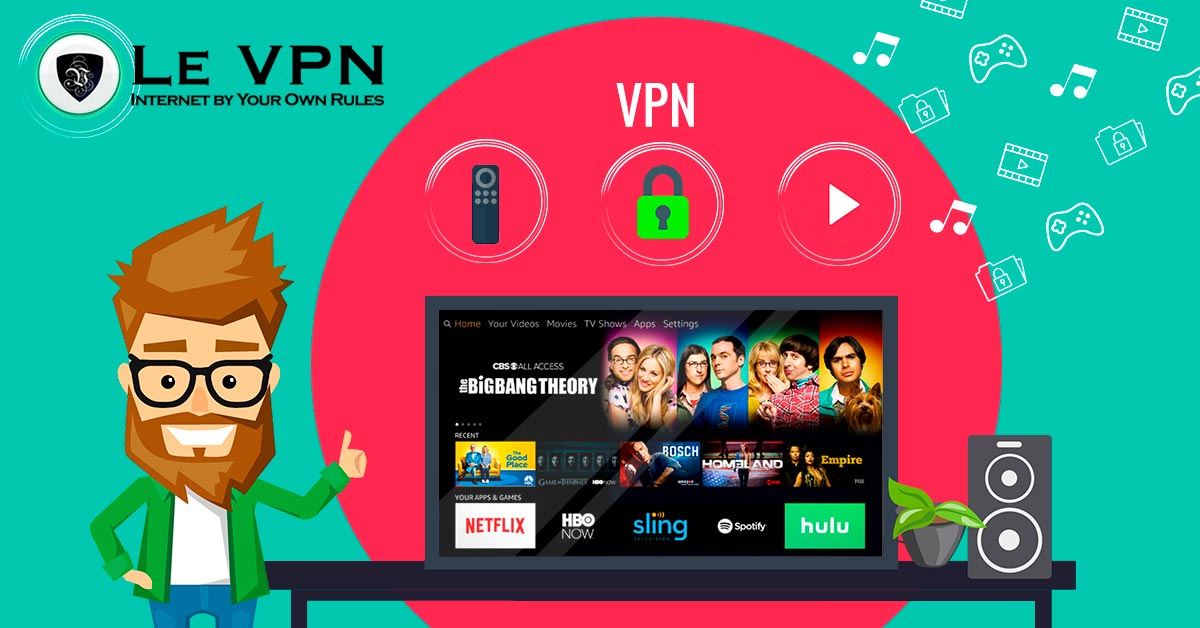
Best VPN for Firestick
The Amazon Fire TV Stick has turned any television with an HDMI port into a smart TV, and for many households it is now the main gateway to streaming. But like every always-connected device, it deserves a layer of protection. Here is what the Firestick is, what its real security and privacy concerns are, and how to choose the best VPN for Firestick streaming.
What Is the Amazon Firestick?
The Fire TV Stick is a compact streaming device that plugs directly into your TV’s HDMI port and connects over Wi-Fi. Inside is essentially a small, single-purpose computer - a modest processor and a locked-down, Amazon-customized version of Android - optimized to do one job: run streaming apps smoothly. Current models handle 4K playback and ship with a voice remote tied into Alexa.
That single-mindedness is the Firestick’s strength and its weakness. It streams beautifully for the price of a takeaway dinner, but it is not a general-purpose computer you can load with security software, and you have little visibility into what it does in the background. Tinkerers sometimes compare it to a Raspberry Pi - and the comparison is apt: the Pi is an open box you can make do anything, while the Firestick is a sealed appliance that does exactly one thing, on Amazon’s terms.
The Real Risks of Streaming on a Firestick
There is no need for paranoia, but there are three concerns worth taking seriously:
- Your accounts and payment data. The Firestick is logged into your Amazon account and your streaming subscriptions - services that hold your card details. Everything it transmits travels over your home network, and on an unprotected connection that traffic is observable.
- Data collection. Streaming platforms and device makers profile viewing behavior as a matter of course. The Firestick phones home like every smart device does; you cannot audit it, but you can control what the network sees.
- No self-defense. The device cannot run antivirus tools, and sideloaded apps - popular in the Firestick community - bypass Amazon's vetting entirely. Whatever protection the Firestick gets must come from the network layer.
A VPN addresses all three at the level where the Firestick is actually reachable: the connection. With a VPN active, the stick’s traffic is encrypted, its public identity becomes the VPN server’s IP address, and your ISP loses the ability to log - or throttle - your streaming.
What a VPN Adds to Your Firestick
Privacy and security
An encrypted tunnel means your viewing habits stop being an open book to your ISP, and your streaming logins are shielded from network snooping. Worth noting: with modern stateless protocols like WireGuard, if the tunnel ever drops, traffic is blocked automatically rather than leaking onto the open connection - kill-switch behavior built into the protocol itself.
Freedom of location
Streaming catalogs differ by country, and travelers quickly discover their home services behave differently abroad. Connect your Firestick through a server in your home country and the services you already pay for see a local viewer again. With Le VPN’s servers in 100+ locations across the Americas, Europe, the Middle East, Asia-Pacific and Africa, that flexibility covers virtually anywhere you live or travel.
No throttling games
Some ISPs deliberately slow down video traffic at peak hours. When your streaming is wrapped in VPN encryption, it can’t be singled out by type - your provider sees only an encrypted stream.
How to Install the Best VPN for Firestick
The good news: none of this requires technical skill. The Firestick runs Android under the hood, and Le VPN is available directly from the Amazon appstore.
- On your Firestick, search for Le VPN in the Amazon appstore and install it - or follow the step-by-step Le VPN Firestick installation guide.
- Log in with your VPN credentials (the username and password from your activation email).
- Pick a server location and connect. Streaming apps launched afterwards ride the encrypted tunnel.
Prefer to protect the whole living room at once? Install Le VPN on a compatible VPN router instead - the Firestick, the TV, and every other device in the house are then covered automatically, while using just one of your account’s connection slots.
Choosing Wisely: Why Not a Free VPN?
Search “free VPN” on any app store and you’ll find hundreds of options - and streaming is precisely where they fail hardest. Free services throttle bandwidth, cap data, and drop connections mid-episode; worse, many finance themselves by logging and selling user traffic, which defeats the entire purpose. We’ve broken this down in detail in Free VPN Demystified.
The best VPN for Firestick needs the opposite qualities: sustained HD/4K bandwidth, servers where you actually need them, and a subscription business model that doesn’t monetize your data. Le VPN delivers exactly that - fast WireGuard and OpenVPN protocols, Stealth WireGuard for restrictive networks, servers in 100+ locations, and up to 10 simultaneous connections so the Firestick, your phone, and your laptop are all covered by one account.
Stream Comfortably, Stream Protected
The Firestick earned its place under the world’s TVs by making streaming effortless. Adding Le VPN keeps it that way while closing the device’s blind spots: encrypted traffic, a private IP, and your home content available wherever you plug it in. With a 30-day money-back guarantee on your first purchase, you can set it up tonight and binge risk-free.

