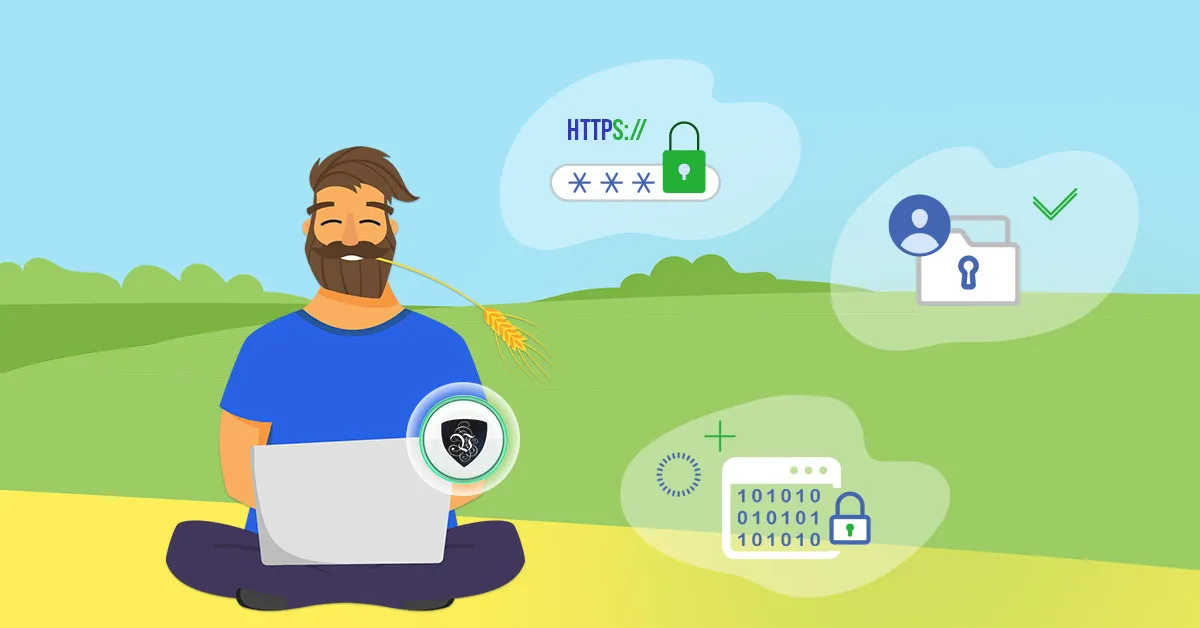
Freelancing Safely: What are the Security Issues with Working Remotely?
With a staggering number of people freelancing and working from home, the issues with this type of labor have become impossible to ignore. Remote work is no longer an experiment - it’s a permanent part of how the world does business - and that means the security issues with working remotely deserve the same serious attention as the work itself.
Even if your core business is sound, many issues plague freelancers and remote workers even worse than other small businesses. Your private data security is mixed in with your job, and the weakest link in either can harm both. A single compromised account can cost you a client, your reputation, and your own identity in one stroke.
Thankfully, there are ways to protect yourself, and a calm head that crosses all the t’s and dots all the i’s will be safe from most, if not all, harm. Generally, you need to do three things:
- Ensure infrastructural safety and redundancy
- Protect, encrypt, and classify your data
- Focus on trust in your clients and partners
The last point is probably the most important, as it has the biggest “human factor.” Especially for freelancers who promote their work personally to many strangers, some discretion is necessary.
You’ll want a premium VPN such as Le VPN to encrypt your connection and mask your IP address from possible intrusions, plus a professional brand - a business email and website - that lets people contact you without exposing your personal accounts, home address, or physical security.
Don't Be Afraid to Get Help
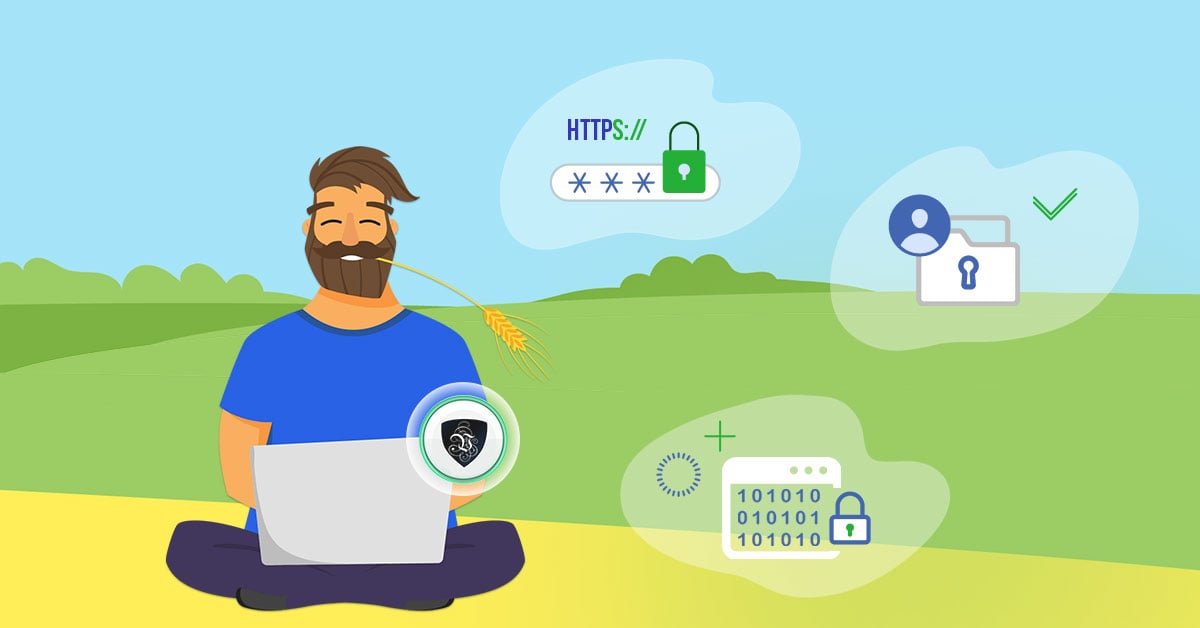
Freelancing is very different from a regular office job. Some things frowned upon in a cubicle are expected when you work alone, and vice versa. Aside from working in your pajamas, one office habit worth dropping is the idea that you shouldn’t ask for help.
In an office, the IT department handles security for you. As a freelancer, you are your own IT department - but that doesn’t mean you have to figure everything out alone. Help can be direct and personal if you know someone with the know-how, or it can mean combing Reddit, security blogs, and community forums for solutions. Setting up a separate business email address, a secured website, or a VoIP number for client calls takes some experience the first time.
The good news: most people are very willing to help, especially fellow freelancers and remote workers who have solved the same problems.
Main Security Issues with Working Remotely
There are lots of small annoyances when working from home, but three main problems. The biggest security issues with working remotely are your infrastructure, your devices, and the data itself.
There are ways to solve all of these, but there’s also the human factor to consider. To stay safe, remote workers need to practice practical security protocols on their personal phones and computers - the same devices that hold both their private life and their clients’ confidential material.
Cybersecurity
Paradoxically, this is both the most complex security issue for remote workers and the easiest one to solve. The cornerstones of good cybersecurity are a premium VPN, an updated operating system, strong unique passwords with two-factor authentication, and a good mix of antivirus and anti-spyware software.
It’s important that all of your devices are covered. The OS and protection software must be installed and updated on each device individually, and a single Le VPN account protects up to 10 devices simultaneously - laptop, phone, and tablet - with apps for Windows, macOS, iOS, and Android. Modern protocols like WireGuard keep the connection fast enough that you’ll forget it’s on, and if the tunnel ever drops, WireGuard blocks traffic automatically so nothing leaks in the clear.
The VPN matters most whenever you work outside your home: on café, coworking, hotel, or airport Wi-Fi, an encrypted tunnel is the difference between a private workday and broadcasting your client’s files to whoever controls the network. And don’t neglect your home router either - change its default password and keep its firmware updated, because every device in your household connects through it.
Information and Data Security
While a VPN’s encryption protects your traffic from outside threats, one of the biggest security issues when working remotely is disclosing your data yourself while off the clock - mixing client files with personal downloads, or reusing passwords across work and personal accounts.
This is where compartmentalization comes into focus: keep sensitive client files on encrypted external drives that stay disconnected except when in use. In many cases, the data you need to protect fits on a USB flash drive - just remember to unplug it after every session and encrypt it in case it’s lost.
Password-protect and limit access to shared files, and consider one dedicated, encrypted drive or folder per client. It’s a very cheap way to make each employer’s data as protected as humanly possible - and to demonstrate professionalism when a client asks how you handle their information. Regular backups, kept offline or in a trusted encrypted cloud, round out the picture: ransomware is far less scary when you have yesterday’s copy.
Physical Security and Infrastructure
Finally, there’s the question of your personal safety and the infrastructure your work depends on. Primarily, this means living and working somewhere you’re free to do your job, with multiple fallback options for devices and connectivity.
It’s best to have at least two ways online - for example cable internet plus phone tethering - and reliable electricity. This is one reason many remote workers have opted for smaller towns with solid infrastructure and low crime. Also mind physical basics: lock your screen when you step away in public places, use a privacy filter if you work in cafés, and never leave devices unattended.
Conclusion
There are many benefits to working online from wherever you choose. But there are also real security issues with working remotely that need to be understood and solved if you don’t want to land yourself - and your clients or employer - in hot water.
Thankfully, with a premium VPN provider such as Le VPN (servers in 100+ locations, 10 simultaneous connections, and a 30-day money-back guarantee on your first purchase), good infrastructure, and a bit of prudence, you can easily and cheaply secure your devices and your personal data - even without a huge office complex and a professional IT department behind you.
About the author

Guest Author
Vuk Mujović is the founder of MacTíre Consulting, an analyst, data management expert, and a long-term writer on all things business & tech. He authored blogs, articles, and opinion pieces aimed to help both companies and individuals achieve growth without compromising their security.
Articles by Vuk Mujović →
