Protect Yourself on the Go with a VPN for Portable Devices
Most of us now do the bulk of our browsing, banking, shopping, and messaging on a phone or tablet rather than a computer. Yet the security habits people built up on desktops - being careful about networks, thinking twice before entering passwords - often don’t carry over to mobile. That’s a problem, because your portable devices hold more sensitive data than any laptop ever did: payment cards, two-factor codes, private photos, location history, and logged-in sessions for practically every account you own. A VPN for portable devices closes one of the biggest gaps in mobile security: the network itself.
Why mobile devices need a VPN more than desktops do
A desktop computer usually sits behind one home router you control. Your phone, on the other hand, hops between dozens of networks every week - home Wi-Fi, office Wi-Fi, mobile data, and a long list of public hotspots in cafés, hotels, airports, and shopping centres. Every one of those public networks is an opportunity for someone else to watch your traffic.
The classic risks on open Wi-Fi are still very real:
- Traffic interception: on an unencrypted or poorly configured hotspot, other users on the same network can capture data your device sends.
- Rogue hotspots: an attacker sets up a network called "Airport_Free_WiFi" and your phone connects automatically. Everything you do then flows through their equipment.
- Snooping by the network operator: even a legitimate hotspot provider (or your mobile carrier) can log which sites and services you connect to.
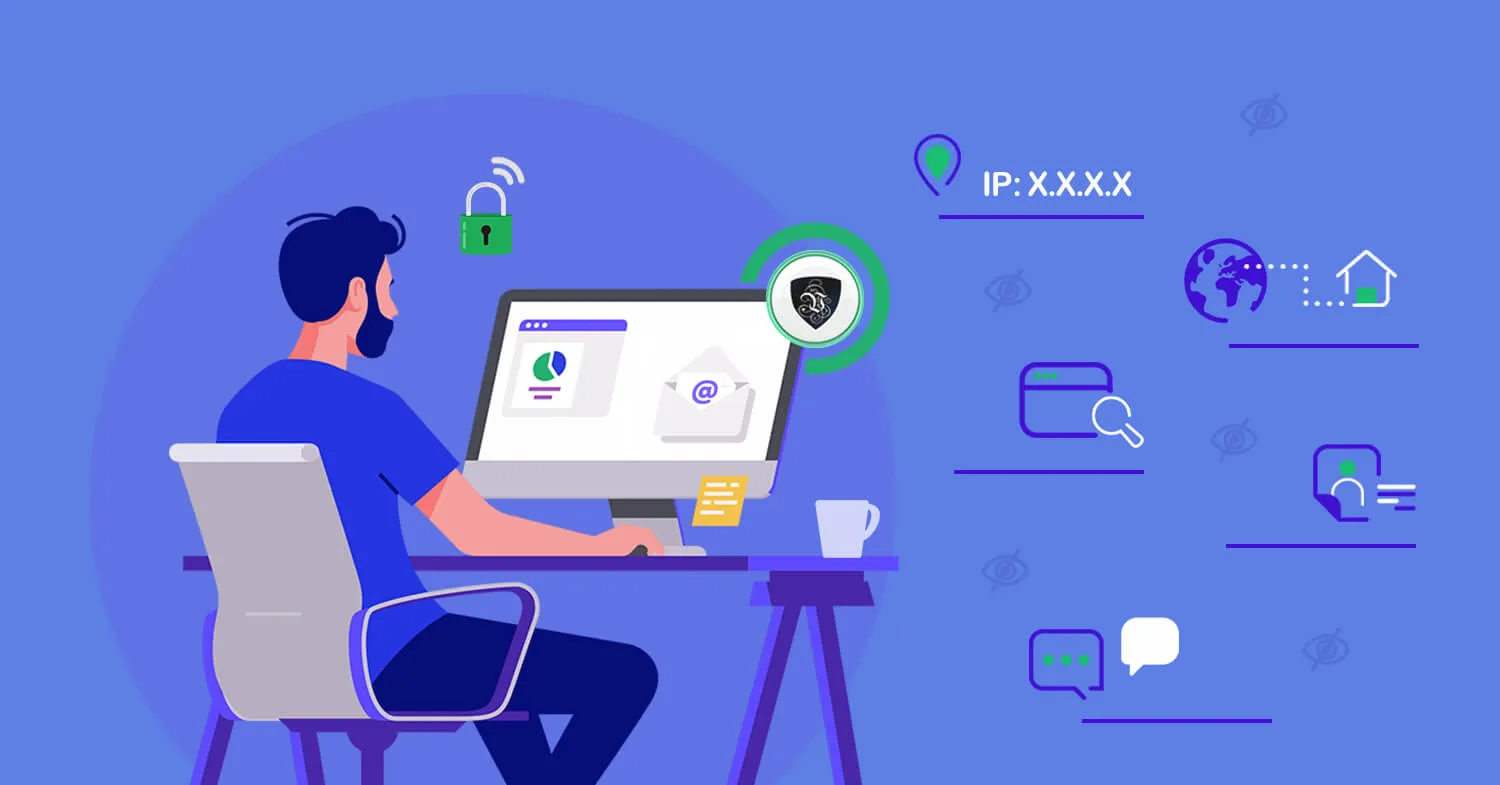
A VPN solves all three at once. When you connect through Le VPN, your device builds an encrypted tunnel to a VPN server before any of your traffic touches the local network. Whoever runs - or is lurking on - the hotspot sees only scrambled data heading to a single server. Your browsing, messages, and app traffic stay private.
What a good mobile VPN app should give you
The Le VPN apps for iOS and Android are built specifically for life on the go:
- Modern protocols: WireGuard for fast, battery-friendly connections, plus Stealth WireGuard - an obfuscated mode that disguises VPN traffic so you can connect even on networks and in countries that try to block VPNs. The iOS app also supports IPSec and IKEv2, while Android adds classic OpenVPN.
- Threat Protection: DNS-level blocking of malicious and phishing domains, so dangerous links are stopped before they load.
- Breach Detection: the apps can scan known data-leak databases and alert you by email if your address shows up in a breach.
- One-tap connection: pick a server from 100+ locations worldwide, tap Connect, and you're protected. You can favourite the servers you use most.
Because a single Le VPN account covers up to 10 simultaneous connections, you can protect your phone, tablet, and laptop at the same time - and still have room for a family member’s device.
Beyond security: use the internet as if you were home
Encryption is the core benefit, but a VPN on your portable device is also the simplest way to deal with geo-restrictions while travelling. Many websites and streaming services serve different content - or no content at all - depending on the country you’re connecting from. UK services like BBC iPlayer or Sky, for example, are only available to viewers with a British IP address.
With Le VPN you simply choose a server in the country whose content you want, and websites treat you as a local. Connect to a UK server to use British catch-up TV from abroad, or to a server back home to keep using your usual banking and shopping sites without triggering “unusual location” blocks. The same trick helps in countries that censor the internet: connect to a server in a free country and blocked social networks and news sites open normally. You can check what location websites currently see for you with Le VPN’s IP address test page.
Simple habits that go with your mobile VPN
A VPN does the heavy lifting, but pair it with a few basics for full on-the-go protection:
- Turn off auto-join for public Wi-Fi networks so your phone doesn't connect to hotspots without asking.
- Keep your operating system and apps updated - most mobile attacks target known, already-patched flaws.
- Use a screen lock and enable remote-wipe features in case the device is lost or stolen.
- Connect your VPN before logging into anything sensitive on a shared network, not after.
Stay protected wherever you go
Your phone goes everywhere with you - your protection should too. Sign up for Le VPN and you get encrypted connections on every device you own, servers in 100+ locations across the Americas, Europe, the Middle East, Asia-Pacific and Africa, and a 30-day money-back guarantee on your first purchase. Whether you’re in a coffee shop, an airport lounge, or a hotel on the other side of the world, your data stays yours.
About the author
Le VPN Blog Editor
Alan Summers has been writing and editing for the Le VPN blog for years, covering online privacy, cyber security, and the best ways to get the most out of a VPN. He keeps a close eye on the news that affects internet freedom around the world and turns it into practical advice for Le VPN readers.
Articles by Alan Summers →
