Personal VPN for Travel: Stay Safe on Every Trip
There is nothing more enticing for all kinds of criminals than a carefree tourist. That applies to cybercrime as much as to physical crime — and increasingly the two intersect, because everything a modern traveller carries of value passes through one small device: the phone.
Your phone holds your boarding passes, payment cards, banking apps, photos, messages and passwords. It connects, often automatically, to whatever Wi-Fi is nearest. A personal VPN for travel exists to make sure that none of this becomes someone else’s opportunity, and with a bit of common-sense precaution on top, you can stay safe wherever your trips take you.
The Travel Risks That Actually Matter
Free Wi-Fi everywhere — and rarely secure
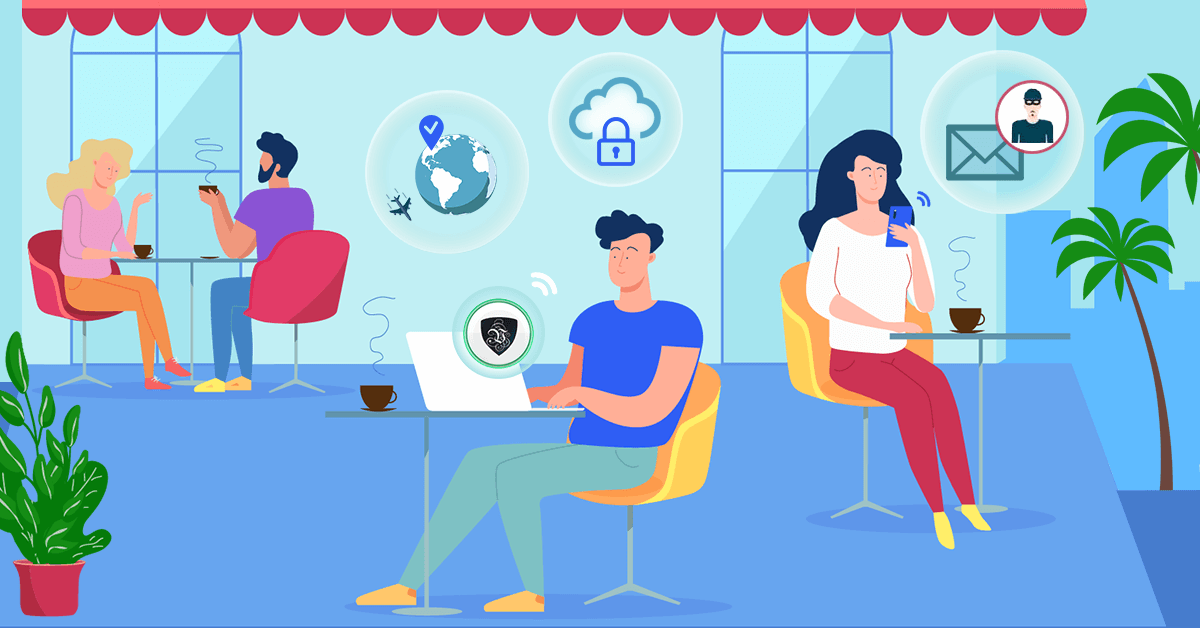
Tourist destinations are saturated with free hotspots: cafés, hotels, airports, buses, even public squares. Few venues secure these networks properly, and some hotspots are outright traps — fake access points named after the hotel or airline, set up specifically to harvest logins and card details from anyone who connects.
On any of these networks, unencrypted traffic can be read by whoever controls (or has compromised) the router. The defence is straightforward: a VPN encrypts everything leaving your device before it touches the hotspot, so even a hostile network learns nothing beyond the fact that you’re using a VPN.
Data-hungry networks and border-hopping surveillance
Different countries take very different attitudes to monitoring internet traffic, and as a traveller you inherit the local rules the moment you connect. Hotel networks log guests’ browsing; some national ISPs inspect and filter traffic wholesale. Keeping your connection encrypted keeps your browsing, messaging and work traffic your own business, whichever jurisdiction you wake up in.
Digital pickpocketing
Contactless payments brought a new twist on an old crime: skimming card data through close-range NFC readers in crowded places. It remains rarer than plain phone theft, but the precautions are cheap — enable payments only when paying, keep cards in an RFID-blocking wallet, and lock your phone behind biometrics and a strong passcode. If a device does go missing, having accounts protected by unique passwords and two-factor authentication turns a disaster into an inconvenience.
Geo-restrictions that follow you around
Not a security risk, but a daily annoyance: streaming services, banking portals and even ordinary websites behave differently — or refuse to work — once your IP address says you’re abroad. Some banks flag foreign logins as fraud; some services simply block foreign visitors.
A VPN fixes this elegantly. Connect to a Le VPN server in your home country and every site sees you browsing from home: your catch-up TV works, your bank stops panicking, your news sites load. With servers in 100+ locations across the Americas, Europe, the Middle East, Asia-Pacific and Africa (browse the full list), you can also appear local anywhere you like — and check what the internet sees at the IP test page.
What to Look For in a Travel VPN
- Apps for every device you pack. Le VPN covers Windows, macOS, iOS and Android, and one account allows up to 5 simultaneous connections — laptop, phone, tablet and a travel companion's devices, all at once.
- Modern, fast protocols. OpenVPN, WireGuard and IPSec/IKEv2 keep the connection quick enough that you'll forget it's on — important when hotel Wi-Fi is already slow.
- An answer for censored destinations. If your route includes countries that block VPNs and social media, Le VPN's Stealth WireGuard protocol disguises VPN traffic to get through deep packet inspection where ordinary VPN connections are cut.
- Built-in threat blocking. Le VPN's apps include DNS-based protection that blocks known malicious domains — a useful safety net when you're clicking on unfamiliar local websites, menus and QR codes.
Simple Travel Habits That Complete the Picture
The VPN handles the network layer; a few habits handle the rest. Turn off auto-join for Wi-Fi networks. Keep your OS and apps updated before you leave. Use unique passwords and two-factor authentication. Don’t overshare live location details publicly while you’re away. And treat any “urgent” email about your flight, booking or bank account with double suspicion — travellers are prime phishing targets precisely because they’re expecting such messages.
Conclusion
Travel should be the time you worry least, not most. Keep the Le VPN app enabled on all your devices and the connection layer of your trip — the part you genuinely can’t control from a hotel room — is taken care of, from snooping hotspots to geo-blocks to censored networks. Your common sense does the rest.
Get Le VPN before your next trip — setup takes minutes, and your first purchase is covered by a 30-day money-back guarantee.

