New Copyright Law May Change Illegal Streaming
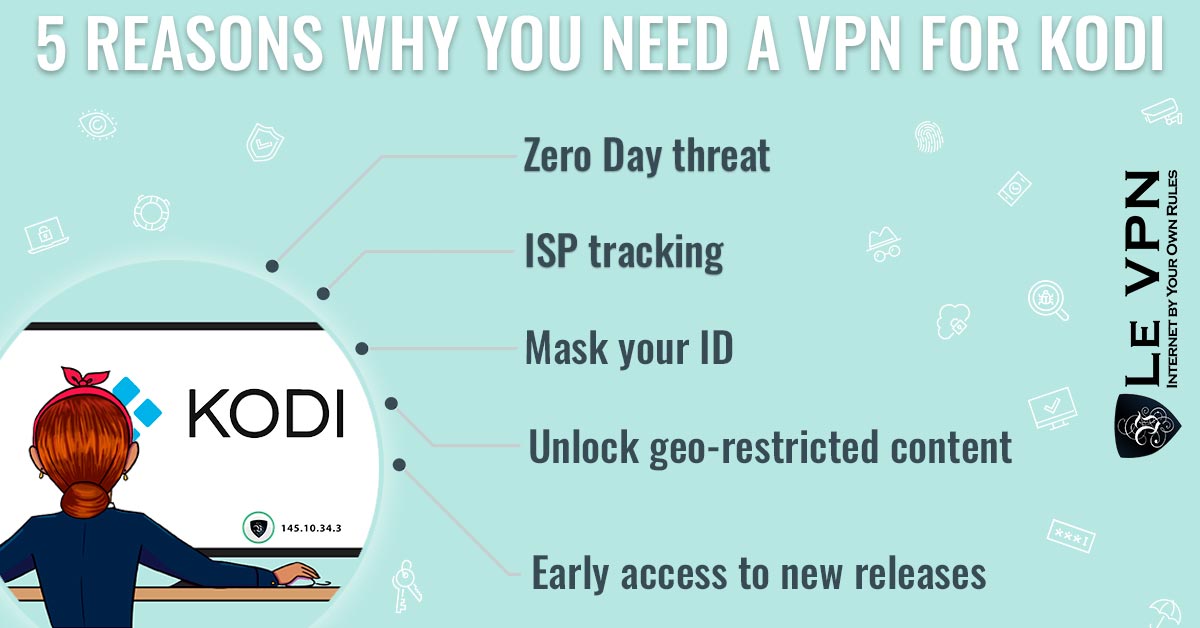
Millions of people use Kodi as their media center of choice. Kodi itself is completely legal - it’s open-source software for organizing and playing your own media and legitimate streaming add-ons. The legal gray zone comes from third-party add-ons that stream copyrighted content without permission: paid TV channels, new cinema releases, live sports. Those add-ons are why ISPs, governments, and copyright holders keep Kodi in their sights - and why the legal landscape around streaming has been tightening for years. Even if you only ever stream legal content, the crackdown affects you, which is why a VPN service is the best companion for Kodi.
How Copyright Law Changed the Streaming Landscape
The turning point came from the European Union. After years of debate in Brussels, the EU adopted a sweeping copyright reform - the Copyright Directive - that fundamentally changed who is responsible for infringing content online. Under the directive’s most controversial provision, platforms that host user-shared content are now directly liable for copyright infringement on their services. In practice, that means platforms must license content, use filtering technology to keep track of what users upload and stream, or face compensation claims and blocking.
The knock-on effects have spread well beyond Europe:
- Streaming sites and add-on repositories get shut down faster. Court-ordered domain blocking is now routine across the EU, the UK, and many other countries.
- ISPs actively block and monitor. Providers in many countries are required to block known piracy domains, and some monitor traffic patterns associated with illegal streaming.
- End users face more scrutiny. European court rulings have established that streaming pirated content - not just downloading it - can constitute infringement.
The era when illegal streaming lived in a comfortable legal vacuum is over. But the same enforcement wave also sweeps up legitimate users: overzealous domain blocks, ISP throttling of all streaming traffic, and geo-restrictions that lock legal content behind national borders.
What Is a VPN and Why Is It Best for Kodi?
A virtual private network routes your internet connection through an encrypted tunnel to a remote server, replacing your IP address with the server’s. For Kodi users, that solves several problems at once:
- Privacy. Your ISP can no longer see what you're streaming or which add-ons you use. Your traffic is encrypted end to end between your device and the VPN server.
- No throttling. Some ISPs slow down video streaming traffic across the board. Inside an encrypted tunnel, your streaming can't be singled out for the slow lane.
- Geo-unblocking for legal content. Many official add-ons - national broadcasters, catch-up TV services - only work inside their home country. Connect to a VPN server in that country and the content becomes reachable. If you're abroad and missing channels from home, pick a server in your home country from Le VPN's 100+ server locations and stream as if you never left.
- Protection on shared networks. If you run Kodi on a laptop or streaming box away from home, the VPN protects you on hotel and public WiFi too.
To be clear: a VPN is not a license to pirate. Streaming copyrighted content without permission remains illegal whether or not your IP address is hidden. What a VPN does is protect your privacy and restore access to the legal content you’re entitled to watch.
Make Use of Le VPN - The Best for Kodi
Le VPN is one of the safest ways to browse and stream anonymously, and it pairs naturally with Kodi:
- Servers in 100+ locations across the Americas, Europe, the Middle East, Asia-Pacific and Africa, so you can appear in whichever country your content calls home.
- Multiple protocols - OpenVPN, WireGuard, Stealth WireGuard, and IPSec/IKEv2 - balancing speed and security for smooth HD streaming.
- Up to 10 simultaneous connections, so the media center, your phone, and your laptop are all covered by one account.
- Apps for every Kodi platform - Windows, macOS, Android (including Android TV), and iOS - plus OpenVPN configuration files for routers, which protect devices that can't run VPN software themselves.
- No activity logs, so your streaming habits stay yours.
- A 30-day money-back guarantee on your first purchase.
Setup is simple: subscribe to Le VPN, install the app on the device running Kodi, connect to a server in the country of your choice, and verify your new IP on the IP test page before you start streaming.
Copyright enforcement will only get stricter, and the collateral damage to ordinary streamers will grow with it. With Le VPN, your Kodi setup stays private, fast, and connected to the content you have every right to watch.
About the author
Le VPN Blog Contributor
Shalini Nagaonkar is a longtime contributor to the Le VPN blog, writing on cyber security, digital privacy, and how to stay safe online. Her articles cover everything from practical VPN use cases to the latest developments in online security.
Articles by Shalini Nagaonkar →
