How to avoid botnet attacks?
You have probably heard the word “botnet” in news reports about massive cyberattacks. But what exactly is a botnet, why is it dangerous for ordinary users, and - most importantly - how do you keep your own devices from becoming part of one?
What Is a Botnet?
A botnet is a network of internet-connected devices that have been infected with malware and placed under the remote control of an attacker. Each infected machine becomes a “bot” (or “zombie”): it keeps working normally for its owner, while quietly following commands from the botnet operator in the background.
Any connected device can be recruited. PCs and smartphones are the classic targets, but today’s botnets are built largely from the Internet of Things: home routers, IP cameras, smart TVs, printers, baby monitors, connected appliances - anything with a processor and a network connection, especially if it still uses a factory-default password. With tens of billions of connected devices now online, and many of them poorly secured, attackers have never had more raw material.
The dangerous part is scale. One hijacked webcam is harmless; a million of them acting in unison is real infrastructure, and cybercriminals rent that infrastructure out to each other like a cloud service.
What Are Botnets Used For?
DDoS attacks
The best-known use is the Distributed Denial of Service attack: thousands or millions of bots flood a target server with junk requests until it can no longer respond to real users. The technique is old but remains devastatingly effective - the 2016 Mirai botnet attack, built almost entirely from infected cameras and routers, knocked major services like Twitter, Amazon and PayPal offline for hours, and DDoS-for-hire services powered by botnets are still a thriving criminal business today.
Spam and phishing campaigns
Most spam is sent through botnets. Distributing the sending across millions of residential IP addresses helps criminals slip past spam filters and blocklists. Worse, when your device is infected, your own email account and contact list can be harvested - your friends then receive convincing phishing messages that appear to come from you.
Data and credential theft
Bot malware rarely limits itself to relaying commands. Many strains include keyloggers and banking trojans that capture passwords, payment card details and personal data, or inject fake pages into your browser to phish your banking credentials directly.
Cryptomining and further spreading
Botnets also mine cryptocurrency on your hardware (you pay the electricity bill), and constantly scan the internet for new vulnerable devices to infect, growing the network automatically.
How to Protect Your Devices From Botnets
The good news: joining a botnet is almost always avoidable. A handful of habits close the doors that bot malware walks through.
- Change every default password. Routers, webcams, printers and smart-home gadgets ship with well-known default credentials, and botnets try those first. Set a unique, strong password on each device - the router above all.
- Install updates promptly. Firmware updates for your router and IoT devices, plus security updates for your operating system and apps, patch exactly the vulnerabilities botnets exploit. Turn on automatic updates wherever possible.
- Be careful with downloads. Malicious files spread through pirated software, cracked games and torrent trackers. If you must download from an untrusted source, scan everything with a reputable antivirus first.
- Run real security software. A good antivirus/anti-malware suite will catch most bot infections early, and will alert you to suspicious background activity - unexplained traffic, overheating, a device that is busy when it should be idle.
- Watch for the symptoms. A sluggish device, a spiking data bill, or contacts complaining about strange emails from you are all classic signs of infection. Investigate rather than ignore.
- Use a VPN. A VPN encrypts your internet connection end to end, which protects you from the man-in-the-middle attacks and traffic snooping that often deliver malware in the first place - especially on public Wi-Fi at airports, hotels and cafés. It also hides your real IP address, making your home connection a much harder target to probe.
Where Le VPN Fits In
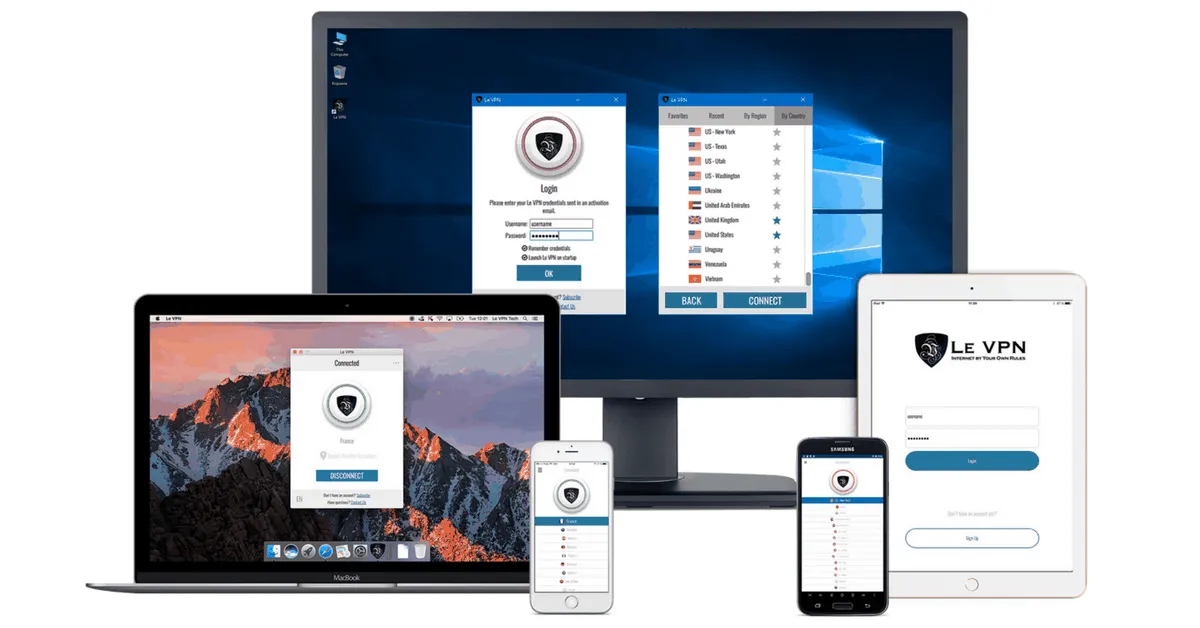
Le VPN encrypts your traffic with strong, modern protocols - OpenVPN, WireGuard, Stealth WireGuard and IPSec/IKEv2 - through servers in 100+ locations worldwide. The apps for Windows, macOS, iOS and Android also include DNS-based threat protection that blocks known malicious domains, an extra tripwire between your devices and the servers that botnets report to. One account covers up to 10 simultaneous connections, so your whole household’s devices can be protected at once.
No single tool makes you immune, but combined with updated firmware, strong passwords and a little download hygiene, a VPN removes most of the easy paths an attacker has onto your network. Get Le VPN and close the door on the zombies - your first purchase is covered by a 30-day money-back guarantee.
About the author
Le VPN Blog Contributor
Julie Perrin writes for the Le VPN blog on online privacy, security, and the practical side of using a VPN day to day. Her articles help readers make sense of digital security topics and get the most out of their VPN connection.
Articles by Julie Perrin →