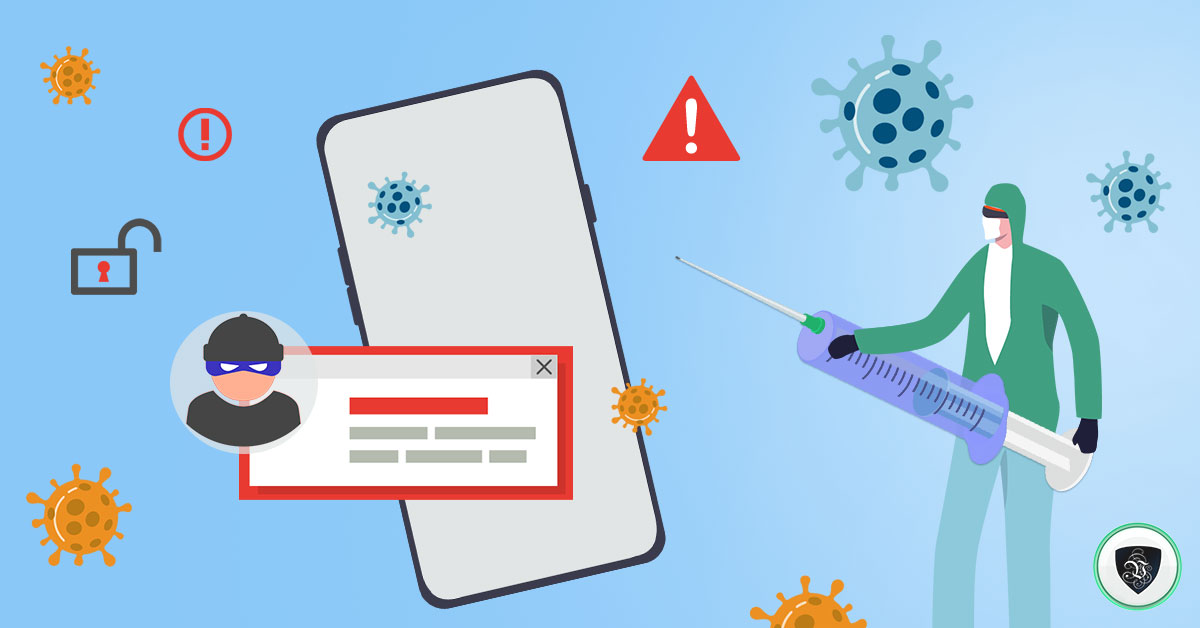
VPN for Phones: Vaccinate Your Smartphone Against Digital Threats
Your phone knows more about you than any other device you own. It carries your banking apps, your private messages, your photos, your location history, and the keys to most of your online accounts - and it connects to dozens of networks you don’t control every single week. In other words, your smartphone needs a vaccination of its own: layered protection that keeps digital infections from taking hold. A VPN for phones is the core of that protection.
Digital immunization works on a familiar principle. You can’t make your device untouchable, but you can make sure that when threats arrive - and online, they always do - the consequences are reduced to almost nothing. Most attacks you’ll never even notice, because your defenses deal with them automatically.
The four-step vaccination plan for your phone
- Keep your software up to date. Operating system and app updates patch the security holes attackers actually use. Turn on automatic updates and don't postpone them.
- Always connect through a VPN. A VPN encrypts everything your phone sends and receives, so snoopers on the network see only scrambled data, and websites see the VPN server's IP address instead of yours.
- Don't overshare on social media. Your location, routines, and personal details are raw material for scams, stalking, and account takeover. Strip identifying information from your public profiles.
- Use strong, unique passwords with two-factor authentication. A password manager plus 2FA means one leaked password can't unlock your whole life.
Why phones need a VPN more than desktops do
Your desktop mostly sits on one trusted home network. Your phone hops between home Wi-Fi, office networks, café hotspots, airport Wi-Fi, and hotel connections - and public Wi-Fi is exactly where attackers set up shop. Fake hotspots with legitimate-sounding names, man-in-the-middle attacks, and traffic snooping all prey on mobile users who connect without thinking.
With a VPN app running, none of that matters much: even on a hostile network, your traffic travels through an encrypted tunnel that intercepted data can’t be read from. Modern protocols like WireGuard are so lightweight that the VPN runs happily on mid-range phones without draining your battery or slowing you down. And because WireGuard blocks traffic automatically if the tunnel drops, a momentary disconnection never silently exposes your real IP.
Le VPN’s mobile apps for iOS and Android add extra layers on top of encryption: DNS-based Threat Protection that blocks known malicious domains before they load, and Breach Detection that warns you if your email address turns up in leaked credential databases. One subscription covers up to 10 simultaneous connections, so your phone, tablet, and computer share the same account.
Reduce your exposure, not just your risk
Even the best protection works better when there’s less to protect against. Two habits go a long way:
- Be ruthless with links. The most dangerous part of the internet isn't some dark-web forum - it's mainstream social media, where scam links and malicious ads reach billions. Never tap links from people you don't trust, and be suspicious of urgency ("your account will be closed today").
- Back up ruthlessly too. Keep a current backup of your phone (cloud backup is fine for everyday data), and store truly critical files - banking records, work documents, ID scans - somewhere that isn't permanently connected. If the worst happens, you can wipe the device and restore a clean system in under an hour.
Redundancy is the key to mobile security
The worst security mistake is believing any single tool makes you safe. Phones ship with decent built-in defenses - sandboxed apps, permission systems, encrypted storage - but no single layer is perfect. That’s why security professionals think in layers:
- The VPN hides your IP and encrypts your connection.
- DNS-level threat blocking stops many malicious sites from ever loading.
- App-store discipline (install only from official stores, check permissions) keeps malware off the device.
- Updates close the holes that remain.
When one layer fails, the next one catches the problem. You can check what the internet currently sees about your connection using Le VPN’s IP address test page - with the VPN on, your real location should be nowhere in sight.
Conclusion
We lock our doors, we vaccinate against diseases - but many of us still walk around with a phone that broadcasts an unprotected connection to every network it meets. The fix is cheap and takes minutes: install a VPN for phones, keep everything updated, and stay skeptical of strangers bearing links.
With a premium provider like Le VPN, you get servers in 100+ locations, modern protocols including WireGuard and Stealth WireGuard, and a 30-day money-back guarantee on your first purchase. Protect your phone today - then surf, bank, and work freely.
About the author

Guest Author
Vuk Mujović is the founder of MacTíre Consulting, an analyst, data management expert, and a long-term writer on all things business & tech. He authored blogs, articles, and opinion pieces aimed to help both companies and individuals achieve growth without compromising their security.
Articles by Vuk Mujović →
