Version 3.0.0 is the biggest Windows release in years. The tunnel, the updater and the installer were all rebuilt, and the app is now signed with our own certificate:
Automatic updates
The app now checks for new versions once a day and offers to install them for you. You can also check any time from "Check for Updates..." in the tray menu. Every update is cryptographically signed, and the app refuses anything that isn't. This is the last time you'll need to download an installer by hand.
A new tunnel engine
With Stealth Connection turned off, Le VPN now runs on WireGuard's own WireGuardNT driver - the same signed kernel driver the official WireGuard app uses. Connections come up in under a second and your network adapter keeps a stable identity, so Windows stops treating every server switch as a brand-new network.
Plays nicely with OpenVPN
If you also use OpenVPN, connecting Le VPN used to remove its network adapter. On the new engine it doesn't: your OpenVPN adapters stay exactly where they are. This affects connections with Stealth Connection off.
Stronger DNS privacy
Your DNS lookups now always travel through the tunnel to our own private resolvers, never to your internet provider or the network you're on. And if a connection can't put them there, it stops rather than going ahead without that protection.
Updated Stealth Connection
The obfuscation engine behind Stealth Connection was rebuilt from current sources, bringing a year of improvements to how connections are kept alive and how traffic is disguised on restricted networks.
Hardened background service
Your connection keys no longer pass through the Windows service command line, where any local user could read them - they travel over a private channel only the system can open. The app also verifies who owns that channel before trusting it, so no other program can pose as Le VPN's service.
Signed installer and app
The installer and every file it lays down are now Authenticode-signed and timestamped. Windows names the publisher instead of warning you about an unknown one.
A much better installer
Installs that appeared to finish but left the app unable to start are fixed: the required Microsoft runtime is now always installed rather than guessed at. The installer also offers to remove a Le VPN 1.x install for you, uninstalling goes straight to the point from Windows Settings, and it tells you what went wrong instead of closing silently.
Errors you can actually see
A failed connection used to sit on "connecting" forever. Now the reason appears on the main page - no answer from the server, the background service isn't running, the tunnel stopped - so you know whether to retry or pick another server.
No more crash on shutdown
The background service crashed every time it stopped, filling the Windows event log with errors. It now shuts down cleanly.
Redesigned to match the Mac app
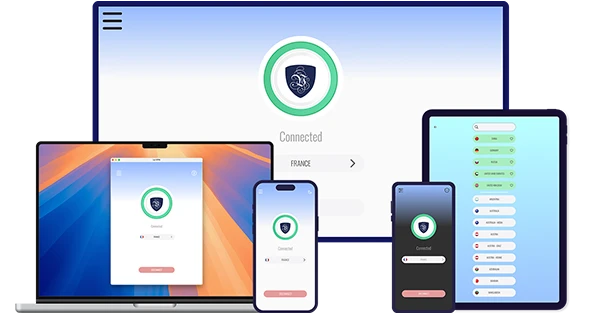
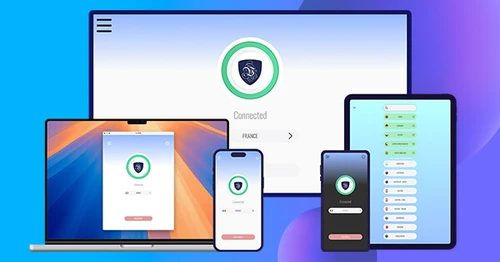
A frameless window with its own controls, a reworked main page and a dark theme, all following the Le VPN app for macOS.
Update today - and from here on, the app will keep itself current.