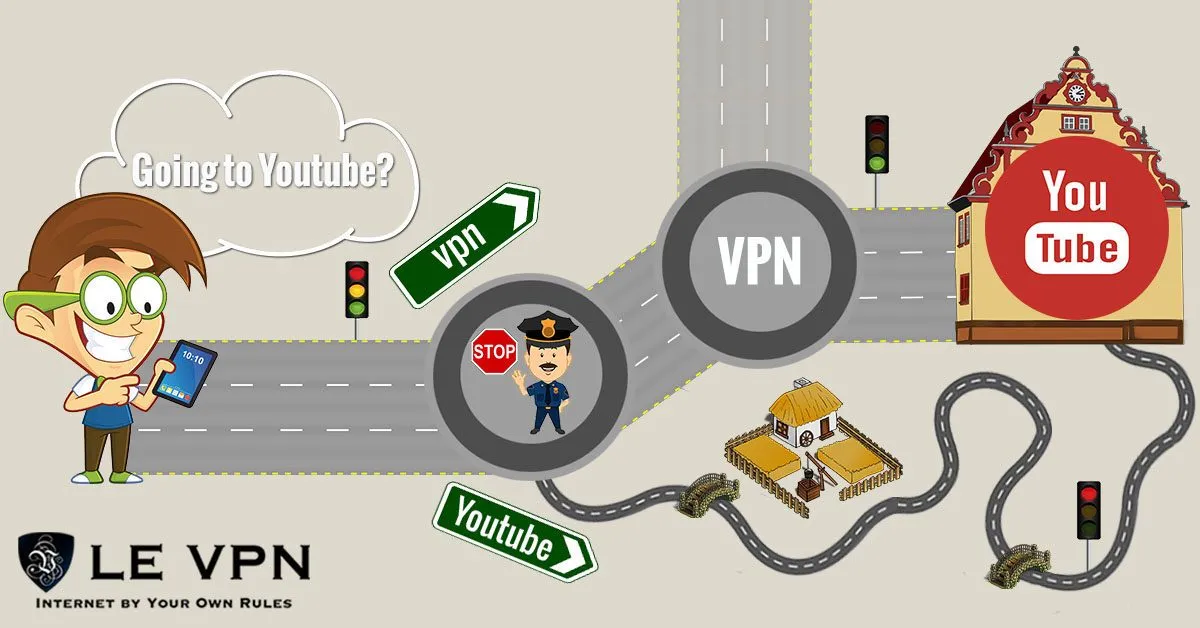
Unblock YouTube Anywhere in the World
For billions of people, YouTube is the default way to watch almost anything: music, tutorials, news, film trailers, full documentaries, live streams. Hundreds of hours of video are uploaded every minute, and as long as you have a decent internet connection, the world’s video library should be at your fingertips.
Should be - because in practice, YouTube is one of the most frequently blocked and restricted sites on the internet. Depending on where you are, you may run into three very different kinds of walls. The good news is that a VPN gets you past all of them. Here’s how.
The Three Ways YouTube Gets Blocked
1. Country-level censorship
Several governments block YouTube outright or throttle it into uselessness, either permanently or during politically sensitive periods. If you live in or travel to a country that censors the platform, the site simply won’t load - no video, no search, nothing. Travellers are often caught off guard: the app that worked at the airport at home shows an endless spinner at the hotel abroad.
2. Geo-restricted videos
Even where YouTube itself is freely available, individual videos often aren’t. Rights holders - record labels, broadcasters, sports leagues - restrict their uploads to specific countries. That’s the familiar “This video is not available in your country” message. The video exists; you’re just standing on the wrong side of a licensing border.
3. Local network blocks
Schools, universities, offices and some public Wi-Fi networks block YouTube to save bandwidth or enforce policy. The block lives in the local network’s filter, not in YouTube.
How a VPN Unblocks YouTube
All three blocks share one mechanism: somebody looks at your connection - your IP address or your traffic - and decides what you may see. A VPN changes both halves of that equation.
When you connect to a Le VPN server, two things happen:
- Your IP address changes. Websites see the VPN server's address, not yours. Connect to a UK server and YouTube treats you as a viewer in the United Kingdom; connect to a US, French, Japanese or Brazilian server and your virtual location follows. With servers in 100+ locations across the Americas, Europe, the Middle East, Asia-Pacific and Africa, you can appear almost anywhere a video is licensed. Browse the full list on the servers page.
- Your traffic is encrypted. The network you're on - a censoring ISP, a school firewall, a hotel router - can no longer see that you're visiting YouTube at all, so its filters have nothing to match against.
For heavily censored networks that try to detect and block VPN connections themselves, Le VPN offers Stealth WireGuard, an obfuscated protocol designed to slip past deep packet inspection in restrictive countries. Where an ordinary VPN connection gets cut, Stealth WireGuard usually still connects.
Unblocking YouTube Step by Step
- Sign up for Le VPN and install the app on your device - Windows, macOS, iOS or Android are all covered, and one account protects up to 10 devices simultaneously.
- Open the app and pick a server. To watch a video restricted to a particular country, choose a server in that country. To simply get around a local or national block, any server in a free-internet country will do.
- Connect, then reload YouTube. You can confirm your new virtual location first at the IP address test page.
- If a specific video still refuses to play, try another server in the same country and reload - caches and regional CDN quirks occasionally need a second attempt.
A practical tip: log out of your Google account or use a private browsing window if YouTube keeps showing your old region, since account settings can override IP-based location for things like trending pages and recommendations.
More Than Just YouTube
The same connection that unblocks YouTube also protects everything else you do online. Your browsing on public Wi-Fi is encrypted against snooping, your real location stays private, and other geo-restricted services - your home country’s TV catch-up sites, news portals, radio streams - open up in exactly the same way.
So the next time a trailer, concert video or news clip greets you with “not available in your country,” don’t take the internet’s word for it. Sign up for Le VPN, pick the right country, and press play - with a 30-day money-back guarantee on your first purchase, you can try it completely risk-free.
About the author
Le VPN Blog Contributor
Julie Perrin writes for the Le VPN blog on online privacy, security, and the practical side of using a VPN day to day. Her articles help readers make sense of digital security topics and get the most out of their VPN connection.
Articles by Julie Perrin →
