Unblock Any YouTube Video With Le VPN
YouTube is the closest thing the internet has to a universal library - billions of users, and more video uploaded every hour than you could watch in a lifetime. Which makes it all the more jarring when you hit the wall: “This video is not available in your country.” Or worse, when YouTube itself refuses to load at all because of the network or country you’re connecting from.
Every one of those blocks works the same way - by reading your IP address. And that means every one of them has the same solution.
The three ways YouTube videos get blocked
1. Geo-restrictions by the uploader. Music videos, film trailers, sports highlights and TV clips are often licensed for specific countries only, so the rights holder restricts playback to those territories. The video exists; it just won't play for your location.
2. National censorship. Some governments block YouTube entirely or force the removal of specific content within their borders. China has blocked YouTube for years, and other countries have imposed temporary or permanent blocks during political events.
3. Local network filters. Schools, universities, offices and some public Wi-Fi networks block YouTube to save bandwidth or enforce policy - a crude filter standing between you and a perfectly legitimate video.
In all three cases, the decision is made by looking at where your connection comes from or what network it passes through. Change that, and the wall disappears.
How Le VPN unblocks YouTube
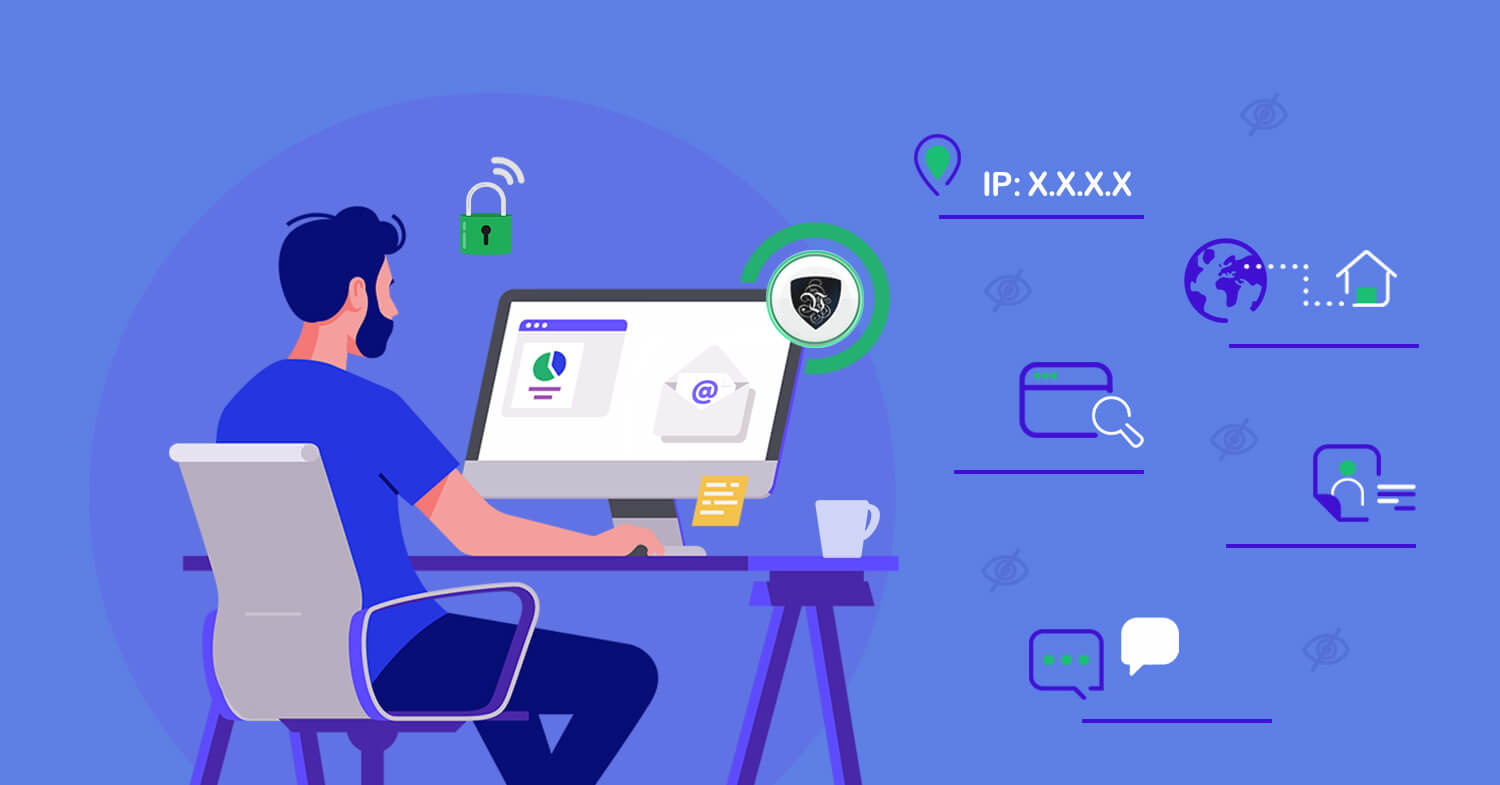
Le VPN routes your traffic through an encrypted tunnel to a server in a country you choose. Two things happen at once: websites see the server’s IP address instead of yours, and the network you’re on sees only encrypted data - it can’t even tell you’re watching YouTube.
- Sign up - your first purchase carries a 30-day money-back guarantee.
- Install the app on any of your devices - Windows, macOS, iOS, Android - with up to 5 connected simultaneously.
- Pick the right server. For a video restricted to a specific country, connect to a server there: a US server for US-only content, a UK server for British clips, and so on across 100+ locations. For network filters at school or work, any server will do - the filter can't block what it can't see.
- Reload the video. You can confirm your new virtual location first on the IP address test page.
If you’re in a country that goes further and blocks VPN connections themselves - China, Iran, Russia and similar - switch to Le VPN’s Stealth WireGuard protocol. It disguises your VPN traffic to slip past deep packet inspection, getting you connected on networks where standard protocols are shut out.
Smooth playback, private viewing
For HD and 4K video, choose the WireGuard protocol in the app - the fastest of Le VPN’s options and easily quick enough for the highest YouTube quality settings. And because your entire connection is encrypted, unblocking comes bundled with privacy: your internet provider can’t log which videos you watch, public Wi-Fi snoopers get nothing but scrambled data, and the sites you visit never learn your real location.
That combination matters beyond YouTube, too. The same connection that frees a blocked music video also protects your passwords in an airport lounge and keeps your browsing history your own business.
Press play on everything
The world’s biggest video platform shouldn’t come with regional small print. Get Le VPN, pick a server, and unblock any YouTube video - wherever you are, on whatever network you’re stuck with.
About the author
Le VPN Blog Editor
Alan Summers has been writing and editing for the Le VPN blog for years, covering online privacy, cyber security, and the best ways to get the most out of a VPN. He keeps a close eye on the news that affects internet freedom around the world and turns it into practical advice for Le VPN readers.
Articles by Alan Summers →
