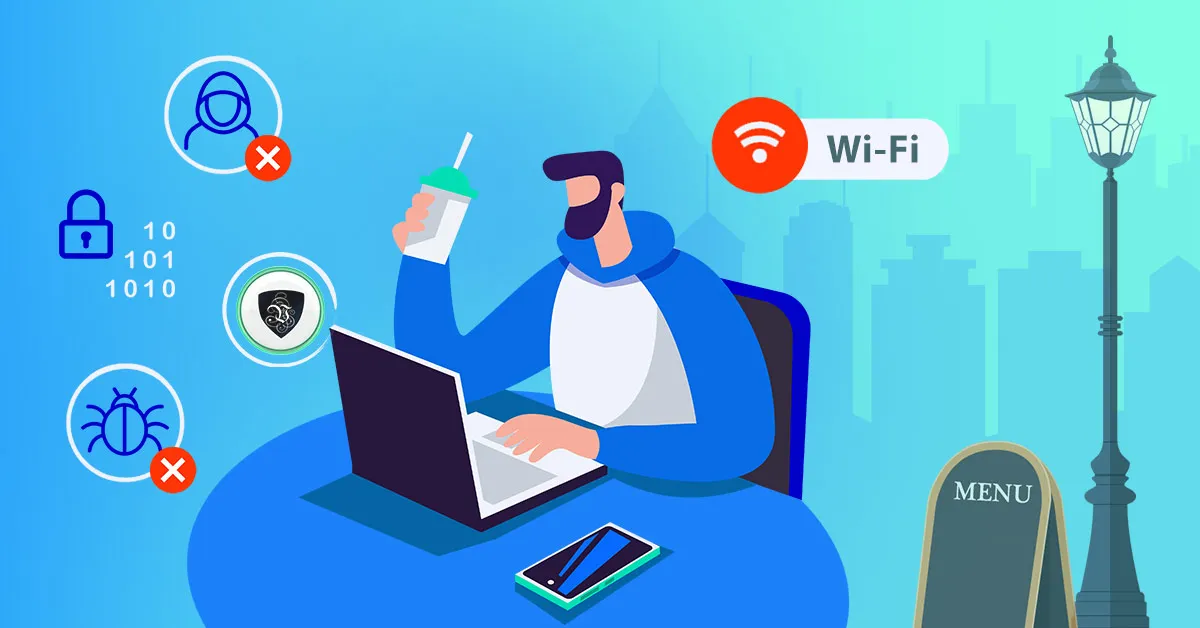
How To Stay Safe When Using Public Wifi
How can you stay safe when using public WiFi? Millions of people use public WiFi zones every day - at coffee shops, airport lounges, libraries, hotels, and on trains. WiFi zones are everywhere, and they’re a genuinely great service: convenient internet access, usually free, for anyone with a connected device. But what most people don’t realise is how unsafe these networks can really be. Here’s what actually goes wrong on public WiFi, and the practical steps that keep you protected.
Why Public WiFi Is Risky
The problem with public WiFi zones is that they are open to absolutely everyone - and “everyone” includes people with bad intentions. Several well-known attacks thrive on open networks:
- Traffic interception. On a network with weak or no encryption, anyone nearby with freely available software can capture the data flowing between your device and the router. Emails, messages, and any credentials sent over unencrypted connections are readable in plain text.
- Evil twin hotspots. An attacker sets up a fake access point named "Hotel_Guest_WiFi" or "Free_Airport_WiFi". Connect to it, and every byte you send passes through their laptop first. There is no reliable way to tell a fake hotspot from a real one by looking at it.
- Man-in-the-middle attacks. Even on the legitimate network, an attacker can position themselves between you and the sites you visit, downgrading or spoofing connections to capture logins and session cookies.
- Device probing. An open network lets strangers reach your device directly and probe it for open ports, unpatched services, and shared folders.
Most sites now use HTTPS, which helps - but it doesn’t hide which sites you visit, doesn’t protect apps that connect insecurely in the background, and doesn’t help at all if you’re on an attacker’s hotspot that can manipulate your connection before it’s established.
Avoiding Public WiFi Isn't Realistic
It would be easy to say “just don’t use public WiFi”, but for many people that isn’t possible. If you’re a regular traveller, for work or leisure, you often have no alternative. Backpackers have to use hostel WiFi to check online banking or contact family back home. Business travellers rely on hotel and airport connections to work remotely. Digital nomads live on cafe WiFi. The realistic goal isn’t avoidance - it’s protection.
Practical Steps to Protect Yourself
1. Turn Off Sharing
At home you may share printer access, media streaming, and files with other computers in the house. On a public network, those same sharing services can be visible to strangers. Before connecting to public WiFi, disable file and printer sharing, and mark the network as “public” in your operating system, which tightens these settings automatically.
2. Keep Your Firewall On
Firewalls can feel like a nuisance when they block a new setup at home, but on a public network they’re your first line of defence, silently rejecting the connection attempts and probes that open networks invite. Make sure yours is enabled - on Windows and macOS it takes seconds to check.
3. Keep Software Updated and Use Two-Factor Authentication
Many WiFi attacks succeed by exploiting known, already-patched vulnerabilities. Keep your operating system, browser, and apps up to date. And enable two-factor authentication on important accounts, so that even a stolen password isn’t enough to break in.
4. Watch What You Connect To
Prefer networks with a password over completely open ones, confirm the exact network name with staff when you can, and tell your device to “forget” public networks after use so it doesn’t reconnect automatically to anything with the same name later.
The Best Protection: A VPN
All of the steps above reduce your exposure, but only one tool makes the network itself irrelevant: a VPN. By signing up to Le VPN, you create a secure, encrypted tunnel direct to the internet wherever you connect from, on any device. Everything you send and receive is encrypted before it leaves your device - so even if you’re on a compromised network, or an attacker’s fake hotspot, all they can capture is unreadable scrambled data. A VPN masks your online presence, letting you browse safely, free from anyone snooping on you.
Le VPN gives you:
- Strong encryption over modern protocols - OpenVPN, WireGuard, Stealth WireGuard, and IPSec/IKEv2.
- Apps for every device you'd use on public WiFi: Windows, macOS, iOS, and Android, with up to 10 simultaneous connections per account.
- Servers in 100+ locations worldwide - see the full server list - so there's always a fast server nearby, and you can also reach your home-country services while travelling.
- A 30-day money-back guarantee on your first purchase.
Make connecting to the VPN as automatic as connecting to the WiFi itself: open the app, tap connect, then go about your business. You can verify your connection is masked at any time with the IP address test page. Public WiFi is too useful to give up - so use it on your own terms, with your traffic locked away from prying eyes.
About the author
Le VPN Blog Editor
Alan Summers has been writing and editing for the Le VPN blog for years, covering online privacy, cyber security, and the best ways to get the most out of a VPN. He keeps a close eye on the news that affects internet freedom around the world and turns it into practical advice for Le VPN readers.
Articles by Alan Summers →
