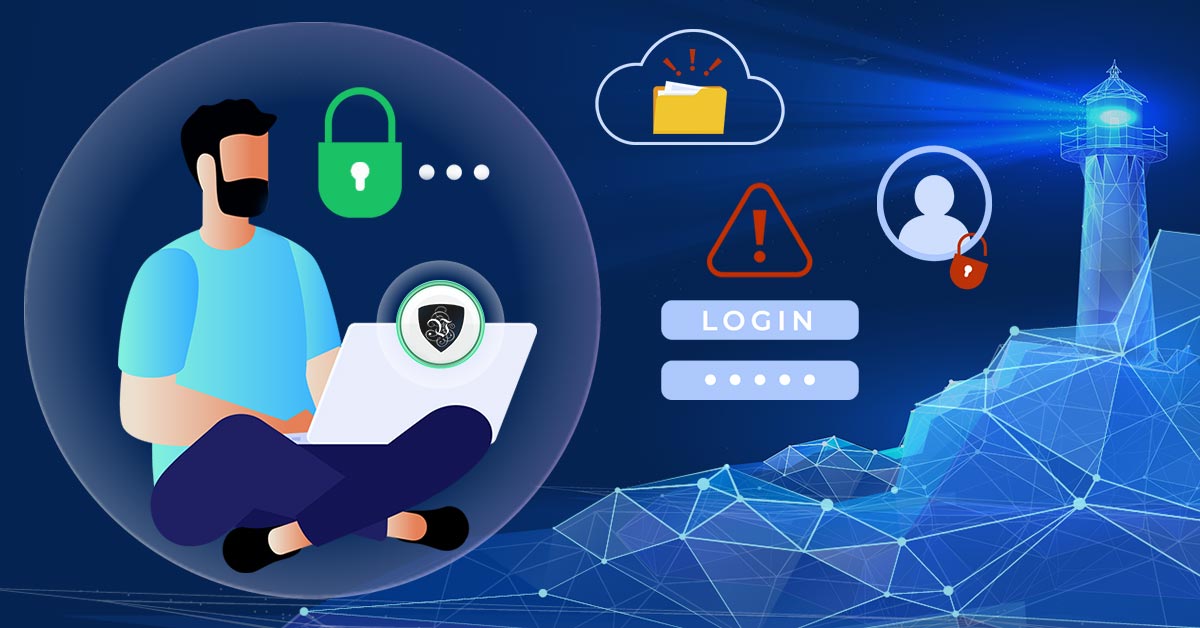
Navigating the Online World: Tips for Protecting Your Privacy in a Digital Age
The internet has revolutionized the way we live, work, and communicate. We can now access an endless stream of information, connect with people from all over the world, and conduct our daily tasks with just a few clicks. However, as our online presence continues to grow, so do the risks to our privacy and security.
Online privacy has become a top concern for individuals and businesses alike. Cybercriminals are constantly devising new ways to steal sensitive information, and governments are increasingly monitoring online activity. In this article, we’ll discuss tips for protecting your online privacy and digital security in the digital age.
Tip 1: Use a VPN
One of the most effective ways to protect your online privacy is by using a Virtual Private Network (VPN). A VPN encrypts your internet connection and routes it through a secure server, protecting your data from prying eyes. Once the tunnel is up, your internet provider cannot see which sites you visit, websites cannot see your real IP address or location, and anyone snooping on your network sees only scrambled data.With Le VPN, you can choose from over 100 server locations across the Americas, Europe, the Middle East, Asia-Pacific, and Africa, and connect using modern protocols such as WireGuard, OpenVPN, and IPSec/IKEv2. One account covers up to 10 simultaneous connections, so your whole household can be protected at once, and a 30-day money-back guarantee on your first purchase lets you try the service risk-free. You can confirm the VPN is working at any time by visiting the test your IP address page - if it shows the server’s location instead of yours, you are protected.
Tip 2: Be Careful What You Share
It's important to be cautious about what information you share online. Social media platforms, in particular, can be a treasure trove of personal information that cybercriminals can use to steal your identity. Make sure to review your privacy settings regularly and only share information with trusted sources.Tip 3: Use Strong Passwords
Using strong, unique passwords for each of your online accounts is critical to protecting your digital security. Avoid using easily guessable passwords such as “password123” or your birthdate. Instead, use a combination of uppercase and lowercase letters, numbers, and special characters.
Tip 4: Keep Your Software Up-to-Date
Keeping your software up-to-date is an important step in protecting your digital security. Software updates often include security patches that address known vulnerabilities, making it harder for cybercriminals to exploit them. Set your software to update automatically if possible.Tip 5: Use Two-Factor Authentication
Two-factor authentication adds an extra layer of security to your online accounts. With two-factor authentication, you'll need to provide a second piece of information, such as a code sent to your phone or an app, in addition to your password to log in to your account.Tip 6: Be Careful When Using Public Wi-Fi
Public Wi-Fi can be convenient, but it's also a security risk. Hackers can easily intercept data sent over public Wi-Fi networks, potentially stealing your personal information. If you must use public Wi-Fi, use a VPN to encrypt your connection. Make it a habit: connect to the VPN before you open your email, banking app, or anything else that requires a login, not after.Tip 7: Watch Out for Phishing
Most successful attacks on ordinary people do not involve sophisticated hacking at all - they start with a convincing email or text message. Phishing messages impersonate banks, delivery companies, and popular services to trick you into typing your password or card details into a fake page. Treat unexpected links with suspicion, check the sender's address carefully, and when in doubt, go to the service directly by typing its address yourself instead of clicking the link. If a message pressures you to act urgently, that urgency is usually the scam itself.Tip 8: Limit the Data You Leave Behind
Every account you create and every app you install is another place your personal data lives. Periodically audit your digital footprint: delete accounts you no longer use, revoke permissions apps do not need (does that game really need your location?), and clear out old cloud files containing sensitive documents. The less data about you that exists out there, the less can be leaked, sold, or stolen - no matter what happens to the services you once signed up for.In conclusion, protecting your online privacy and digital security is more important than ever in the digital age. None of these tips requires technical expertise - they are habits, and like any habits, they get easier with repetition. By following these tips, you can help safeguard your personal information and stay safe online. Remember, using a VPN like Le VPN can be a powerful tool in your cybersecurity arsenal. Stay vigilant and stay safe online!
About the author
Le VPN Blog Editor
Alan Summers has been writing and editing for the Le VPN blog for years, covering online privacy, cyber security, and the best ways to get the most out of a VPN. He keeps a close eye on the news that affects internet freedom around the world and turns it into practical advice for Le VPN readers.
Articles by Alan Summers →
