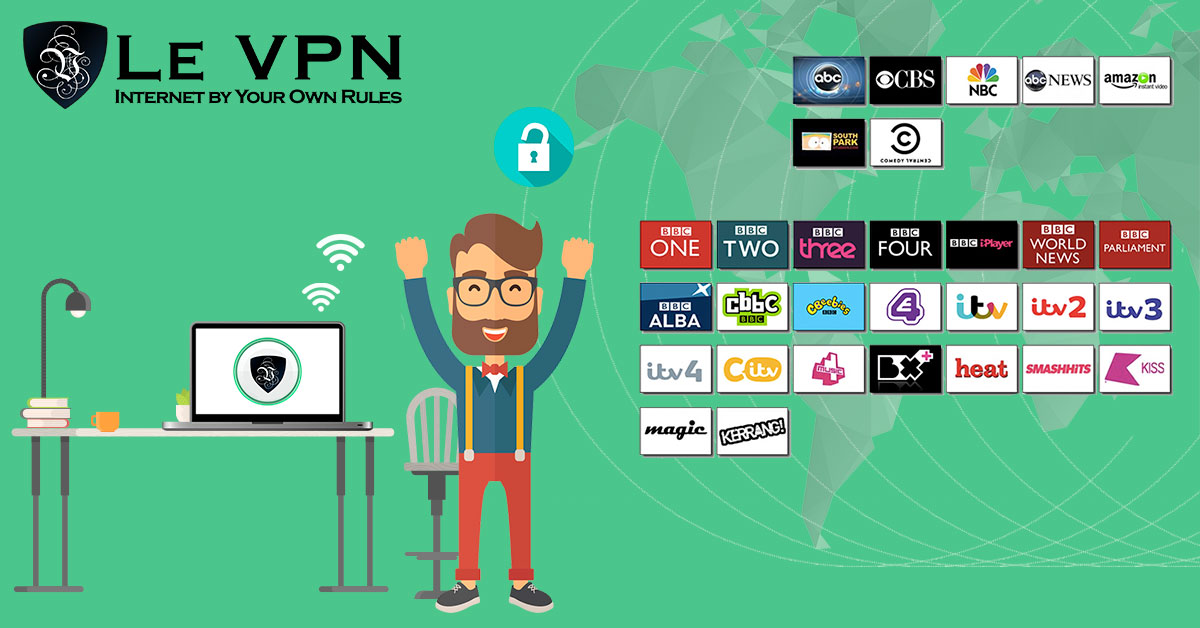
How to watch a TV channel from another country online?
Maybe you live away from your home country, or you’re traveling abroad and wondering how to keep watching your favorite TV channels on the internet. The frustration is universal: you open the channel’s website or app, press play, and get a message like “this content is not available in your region” or simply a “connection problem”. Here’s why that happens - and the straightforward way around it.
Why TV Channels Are Blocked Abroad
Most TV channels limit their online streaming to viewers physically located in their own country. This is a matter of media rights: broadcasters license shows, films, and sports for a specific territory, so they are contractually required to block everyone else.
How do they know where you are? Through your IP address. Every device on the internet has one, and it reveals which country you’re connecting from. If you open a German broadcaster’s site from Brazil or Japan, the site detects a non-German IP and blocks the stream.
The logic of the solution follows directly: to watch a channel from another country, you need an IP address from that country. That is exactly what a VPN provides.
How To Watch Foreign TV Channels With A VPN
A VPN (virtual private network) routes your connection through a server in a country you choose, so websites see that server’s IP address instead of your real one. With Le VPN, the process takes a couple of minutes:
- Install the Le VPN app on your device - Windows, macOS, iOS, or Android;
- Connect to a server in the channel's home country. Le VPN offers servers in 100+ locations across the Americas, Europe, the Middle East, Asia-Pacific, and Africa - so if you're American abroad, pick a US server; if you want French TV, pick France, and so on;
- Open the channel's website or app and watch as if you were sitting at home. You can verify your new IP first on the test-your-IP page.
Server Tips For Popular Channels
Some channels are pickier than others. Based on what works with Le VPN today:
- BBC and ITV (UK) - any UK server works;
- Channel 5 (UK) - use the Celesterra server;
- Channel 4 (UK) - use Celesterra or London, and note it works in a desktop web browser only, not on mobile devices; some live programmes also require your device date/time to be set to UK time;
- ITV or Channel 4 acting up? Try the Coventry server;
- Swiss channels (rts.ch) - use the Switzerland - Media server;
- Rutube - works via the Saint Petersburg server only.
A general word of honesty: major streaming platforms actively detect and block VPN traffic, and no provider can guarantee that every service works from every server at every moment. If a stream won’t load, switching to another server in the same country usually solves it.
For living-room setups where installing a VPN app is awkward - smart TVs and game consoles - Le VPN subscriptions also include SmartDNS, which unblocks supported channels at the DNS level with a one-time setup and no extra software on the device.
More Than TV: Speed And Security Included
Unblocking TV is only one advantage of a VPN. Le VPN’s network is built for streaming, with fast modern protocols - WireGuard and OpenVPN among them - so you can watch in high definition without endless buffering. You can also catch the latest American or British series as they air, instead of waiting months for a local broadcast.
At the same time, your entire internet connection is encrypted. That protects you and your data from anyone trying to listen in - especially useful on open hotel and airport Wi-Fi while you travel. Your real IP address stays hidden, reducing your online fingerprint and keeping your browsing your own business.
One Le VPN account covers up to 10 devices simultaneously - laptop, phone, tablet, and more - and comes with a 30-day money-back guarantee on your first purchase. Get the best VPN to watch TV online, and enjoy your favorite channels and radio stations from anywhere in the world!
About the author
Le VPN Blog Contributor
Julie Perrin writes for the Le VPN blog on online privacy, security, and the practical side of using a VPN day to day. Her articles help readers make sense of digital security topics and get the most out of their VPN connection.
Articles by Julie Perrin →
