How to access Facebook when it's blocked
Stuck somewhere Facebook won’t load? Whether you’ve landed in a country that censors social media, or your office or university network filters it out, being cut off from Facebook can mean being cut off from friends, family, groups, Messenger, and Marketplace all at once. For a lot of people, Facebook is a big part of the internet.
The good news: accessing Facebook when it’s blocked is straightforward once you understand why it’s blocked and what a VPN does about it.
Why is Facebook blocked?
There are three common scenarios:
- Government censorship. Several countries block Facebook nationally, either permanently or during politically sensitive periods. China has blocked it for years as part of the Great Firewall; Iran and North Korea restrict it; Russia blocked Facebook and Instagram in 2022; and other governments impose temporary blocks during protests or elections. The block is enforced at the ISP level, so every network in the country refuses to connect you.
- Workplace and school filtering. Offices and universities often filter social media on their networks to keep people focused or save bandwidth. The block lives in the local router or firewall.
- Network-level restrictions while traveling. Some hotel, airport, or public Wi-Fi networks filter categories of sites, social media included.
In every case, the mechanism is the same: the network you’re on looks at where your traffic is going and refuses to carry it if the destination is on a blocklist.
How a VPN unblocks Facebook
A VPN (Virtual Private Network) creates an encrypted tunnel between your device and a server in a location you choose. Everything you do online travels through that tunnel, which changes the picture completely:
- The local network can't see you're going to Facebook. Your ISP, office firewall, or hotel router sees only encrypted traffic to a VPN server - there's no "facebook.com" for the filter to match, so there's nothing to block.
- Facebook sees the VPN server's location, not yours. Pick a server in the United States or the United Kingdom, and you browse as if you were there - with an IP address in a country where Facebook is completely unrestricted.
Using a VPN is a legitimate, mainstream tool - millions of people around the world connect through one every day for privacy and access. Here’s how to unblock Facebook in practice:
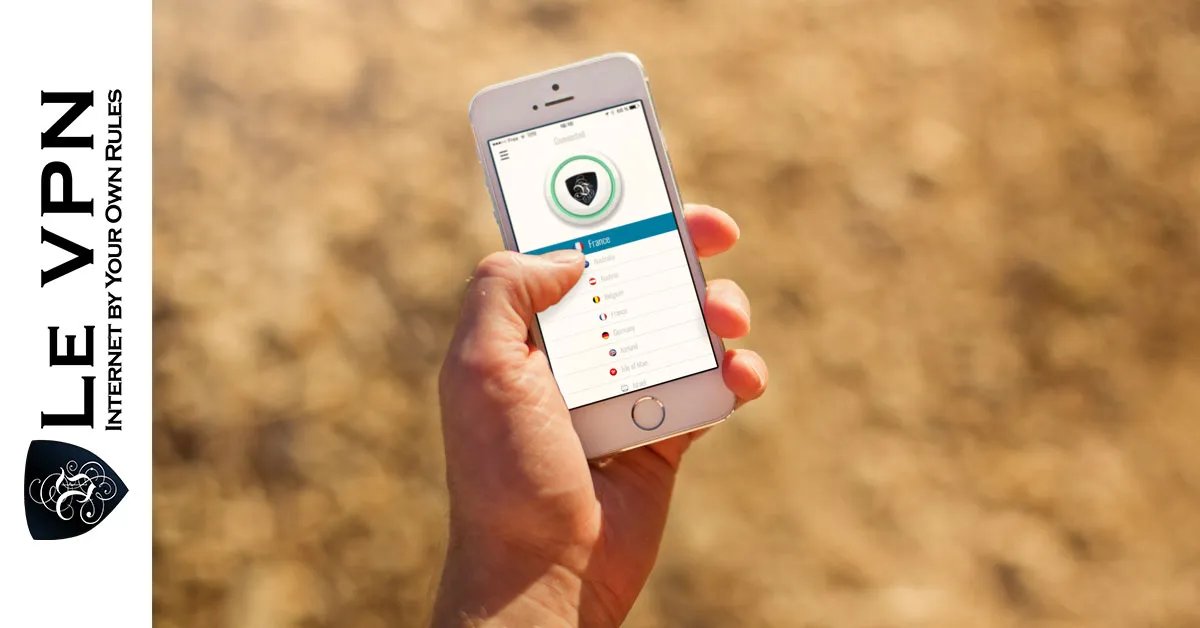
- Subscribe to Le VPN and install the app - it's available for Windows, macOS, iOS, and Android, and one account covers up to 10 devices simultaneously.
- Open the app and choose a server in a country where Facebook is free - the US, UK, France, or any of Le VPN's 100+ locations.
- Connect, then open Facebook in your browser or app. That's it - your feed, Messenger, photos, and groups all work normally.
Traveling to a country that blocks Facebook? Prepare first
One crucial tip: install and set up your VPN before you arrive. Countries that block Facebook usually block VPN providers’ websites too, so downloading the app after you land can be difficult.
Heavily censored countries also use deep packet inspection (DPI) to detect and block ordinary VPN connections themselves. This is where Le VPN’s Stealth WireGuard protocol comes in: it adds obfuscation that disguises VPN traffic as ordinary internet traffic, letting you connect even in restrictive environments like China, Russia, Iran, and Myanmar. Switch to Stealth WireGuard in the app if a standard connection won’t establish.
More than just Facebook
Once connected, everything else that was blocked opens up too - Instagram, X, YouTube, WhatsApp, news sites, and messaging services. And the same location-switching trick unblocks geo-restricted content generally: connect to a UK server to watch BBC or ITV from abroad, or to a server in your home country to keep using the streaming services and radio stations you pay for while traveling.
Privacy comes as standard
A block-bypassing tool that didn’t protect you would be a poor trade in a country that censors social media - after all, the same governments that block Facebook often monitor who tries to reach it. Le VPN encrypts your connection with strong AES-256 encryption, so no one can track your browsing history or sniff your data on public Wi-Fi hotspots. Your conversations, logins, and activity stay between you and the sites you visit.
You can verify your new virtual location any time with the Le VPN IP test page.
With servers in 100+ locations across the Americas, Europe, the Middle East, Asia-Pacific and Africa, modern fast protocols including WireGuard, and a 30-day money-back guarantee on your first purchase, Le VPN is the simple answer when Facebook - or anything else - is blocked. Le VPN is the best Facebook VPN: so go for it!
About the author
Le VPN Blog Contributor
Julie Perrin writes for the Le VPN blog on online privacy, security, and the practical side of using a VPN day to day. Her articles help readers make sense of digital security topics and get the most out of their VPN connection.
Articles by Julie Perrin →