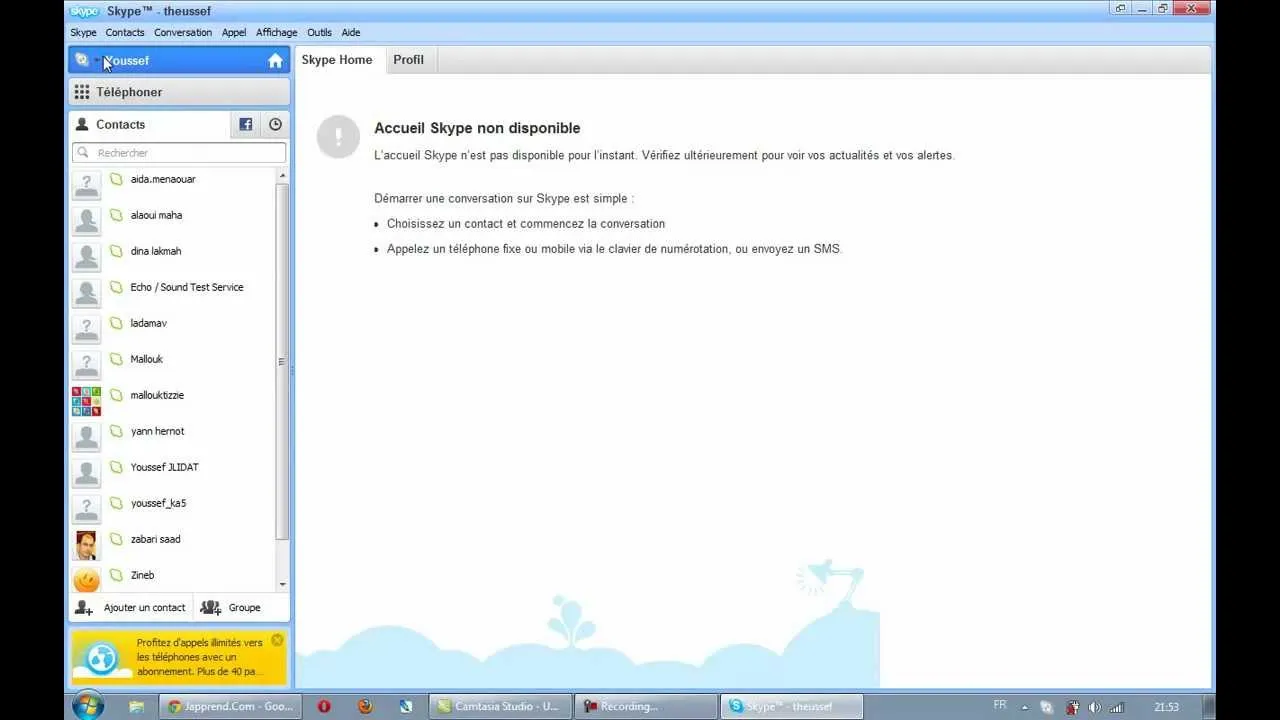
How to unblock Skype or Viber
If you’re an expat or a frequent traveller, you’ve probably lived this moment: you open your calling app to reach family back home, and the call simply won’t connect. No error in your account, no problem with your internet - the service itself is blocked where you are. Voice-over-IP (VoIP) apps like Viber, WhatsApp, and Skype’s successors are among the most commonly censored services in the world, and knowing how to unblock them is essential knowledge for anyone living or working abroad.
A note on Skype - and why this still matters
Skype itself was retired by Microsoft in 2025, with users steered toward Microsoft Teams for calls and messaging. But the blocking problem Skype made famous hasn’t gone anywhere: the same restrictions now hit Teams, Viber, WhatsApp, FaceTime, Telegram calls, and every other app that lets people talk over the internet instead of over a paid phone line. Whatever app you use for calls today, this guide applies.
Why countries block VoIP calls
Two motives explain nearly every VoIP block:
- Control of communication. Encrypted internet calls are hard for authorities to monitor, so countries that censor the internet - China being the best-known case - restrict or degrade calling apps to limit the free flow of information.
- Protecting telecom revenue. In several Gulf states and other countries, state-linked telecom operators earn heavily from international calls. Free VoIP calling undercuts that income, so regulators block the apps. The United Arab Emirates, Saudi Arabia, Morocco, and others have all restricted VoIP calling at various times on these grounds.
In practice, the block happens at the ISP level: providers filter the traffic or block the servers the calling apps rely on. Your account is fine - the network between you and the app is what’s broken.
How a VPN unblocks your calls
A VPN (virtual private network) creates a secure, encrypted tunnel between your device and a server in a country of your choice. Everything you do online travels inside that tunnel, which changes the situation completely:
- The local ISP can no longer see what services you're using - only encrypted traffic to one server - so its VoIP filters have nothing to grab onto.
- Your connection emerges onto the internet in the server's country, where the calling app works normally.
- Because the tunnel is encrypted, nobody in between can listen to your conversations either.
With Le VPN you can route your connection through any of 100+ locations across the Americas, Europe, the Middle East, Asia-Pacific and Africa. And for countries that go further and try to block VPNs themselves using deep packet inspection, Le VPN offers Stealth WireGuard - an obfuscated protocol that disguises VPN traffic as ordinary traffic, built precisely for restrictive networks in places like China, Iran, and Russia.
Unblock your calling app in four steps
- Subscribe to Le VPN - ideally before you travel, since some countries block access to VPN websites too.
- Install the Le VPN app on your phone or computer (iOS, Android, Windows, and macOS are all covered).
- Connect to a server in a country where your calling app works freely - a European or US server is a safe choice. If the connection won't establish, switch the protocol to Stealth WireGuard and try again.
- Open Viber, WhatsApp, Teams, or your app of choice, and call whoever you want, as long as you want.
One Le VPN account allows up to 10 simultaneous connections, so your phone, your laptop, and a family member’s tablet can all be unblocked at the same time.
Bonus: your media from home comes along
The same server switch that frees your calls also unblocks geo-restricted media. Connect to a UK server and British catch-up TV like BBC iPlayer and ITV works as if you were in London; pick the Celesterra server for Channel 5, or a server in your home country to keep using the streaming subscriptions you already pay for. Check the full server list to see every location, and verify your new virtual location anytime with the IP test page.
Staying in touch shouldn’t depend on which country you’re standing in. Get Le VPN - with a 30-day money-back guarantee on your first purchase - and enjoy the internet by your rules.
About the author
Le VPN Blog Contributor
Julie Perrin writes for the Le VPN blog on online privacy, security, and the practical side of using a VPN day to day. Her articles help readers make sense of digital security topics and get the most out of their VPN connection.
Articles by Julie Perrin →
