How to Make a Strong and Safe Password
The importance of a strong password is often overlooked when it comes to online security. Yet passwords remain the front door to almost everything you own online - email, banking, social media, cloud storage - and leaked password databases from years of breaches are constantly being replayed by attackers against every service you use. With so many accounts to secure, how do you make strong and safe passwords that don’t turn your life into a memory test? There are several approaches that simplify the process without compromising security.
The Easiest Fix: Use a Password Manager
With the number of accounts everyone has today, it is both unreasonable and unrealistic to invent and remember a unique, secure password for every single one. That’s exactly the problem a password manager solves. It generates long, random, genuinely strong passwords for every website and account you use - and remembers them all for you. You only have to create and memorise one strong master password for the manager itself.
Good password managers sync across your devices, autofill logins in your browser and on your phone, and warn you when a stored password has appeared in a known breach. Autofill has a bonus security benefit: a manager will refuse to fill your credentials on a lookalike phishing site, because the domain doesn’t match.
Building a Strong Password by Hand
If you’d rather go the traditional route - or you need a master password worth protecting everything else with - length matters more than anything. Twelve characters is a reasonable minimum; longer is meaningfully better, because every extra character multiplies the time needed to crack it.
A few rules of thumb:
- Avoid the obvious. Names, birthdays, "password123", keyboard walks like "qwerty" - cracking tools try all of these first, along with every password ever leaked in a breach.
- Mix character types. Numbers, symbols, and both lower and upper case characters expand the search space.
- Better yet, use a passphrase. String together four or more completely unrelated words - something like "kettle-orbit-mustard-Fifteen" - and add a number or symbol. Passphrases are far easier to remember than random strings and, thanks to their length, extremely hard to brute-force.
- Never reuse passwords. This is the big one. When one site is breached - and sites get breached constantly - attackers immediately try the leaked email-and-password combination everywhere else. One reused password can unravel your entire digital life.
Add a Second Factor
Even the strongest password can be phished or leaked. Two-factor authentication (2FA) adds a code from your phone or a hardware key on top of the password, so a stolen password alone gets an attacker nowhere. Turn it on for your email account first - email is the master key that resets everything else - then banking, and work accounts.
Strong Passwords Aren't Enough on an Unsafe Connection
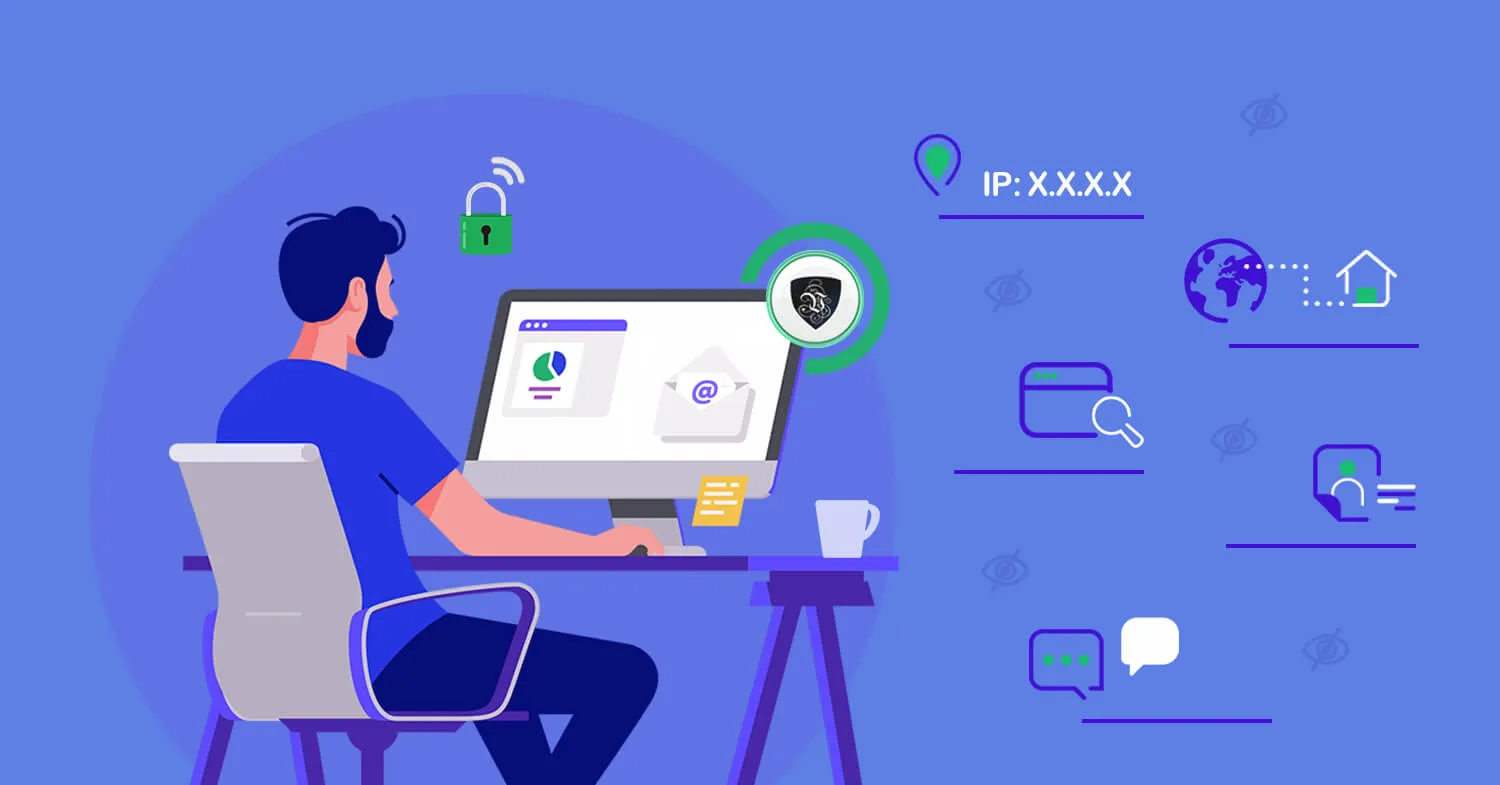
Beyond the passwords themselves, a lot comes down to how and where you use them. Hackers use a variety of methods to capture credentials in transit, and open public WiFi is one of their favourite hunting grounds: coffee-shop, hotel, and airport networks are open to anyone, including someone quietly intercepting traffic or running a fake hotspot with a convincing name. Type your password on the wrong network and its strength is irrelevant - it’s been captured at the moment of entry.
To safeguard yourself wherever you connect, use a VPN service. By signing up to Le VPN, you get a secure, encrypted tunnel to the internet from wherever you connect - hotel WiFi, the local coffee shop, or home. Everything you transmit, passwords included, is encrypted before it leaves your device using modern protocols like OpenVPN, WireGuard, Stealth WireGuard, and IPSec/IKEv2, so anyone snooping on the network captures only unreadable data.
Le VPN protects up to 10 devices simultaneously with apps for Windows, macOS, iOS, and Android, offers servers in 100+ locations worldwide - see the server list - and comes with a 30-day money-back guarantee on your first purchase. The Le VPN mobile apps even include Breach Detection, which scans leaked credential databases and alerts you if your email address turns up in one - a handy early warning that it’s time to change a password.
The Winning Combination
No single measure keeps you safe on its own. Put the pieces together and you’re far ahead of most internet users:
- A password manager generating unique, strong passwords for every account.
- A long passphrase protecting the manager itself.
- Two-factor authentication on your important accounts.
- A VPN encrypting your connection everywhere you go.
Combine safe password management with an encrypted connection and you’ll be much better protected online - wherever, and however, you connect.
About the author
Le VPN Blog Editor
Alan Summers has been writing and editing for the Le VPN blog for years, covering online privacy, cyber security, and the best ways to get the most out of a VPN. He keeps a close eye on the news that affects internet freedom around the world and turns it into practical advice for Le VPN readers.
Articles by Alan Summers →