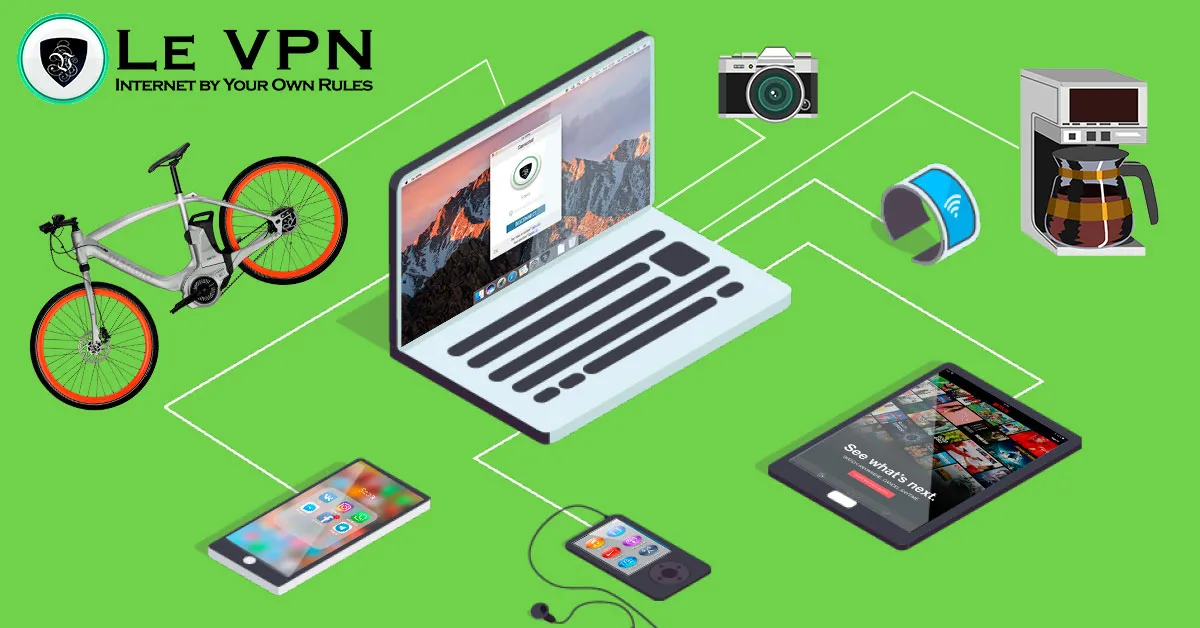
Why you need a VPN for multiple devices & how to use it across your home network
Count the devices in your home that touch the internet: phones, laptops, tablets, a smart TV, maybe a game console, a couple of smart speakers, and a growing crowd of IoT gadgets. Now ask an uncomfortable question - how many of them are actually protected?
Most people secure one device well (usually the main computer) and leave the rest to fend for themselves. The problem is that your digital life doesn’t respect device boundaries. Your phone, tablet, and laptop share the same saved passwords, the same synced accounts, the same email inbox, and the same home network. Compromise one, and an attacker effectively has a key that fits the rest. That is why a VPN for multiple devices - not just one - has become the sensible default.
Why Every Device Needs the Tunnel
The core purpose of a VPN doesn’t change from device to device: it encrypts your traffic and hides your real IP address, so networks can’t snoop on you and websites can’t map your activity to your physical location. What changes per device is where the danger comes from:
- Phones hop between networks all day - home Wi-Fi, mobile data, café hotspots, airport lounges. Every unfamiliar network is a chance for interception, and a phone carries as much personal data as any computer.
- Laptops and tablets travel too, and they are where most of us actually log into banking, work systems, and shopping accounts.
- Smart TVs and streaming boxes report viewing habits home and are rarely patched; they benefit from both the privacy and the location flexibility a VPN provides.
- IoT gadgets - cameras, plugs, thermostats - can't run security software at all, making them the softest targets on the network.
There is also a social dimension: an unsecured home network doesn’t only expose you. Guests who join your Wi-Fi inherit its weaknesses, and an infected device on the network can probe everything else connected to it.
One Subscription, Ten Simultaneous Connections
A Le VPN account includes up to 10 simultaneous connections, with native apps across the platforms that matter: Windows, macOS, Linux, iOS and Android - plus Apple TV, Android TV and Fire TV in the living room. The same VPN credentials work everywhere, so a typical setup looks like this:
- Install the Le VPN app on each of your main devices.
- Log in with your VPN credentials (sent in your activation email - these are separate from your client-area login).
- Pick a server and connect. Enable auto-connect options where offered so protection is on by default.
The mobile and desktop apps also add protections that matter in a multi-device home: Threat Protection blocks malicious and phishing domains at DNS level, and Breach Detection (iOS/Android) warns you if your email address shows up in leaked credential databases - an early alarm for exactly the “one account unlocks everything” scenario described above.
The Router Method: Cover the Whole House at Once
Ten connections cover your personal gear, but a modern smart home can have dozens of connected things. The elegant solution is to move the VPN one level down, onto the router itself:
- Everything is protected automatically. Any device that joins your Wi-Fi - including IoT gadgets that could never run a VPN app - routes through the encrypted tunnel.
- It counts as one connection. The router occupies a single slot no matter how many devices sit behind it, leaving the other slots for phones and laptops when they leave home.
- No per-device setup. New TV? New camera? Protected the moment it connects.
Setup requires a router that supports VPN client mode (or DD-WRT firmware): load Le VPN’s OpenVPN configuration from the client area, enter your VPN credentials, and verify from any device using the test your IP address page. We cover the approach in more depth in our guide to a VPN for connected devices.
The ideal home setup combines both layers: router-level VPN for everything inside the house, plus the apps on mobile devices so protection follows them out the door.
Choosing a Provider That Handles Multiple Platforms Well
Multi-device support is where the gap between premium and cut-rate VPNs shows fastest. What to insist on:
- Real apps for every platform you own, kept current - not a single Windows client and a shrug.
- Modern protocols across platforms. Le VPN supports OpenVPN, WireGuard, and Stealth WireGuard, plus IPSec/IKEv2 on iOS - so each device uses what suits it best, and censored or restrictive networks can be handled with obfuscation.
- Enough bandwidth for the whole household. Several devices streaming and browsing simultaneously through the tunnel demands real infrastructure - one reason free VPNs collapse in multi-device homes.
- A wide server network. With servers in 100+ locations across the Americas, Europe, the Middle East, Asia-Pacific and Africa, everyone in the family can pick the location that suits their task - one streaming through a server back home, another just using the nearest, fastest exit.
Protect the Network, Not Just the Device
Security that covers one device out of ten isn’t security - it’s a spotlight on the other nine. The combination of Le VPN apps on your personal devices and a VPN-enabled router for the rest closes the gap with an afternoon’s setup, and a single subscription carries the whole arrangement. With the 30-day money-back guarantee on your first purchase, you can wire up the entire household and confirm everything runs smoothly before you commit a cent for the long term.
About the author

Guest Author
Vuk Mujović is the founder of MacTíre Consulting, an analyst, data management expert, and a long-term writer on all things business & tech. He authored blogs, articles, and opinion pieces aimed to help both companies and individuals achieve growth without compromising their security.
Articles by Vuk Mujović →