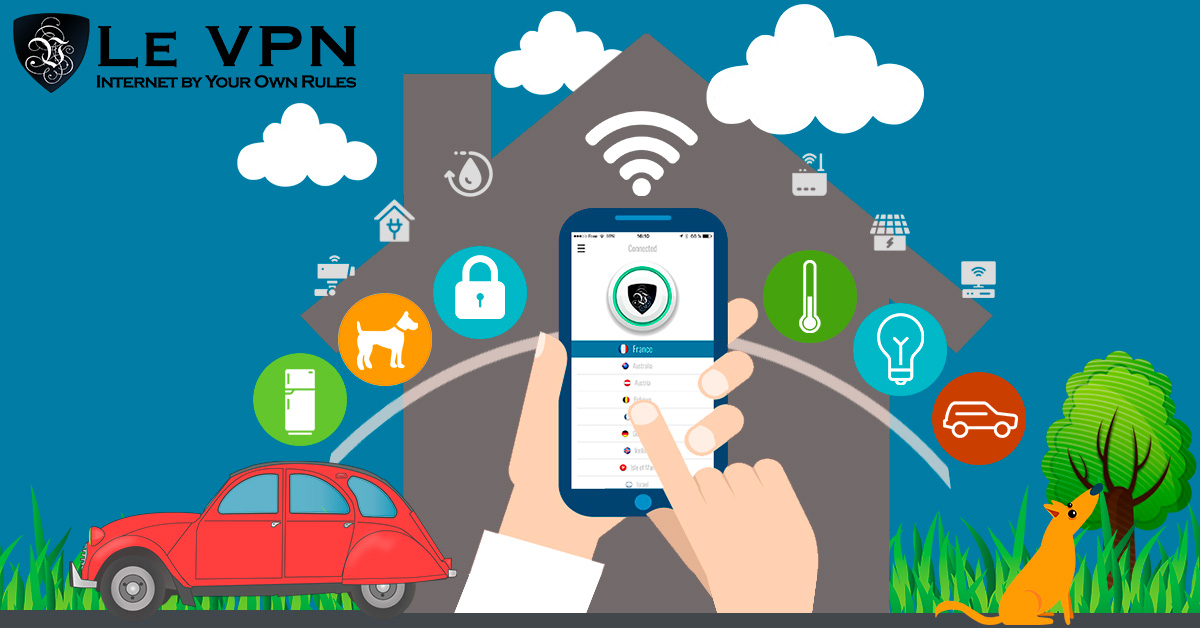
VPN For Connected Devices
Using a VPN for connected devices is one of the strongest practical defenses for a smart home. Learn how running Le VPN on your router protects every gadget on your network — including the ones that can’t run a VPN app themselves.
Look around your home and count the things that talk to the internet. It is no longer just the laptop and the phone: smart TVs, voice assistants, thermostats, doorbell cameras, baby monitors, robot vacuums, printers, light bulbs, even washing machines now ship with Wi-Fi. Every one of them is quietly sending and receiving data — about your habits, your schedule, your home layout, and your network.
That is the uncomfortable reality of the Internet of Things: convenience multiplied across dozens of devices also means attack surface multiplied across dozens of devices. And unlike your computer, most of these gadgets can’t run antivirus software, rarely receive security updates, and give you almost no visibility into what they are doing. A VPN for connected devices closes a large part of that gap.
Why Connected Devices Are the Weakest Link
Smart devices have a security problem that is structural, not accidental:
- They are built to a price. A $25 smart plug does not have a security team behind it. Manufacturers compete on cost and features, and firmware security is often an afterthought.
- They rarely get updates. Many IoT devices never receive a single security patch after leaving the factory. Vulnerabilities discovered years ago remain exploitable for the life of the device.
- They can't defend themselves. You cannot install a VPN app or a firewall on a light bulb. Whatever protection they get has to come from the network they sit on.
- They are attractive to attackers. Compromised IoT devices get recruited into botnets, used as a foothold to reach the more valuable devices on your network, or — in the case of cameras and monitors — spied on directly.
Your Wi-Fi printer illustrates the problem nicely. It sits on your network for years, periodically phoning home for updates over connections you never see, with firmware you never patch. To you it is an appliance; to an attacker scanning for known vulnerabilities, it is a door.
The Router: One Device to Protect Them All
Since you cannot secure each gadget individually, the practical answer is to secure the point they all pass through: your router. Everything on your home network — every camera frame, every thermostat check-in, every TV stream — flows through it on the way to the internet.
Install a VPN on the router, and every device behind it is automatically routed through an encrypted tunnel. From the outside world’s perspective, your smart home no longer announces itself from your home IP address; all its traffic emerges from a Le VPN server instead. That means:
- Your real IP address is hidden for every device, including the ones that could never hide it themselves. Attackers scanning the internet for exposed cameras and gadgets see the VPN server, not your home.
- Traffic is encrypted in transit, so your ISP and anyone between you and the VPN server cannot inventory your devices or profile your household by its data flows.
- Coverage is total and automatic. New gadget joins the Wi-Fi? It is protected from its first packet, with no configuration.
A router-level VPN also solves a practical arithmetic problem. A Le VPN account allows up to 5 simultaneous connections — generous for phones and laptops, but a smart home can easily have 20 devices. The router counts as a single connection while covering everything behind it.
How to Set Up Le VPN on a Router
Not every ISP-supplied box supports VPN client mode, but plenty of consumer routers do — DD-WRT firmware is a popular route, and specialist VPN-ready routers come preconfigured. The general steps:
- Check your router. Look for OpenVPN client support in its settings, or consider flashing DD-WRT if your model supports it. Le VPN has a step-by-step DD-WRT setup guide.
- Download the OpenVPN configuration files from your Le VPN client area and load the location of your choice into the router.
- Enter your VPN credentials (the VPN username and password from your activation email — not your client-area login).
- Connect and verify. Open the test your IP address page from any device on the network — it should now show the VPN server's location.
Full details and supported options are on the Le VPN router page.
Good Habits That Complete the Picture
A VPN hides and encrypts your traffic, but a few habits multiply its value:
- Buy your own router rather than relying on the ISP's default box, and keep its firmware updated. ISP-supplied units are a common weak point: generic configurations, sporadic updates, and one discovered flaw affects thousands of identical households at once.
- Change every default password — on the router and on each smart device that has an account.
- Retire abandoned gadgets. If a manufacturer has stopped updating a device that guards your home or watches your child, it has become a liability.
- Protect devices on the move too. Your phone leaves the safety of your home router every day. The Le VPN apps for iOS and Android — with WireGuard and Stealth WireGuard support and built-in threat protection — keep the tunnel with you on public Wi-Fi.
Smart Home, Smarter Network
The Internet of Things is not going away — it is multiplying. The realistic goal is not to disconnect but to make your connected life private by default. Running Le VPN at the router level does exactly that: one setup, servers in 100+ locations to choose from, every current and future device covered. And with a 30-day money-back guarantee on your first purchase, you can secure the whole house and prove it works before you commit.

