The Easiest Way to Mask My IP Address
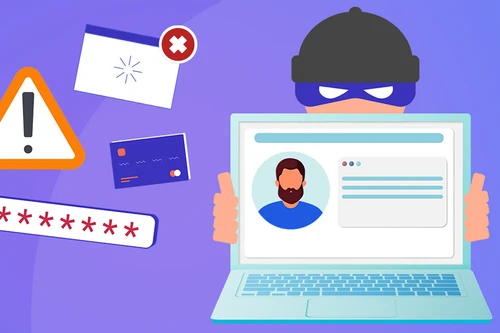
Your IP address reveals where you are and who your provider is. Le VPN routes your traffic through servers overseas, so the world sees our IP instead of yours - keeping your activity private and your location your own.
- Hide your real IP behind our servers
- IP addresses in 100+ countries to choose from
- Switch countries in the app in a couple of taps
- Encrypted, no-logs connection on every device
- 30-day money-back guarantee - try risk-free
Why masking your IP address matters
In today's digital world, our privacy is something that seems to erode every day. Our lives are increasingly documented on the Internet, and our digital footprints can provide explicit documentation of everything we're doing online, so masking our IP address is essential. These records are more or less permanent.
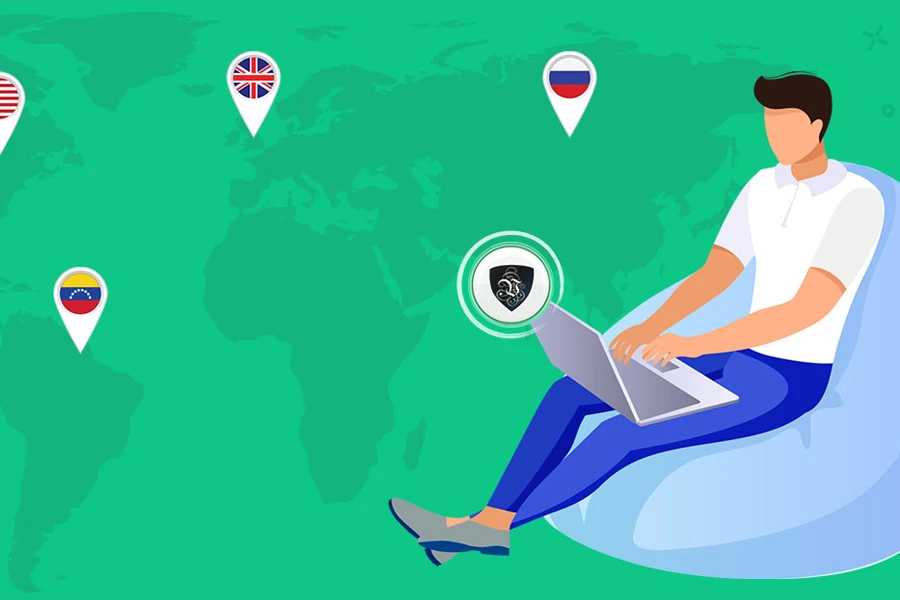
Luckily, innovative technological solutions have emerged to help you protect your privacy. Enter Virtual Private Network (VPN) solutions - technology that enables you to mask your IP address to ensure your online activity remains anonymous. When using a VPN to mask your IP address, your Internet traffic is routed through servers located overseas. This means that anyone monitoring your activity would not be able to figure out who you are or where you are located.
How a VPN protects your connection
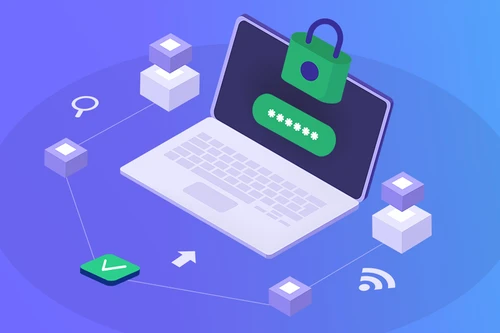
Just as a firewall protects the data on your computer and within your network, a VPN protects the Internet connection so that the data travelling between your computer and its destination is secure. VPNs ensure that data is encrypted and travelling down secure pathways, so no one but you and those you communicate with will know what you're doing online.
While a VPN can't protect things like public comments you choose to post, your IP address cannot be documented while you're connected. That means a VPN keeps your online footprint a secret, replacing your real address with one of ours every time you browse.
Access content from anywhere
By using a VPN to mask your IP address, you can also access websites that are only available in a certain country. For example, it's no secret that some governments put serious restrictions on the websites that can be viewed inside their borders.
If you're travelling to a country like that and set up a VPN before arriving, you have the choice to appear to be browsing from another country such as the United States. In that situation, you can reach a wealth of websites that others in that country simply couldn't - so you won't miss out on television programmes, sporting events and news reports from home, even where local networks block the sites that host that content.

Change your IP address with ease
At Le VPN, our solutions include IP addresses from 100+ different countries that empower you to change your own IP address with ease. You can quickly toggle between countries to keep government agencies and employers from detecting your online activity, all under a strict no-logs policy and across up to 10 devices on a single account.
With Le VPN, you can protect your digital anonymity and use a VPN to change your IP address whenever you need to. Curious about your current IP address? Visit our IP address test page to see it - then connect and watch it change.
Mask your IP address in 3 easy steps
Step 1
Sign up for Le VPN
Choose your subscription plan and create your account. Every plan includes a 30-day money-back guarantee.
Step 2
Download the app
Install Le VPN on your computer, phone or tablet from our downloads page. Setup takes less than two minutes.
Step 3
Connect and mask your IP
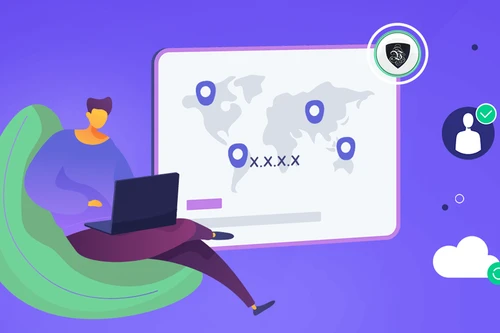
Pick a country, hit Connect, and your real IP is instantly replaced by one of ours - your location and identity stay hidden.

Trusted by 1,000,000+ users
30-Days Risk Free Guarantee
Try Le VPN with no commitment! If you're not satisfied in the first 30 days, let us know, and you'll get your money back.
Download the latest Le VPN app for all devices




Also available on


Quick recap
Masking your IP address with Le VPN routes your traffic through servers overseas, so websites and networks see our server's IP instead of your real one - hiding your identity and location while your connection is encrypted. Pick from IP addresses in 100+ countries, switch between them in a couple of taps, and appear to browse from wherever you choose, all under a strict no-logs policy.
- Replaces your real IP with one of our servers' addresses, so your location and provider stay private
- IP addresses in 100+ countries - switch between them in the app in a couple of taps
- Encrypts your connection so no one can tie your online activity back to your address
- Choose a server abroad to reach region-locked sites, TV, sports and news (a valid subscription is still required)
- Check your address on the IP test page, connect, and watch it change to the server's IP
- Strict no-logs policy, up to 10 devices on one account, 30-day money-back guarantee

