Best Mobile VPN: Cybersecurity on the Go
When it comes to cybersecurity, it doesn’t matter which device is your daily driver - what matters is that the device is secure. For most of us today, that device is a smartphone. We bank on it, work on it, shop on it, and store our entire digital lives on it. That’s why finding the best mobile VPN is no longer optional; it’s a core part of protecting yourself.
Most of the fundamentals of cybersecurity are the same on mobile as on desktop. But phones come with a few differences that need extra attention. Unlike your desktop, your smartphone travels with you every day, hops between dozens of networks, and can be lost or stolen in a moment.
Because mobile operating systems don’t let you tinker with low-level network settings easily, you need a well-built VPN app that handles everything for you - protocol selection, reconnection, and fail-safe behavior when the tunnel drops. A premium provider like Le VPN pairs polished mobile apps with a solid server network, so your phone gets the same level of protection as your laptop.
Still, some mobile risks can’t be solved by software alone. You’ll also need to stay vigilant and disciplined - more on that below.
Is Mobile VPN Different?
The core technology is the same: your traffic is encrypted and routed through a remote server, hiding your real IP address and shielding your data from anyone on the local network.
The difference is the environment. A desktop keeps one stable connection to one ISP. A phone switches constantly - between mobile data towers, home Wi-Fi, office Wi-Fi, and every café hotspot in between. A good mobile VPN app has to survive those handoffs gracefully, reconnecting automatically without leaking traffic in the gaps.
Modern protocols help enormously here. WireGuard, which Le VPN supports on both iOS and Android, was designed for exactly this: it establishes connections almost instantly and handles network changes far better than older protocols. For restrictive networks that block VPN traffic, Le VPN’s Stealth WireGuard adds obfuscation that disguises the tunnel from deep packet inspection.
Risks for Mobile Devices
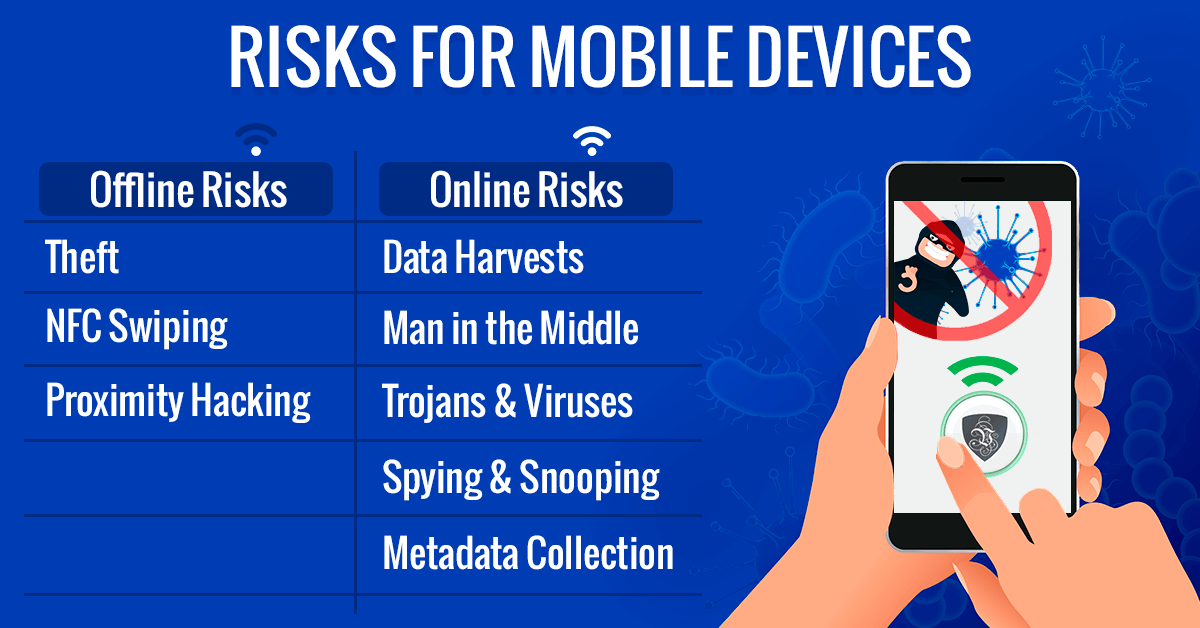
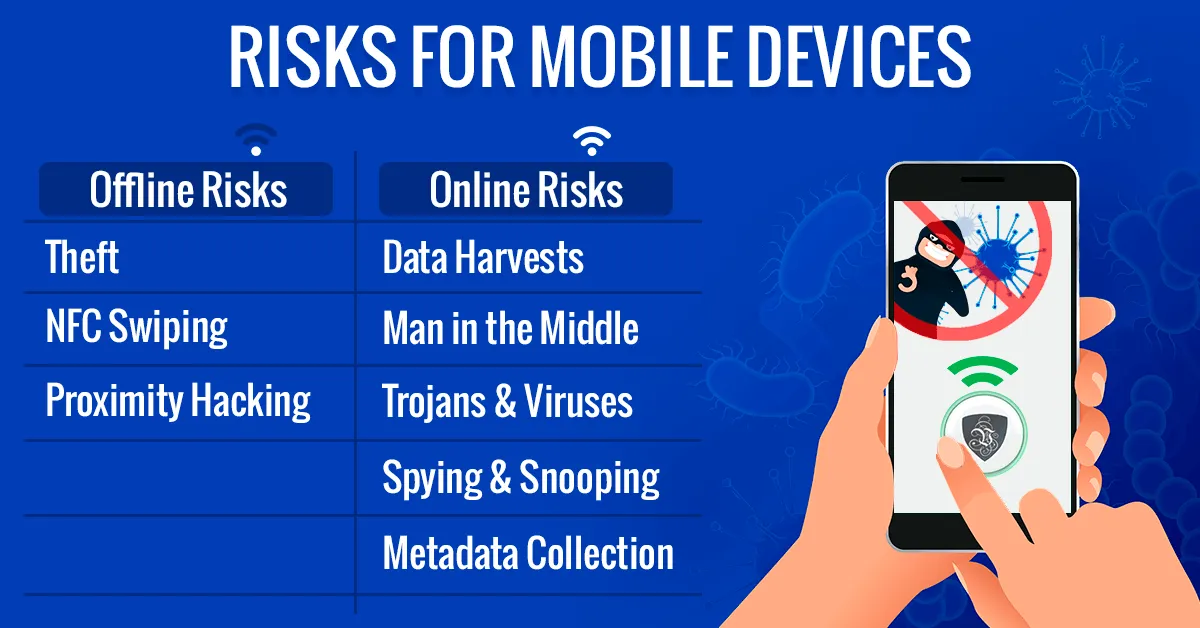
Risks for mobile devices fall into two categories. The goal of protecting your data is the same for both, but the tools and tactics differ.
The first category is offline risk to the device itself. Smartphones are small and portable, which means they can be stolen or physically compromised. You need to protect the device and the data on it simultaneously.
The second category is online risk. Beyond ordinary snooping, smartphones suffer from apps that collect data they don’t need and share it widely. You need VPN protection wherever you go, regardless of the connection type.
Offline Risks
Think you’re safe because you carry no cash and all your money is digital? Quite the opposite. Just as pickpockets replaced highwaymen when money became paper, digital pickpockets have replaced the analog ones - and it might be days or weeks before you realize someone has robbed you.
Theft
Having your phone stolen is stressful, but it doesn’t have to be a data catastrophe if you prepare in advance.
First, back up important data regularly to an external drive or a service you trust, so losing the device doesn’t mean losing your files.
Second, lock the phone with biometrics plus a strong passcode. That buys you time to locate the device, notify your bank if needed, and wipe it remotely. Both iOS and Android offer built-in remote-locate and remote-wipe tools - set them up before you need them.
Third, use unique passwords and two-factor authentication on your important accounts, so a stolen phone doesn’t become a master key to your life.
Contactless Skimming
Digital pickpocketing via NFC is dangerous precisely because you can be completely unaware anything happened. In crowded places, a person with a reader can attempt to pull data from contactless cards through a bag or pocket.
The defense is simple: use wallets or card sleeves with RFID/NFC shielding, and prefer phone-based payment systems, which use tokenization rather than exposing your real card number.
Proximity Hacking
Attacks over Bluetooth and other short-range radios are less common than they once were - native security in modern phones has improved a lot - but they shouldn’t be dismissed. Keep your OS updated, turn off Bluetooth and NFC when you’re not using them, and don’t pair with unknown devices.
A VPN helps here too: even if someone intercepts your traffic on a compromised network, encryption makes it unreadable.
Online Risks
Online risks dwarf the physical ones - there are simply far more bad actors online than you’ll ever meet face to face. Fortunately, the tools to fight them have never been better or more affordable, and a VPN app takes seconds to install on any modern phone or tablet.
Regardless of whether you need a VPN for iPhone or Android, the protection works the same way.
Data Harvesting
Data harvesting is the quiet scourge of the modern internet. Trackers embedded in apps, browsers, and websites collect enormous amounts of information about what you do and send it to advertisers, data brokers, and worse. Individually each data point seems harmless; combined, they form a detailed profile of your life.
A VPN hides your IP address - one of the key identifiers used to stitch those profiles together - and Le VPN’s Threat Protection feature adds DNS-level blocking of malicious domains and trackers on iOS, Android, and the Windows app.
Man in the Middle
Man-in-the-middle (MITM) attacks sit between offline and online threats. An attacker sets up or compromises a Wi-Fi network - often named “Free Wi-Fi” or made to look like it belongs to a café - and copies everything you send and receive.
These attacks are hard to spot and harder to predict. Only strong encryption keeps your data unreadable, and that’s exactly what a VPN provides. Even if you connect to a scam hotspot, your traffic stays sealed inside the encrypted tunnel.
Trojans & Malicious Apps
Trojans and viruses haven’t gone anywhere - they’ve evolved. Today’s mobile malware usually arrives disguised as a legitimate app, then quietly spies on everything you do.
Every app you install is a potential risk. Some don’t even hide it: they declare sweeping data collection in terms and conditions nobody reads. That’s why you see flashlight apps demanding access to your contacts. Install apps only from official stores, check permissions critically, and remove apps you don’t use.
Le VPN’s mobile apps also include Breach Detection, which scans leaked credential databases and alerts you by email if your address turns up in a known breach.
Spying, Snooping & Metadata Collection
The list of entities watching your connection is long: governments running surveillance programs, ISPs logging browsing habits, advertisers building profiles, and criminals hunting for identity-theft targets.
Even “just metadata” - IP addresses, locations, connection times, who talked to whom - reveals an enormous amount about your private life, and much of this collection is perfectly legal. Worse, collected data can leak or be sold.
A VPN encrypts your traffic and replaces your IP address with the server’s, cutting off the easiest collection points in one move.
How to Select the Best Mobile VPN?
Not all VPNs are equal, and on mobile the differences are stark.
At the bottom sit free VPN apps - insufficient at best and malicious at worst. Free providers have to pay for servers somehow, and the usual answer is selling your data or injecting ads: the exact things a VPN should prevent. Even the well-intentioned ones suffer from overloaded servers, unstable apps, and weak security.
Among premium providers, here’s what separates the genuinely mobile-friendly ones.
Availability on Different Platforms
The best mobile VPN must cover every platform you own - Windows and macOS on the desktop side, iOS and Android in your pocket. Le VPN covers all four, and one subscription protects up to 10 devices simultaneously, so your phone, tablet, and laptop are covered together.
The apps should also be genuinely easy to use. A security tool shouldn’t have a learning curve: open the app, pick a server, tap connect.
Modern Protocols
Protocol support matters more on mobile than anywhere else. Look for WireGuard for speed and fast reconnection on changing networks, plus an obfuscated option for hostile networks. Le VPN offers OpenVPN, WireGuard, and Stealth WireGuard on Android; on iOS you additionally get IPSec and IKEv2.
Connectivity & Choice
A wide selection of servers means you can reach content from all over the world and instantly hop to another server if your current one is busy. Le VPN has servers in 100+ locations across the Americas, Europe, the Middle East, Asia-Pacific and Africa, and switching between them in the app takes seconds. You can browse the full list on the Le VPN servers page.
Kill-Switch Behavior
It sounds ominous, but fail-safe behavior when the tunnel drops is one of the most important properties of a mobile VPN. You won’t be staring at your connection status all day - if the VPN fails, traffic should stop rather than silently continue unprotected.
Here modern protocols have a built-in advantage: WireGuard and Stealth WireGuard block traffic automatically at the protocol level if the tunnel drops, so Le VPN users on these protocols effectively have a kill switch by design.
Speed and Connection Quality
Finally, between two providers with equal security, you’ll choose the faster one. Look for a provider with servers physically close to where you live and travel - proximity plus bandwidth means lower ping and speeds close to your ISP’s, good enough for streaming and even mobile gaming. You can verify what’s actually reaching the outside world at any time with the Le VPN IP test page.
Conclusion
Good cybersecurity is a necessity, and with ever more of our lives stored on smartphones and tablets, choosing the best mobile VPN is one of the highest-impact decisions you can make.
The selection isn’t hard once you know what to look for: modern protocols, apps on every platform, a large server network, fail-safe connection handling, and honest, transparent pricing backed by a 30-day money-back guarantee on your first purchase. Le VPN checks all of those boxes - the rest comes down to your own habits, and putting safety first every time you go online.
About the author

Guest Author
Vuk Mujović is the founder of MacTíre Consulting, an analyst, data management expert, and a long-term writer on all things business & tech. He authored blogs, articles, and opinion pieces aimed to help both companies and individuals achieve growth without compromising their security.
Articles by Vuk Mujović →
