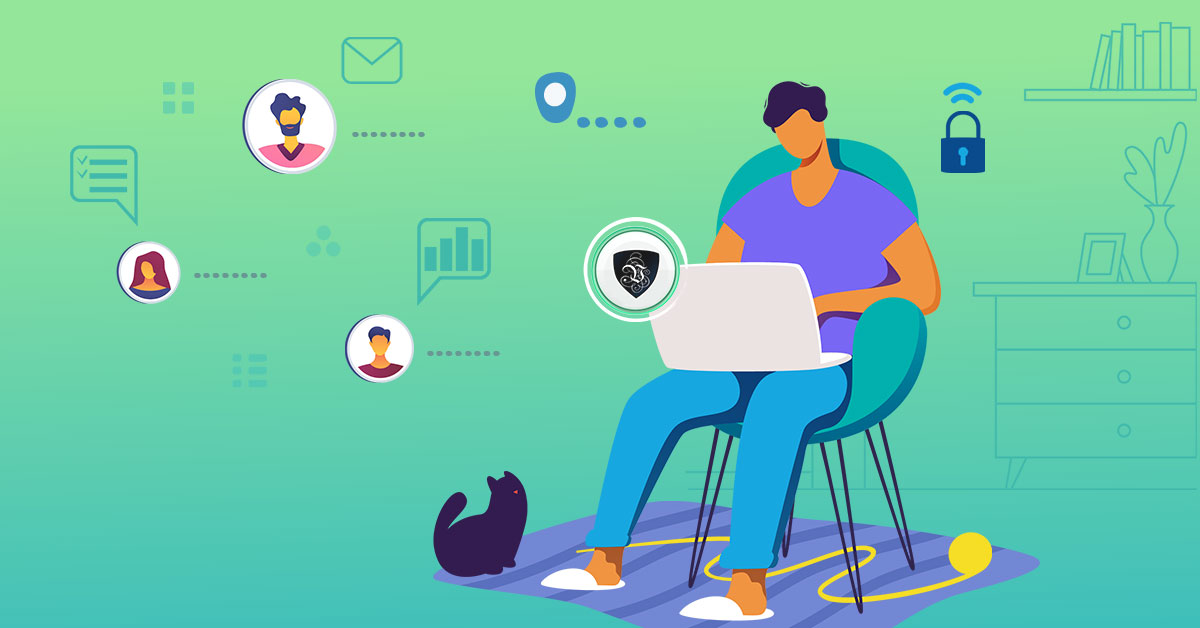
How to Secure Your Computer when Remote Working?
Remote work has gone from an exception to a permanent fixture of modern life. What began as a necessity has settled into hybrid and fully-remote arrangements that millions of people have no intention of giving up. But working outside the office comes with a responsibility that’s easy to overlook: at home, you are your own IT department. So the question arises - how do you secure your computer when remote working?
The benefits of working from home are significant. Less time commuting and lower expenses for food, fuel, and wardrobe can improve anyone’s budget. But there are a few areas where it is wise to reinvest some of those savings to protect your livelihood.
Generally, there are three things you need when working from home, whether you’re a freelancer or the employee of a single company:
- Complete cybersecurity protection
- Detached and secured backups of all important work
- Multiple internet connection options
The first point is probably the most important. Unlike at the office, if something is leaked or hacked on your home computer, there is no IT department to take the blame - the fault falls entirely on you.
That’s why it pays to invest in better cybersecurity. A premium VPN provider like Le VPN offers anonymity and encrypted protection for all of your devices, and good anti-malware software can cover your main computer and even your router.
Invest in Your Business
Even if you work for a single employer, your home has become your place of business. That brings many benefits, but also duties similar to running a small business. Everything is on you, and cutting corners can bring you to a quick layoff.
Start with your health: working from a laptop on the sofa is fine for a day, but it will damage your back in the long run. Set up a proper workspace in a well-lit, clean room.
Then invest in the security of your system. This benefits you directly - you can work without disruption - and it protects the legal and operational security of the company or clients you work for.
Securing your computer means learning to use a VPN consistently and doing regular maintenance on all your devices: clearing out unused software, applying updates promptly, and looking after your hardware.
Finally, rethink how you manage data altogether. Losing personal data can cause severe financial harm to you; leaking other people’s business data can land you in serious legal trouble - and get you blacklisted from future work.
All-around Cybersecurity
The biggest problem with cybersecurity today is its mystification. We're sold the story that it's something done by tech wizards in rooms with more monitors than windows. In reality, the concept is simple, and following a few rules creates a system that is very hard to break - on a Windows PC or a Mac alike; Le VPN's apps cover Windows, macOS, iOS, and Android, with up to 10 devices connected simultaneously on one account.#1 Encrypted and Anonymous Connections
If you have a single employer, ideally you'll connect to company systems over an end-to-end encrypted channel. Layer a VPN underneath, and all your traffic - work and personal - is encrypted before it leaves your device, securing your data from any snoopers on your home network, your ISP, or the cafe WiFi you work from on Fridays.Le VPN uses modern protocols - OpenVPN, WireGuard, Stealth WireGuard, and IPSec/IKEv2 - and because the VPN masks your IP address, websites and services never learn your real location or home network identity. You can confirm what the internet sees on the IP address test page, and choose your exit point from servers in 100+ locations on the server list.
#2 Anti-Malware and Anti-Spyware
This is the second major pillar of any cybersecurity setup. At the office, the IT person handled it; at home, it's all on you. Use reputable protection software to catch any corrupt or malicious programs that get downloaded or otherwise passed to your system, and keep it - along with your operating system - up to date.Schedule a regular reminder for a full cleanup scan. It can take a few hours, so run it outside your working time. Le VPN’s apps add a helpful extra layer here: DNS-based Threat Protection blocks connections to known malicious domains before anything downloads at all.
#3 Disconnected Crucial Data and Shutdowns
Finally, the best protection against intrusion is being offline. If your most important files and backups are stored on an external hard drive or USB stick that's unplugged when not in use, they simply cannot be hacked remotely.Do backups and transfers after you’ve finished a clean anti-virus scan, to avoid copying malware along with your files. Follow the 3-2-1 rule if you can: three copies of important data, on two different types of storage, with one kept off-site or in encrypted cloud storage.
And the simplest trick of all: when you’re away from your computer, turn it off. A powered-down machine can’t be attacked, and security tools like Windows Defender will surface any pending threats on reboot.
Conclusion
Working from home is a genuine improvement to life - but with both business and personal data on your machine, you need to learn how to secure your computer. Thankfully, it's not hard, whether you use a Windows PC or a Mac: encrypt your connection, run good anti-malware, keep offline backups, and maintain your system regularly.By using a premium VPN provider like Le VPN - with servers in 100+ locations, protection for up to 10 devices, and a 30-day money-back guarantee on your first purchase - you can create a safe working environment for yourself and for your clients or employers. Get started with Le VPN today.
About the author

Guest Author
Vuk Mujović is the founder of MacTíre Consulting, an analyst, data management expert, and a long-term writer on all things business & tech. He authored blogs, articles, and opinion pieces aimed to help both companies and individuals achieve growth without compromising their security.
Articles by Vuk Mujović →
