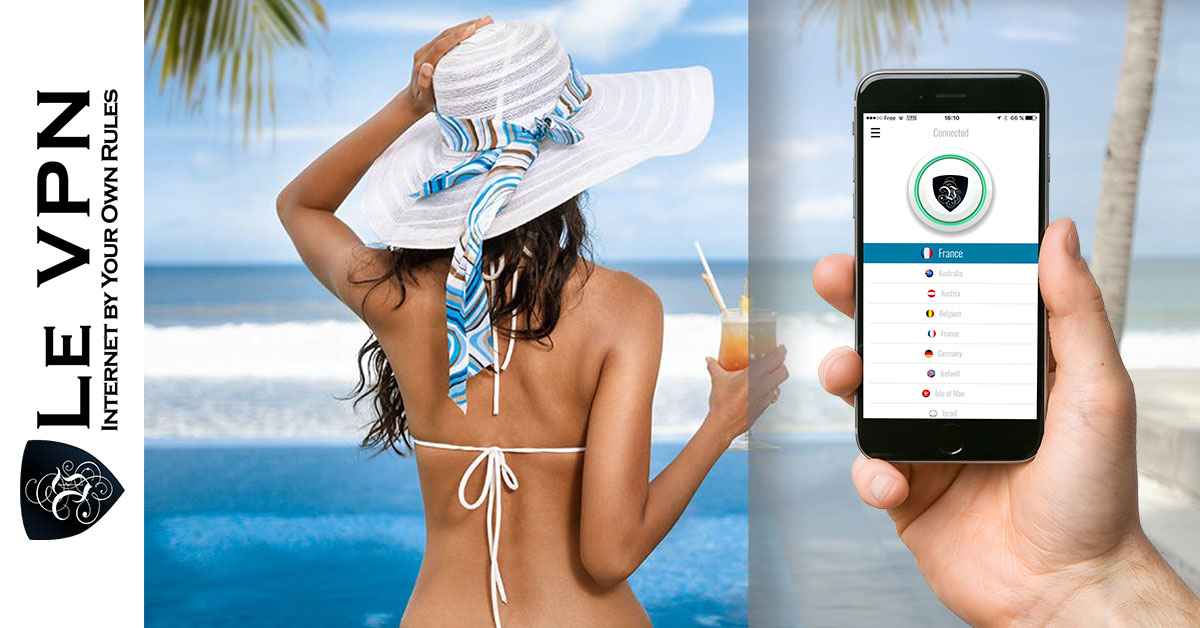
How to access the Internet freely when travelling
Travelling used to mean postcards and expensive phone calls. Today it means checking in with family on messaging apps, booking the next hotel from your phone, navigating with online maps, and sharing photos as you go. All of that assumes one thing: free, open access to the internet. Depending on where you travel, that assumption can break down fast. Here’s how to access the internet freely wherever your trip takes you - and how to stay safe while doing it.
The two obstacles travellers run into
1. Government censorship
In a number of popular destinations - China, Iran, Russia, Vietnam, Turkey, Egypt, and others - governments block access to parts of the internet from their territory. The details vary by country, but the effect for a traveller is the same: services you rely on every day simply stop loading. In China, for example, Facebook, Instagram, WhatsApp, and Google services are blocked. Elsewhere it may be specific news sites, social networks, or calling apps like Skype and Viber that carriers or regulators restrict.
The block usually works at the network level: the country’s internet providers are required to filter traffic to the banned sites, often using deep packet inspection (DPI) to detect and cut connections. Your accounts are fine - you just can’t reach them from inside the country.
2. Geo-restrictions on content from home
The mirror problem: plenty of content is only available inside its home country. National TV catch-up services, sports broadcasts, and some banking or shopping sites either block foreign visitors outright or behave differently when you connect from abroad. So even in a country with a free internet, you can find yourself locked out of the services you use at home.
The solution: a VPN
A VPN (virtual private network) solves both problems at once. When you connect through Le VPN, your device creates an encrypted tunnel to a server in a country of your choice. Two things follow:
- Censorship stops applying to you. The local network only sees encrypted traffic to one server - not the sites you actually visit. Connect to a server in a free country and blocked social networks, news sites, and messaging apps open normally.
- You appear to be wherever your server is. Pick a server back home and geo-restricted services - your national TV player, your bank, your streaming subscriptions - treat you as a local again.
Le VPN offers servers in 100+ locations across the Americas, Europe, the Middle East, Asia-Pacific and Africa, so there’s almost always a server where you need one. Setup takes a few minutes: install the app on your phone or laptop, log in, choose a location, connect.
For heavily censored countries, one detail matters: ordinary VPN connections can themselves be detected and blocked by DPI. That’s why Le VPN includes Stealth WireGuard, an obfuscated protocol that disguises VPN traffic as regular traffic. It’s designed precisely for restrictive networks in countries like China, Russia, Iran, and Myanmar, and it’s available in Le VPN’s Windows, Android, and iOS apps. If a standard connection won’t go through, switch the protocol to Stealth WireGuard and try again.
Don't forget public Wi-Fi security
There’s a third travel problem a VPN fixes that has nothing to do with blocking: hotel, airport, and café Wi-Fi. You’ve probably typed a card number or a password on one of these networks - and open hotspots are the classic hunting ground for anyone who wants to intercept exactly that. Because Le VPN encrypts everything between your device and the VPN server, snoopers on the local network get nothing usable. Make it a habit: connect the VPN before you log into anything on shared Wi-Fi.
A single Le VPN subscription covers up to 10 simultaneous connections, so your phone, tablet, and laptop can all stay protected for the whole trip. And you can check which country websites think you’re in at any moment with the IP test page.
Travel checklist for a free and safe internet
- Before you leave: sign up and install the VPN apps at home - some countries block access to VPN websites, so don't wait until you land.
- Save Le VPN's login details somewhere accessible offline.
- In censored countries, use the Stealth WireGuard protocol.
- On public Wi-Fi, connect the VPN before doing anything sensitive.
- To use services from home (TV, banking), connect to a server in your home country.
With Le VPN in your pocket, the internet works the same everywhere: book your hotels, call your family, post your photos, and read whatever you like - exactly as if you were home. Plans come with a 30-day money-back guarantee on your first purchase, so you can set it up before a trip entirely risk-free.
About the author
Le VPN Blog Editor
Alan Summers has been writing and editing for the Le VPN blog for years, covering online privacy, cyber security, and the best ways to get the most out of a VPN. He keeps a close eye on the news that affects internet freedom around the world and turns it into practical advice for Le VPN readers.
Articles by Alan Summers →
