
 Get Le VPN now
Your credentials to access client area and the Le VPN app & connection are different.
To access client area, you will need to use your registered email address with password and for the Le VPN app & connection, you will need to use your username with password instead.
You should be getting all these details in an email with the subject title of "[IMPORTANT] Your Le VPN Credentials" when you signed up with us.
If you can’t find the email or you’ve forgotten your password to access your client area, please click here to reset it.
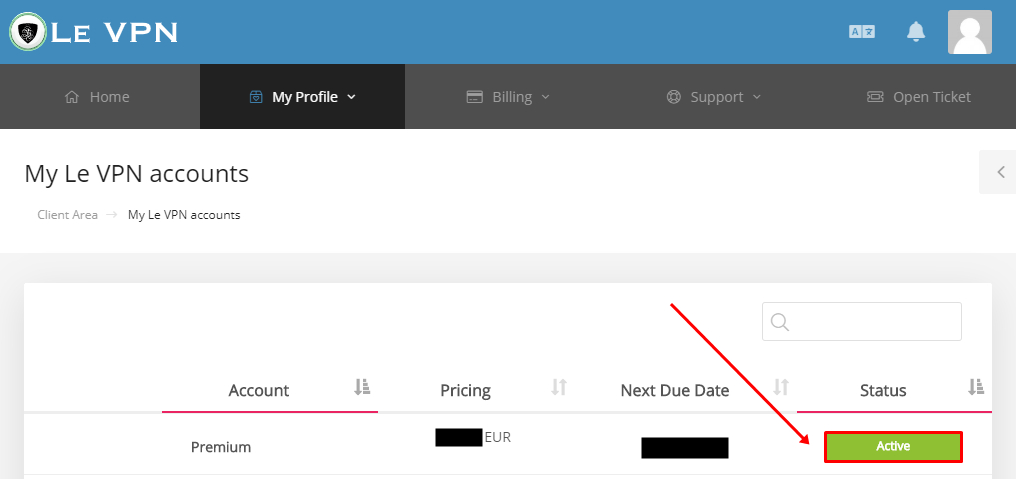
Once you’ve logged into our website, you can then view your credentials to login into our VPN app by clicking on active account button.
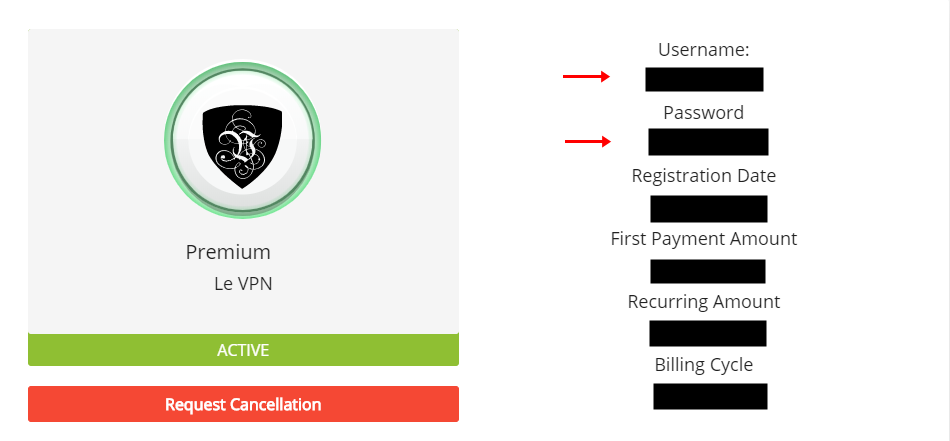
You will now see your username and password which you can use to login into our VPN app or connect to VPN.
If you need any further assistance, please contact us via Live Chat or submit a ticket to our support team.